
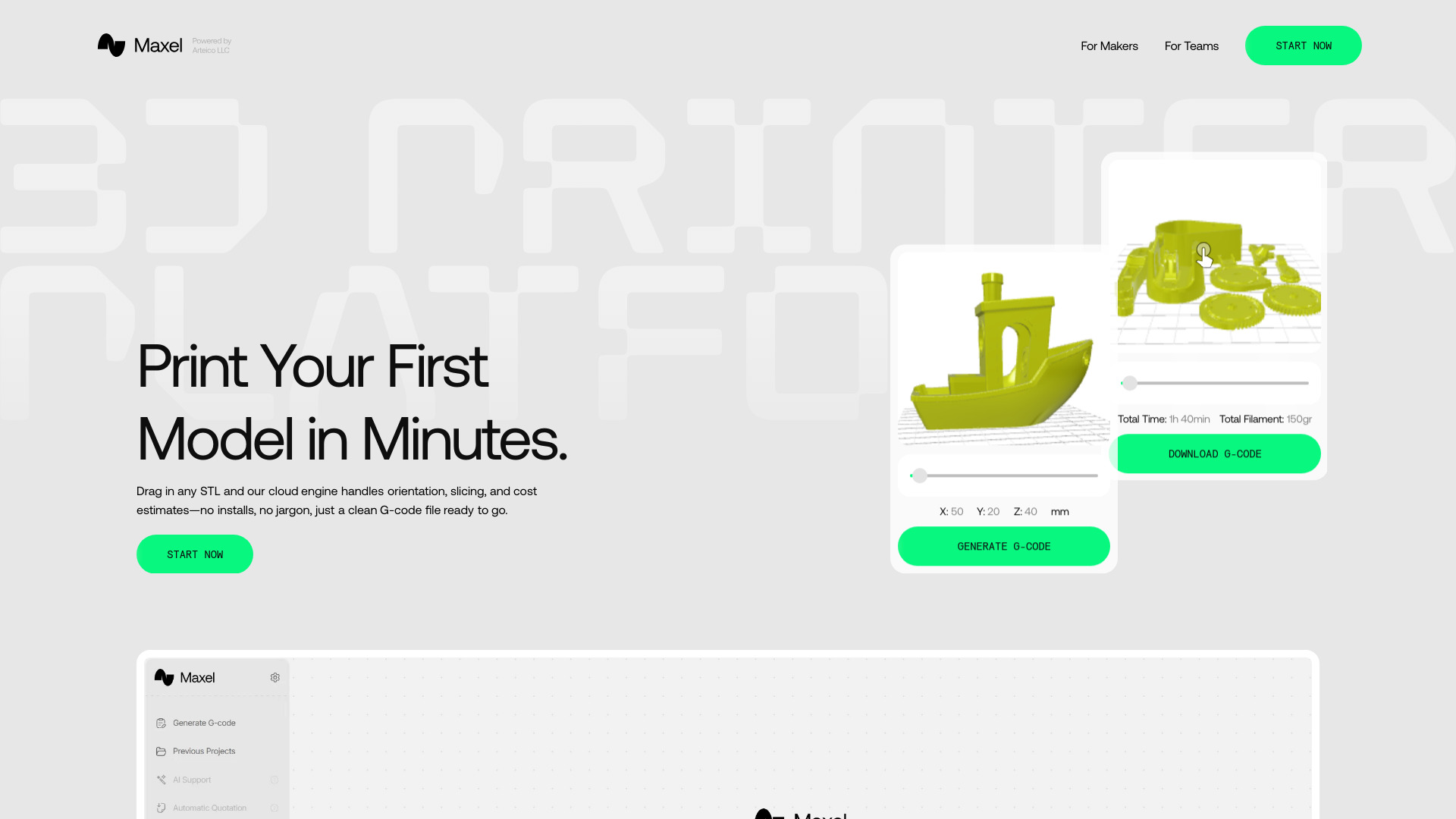
Maxel AI
Cloud-based platform for automated 3D print preparation and G-code generation.
Source rating 5.0
(100)
0 views
0 saves
Unknown
Verdict
A quick read before you dig into the full page.
- Best if
- Cloud-based platform for automated 3D print preparation and G-code generation
- Pick this when
- Cloud-based platform for automated 3D print preparation and G-code generation
Overview
Maxel AI is a cloud-based platform that automates 3D print preparation, including slicing, model orientation, and print setup. It's designed for both makers and professional teams, allowing users to generate G-code in seconds without requiring any prior slicer knowledge or software installations. The platform aims to simplify the 3D printing workflow by providing an easy-to-use, browser-based solution.
Access & connections
Where you can use Maxel AI.
Platforms
Capabilities
What this tool accepts, produces, and is strongest at.
Highlights
- Automated slicing and G-code generation
- Cloud-based platform (no software installs)
- AI Print Coach for quality improvement
- Smart Orientation for optimal strength and speed
- Auto Plate Layout for filament and time saving
- Upfront Cost & Time estimates
- Supports STL, OBJ, and 3MF file formats
- Compatibility with various printer brands (Creality, Prusa, Bambu Lab, etc.)
Show 1 more
- Browser-based model preview
FAQ 3
What is Maxel AI?
Maxel AI is a cloud-based platform that automates 3D print preparation, including slicing, model orientation, and print setup. It's designed for both makers and professional teams, allowing users to generate G-code in seconds without requiring any prior slicer knowledge or software installations. The platform aims to simplify the 3D printing workflow by providing an easy-to-use, browser-based solution.
How to use Maxel AI?
Using Maxel is a simple, three-step process: 1. Upload Your Model: Drag-and-drop any STL, OBJ, or 3MF file directly into your browser. 2. Auto-Slice in the Cloud: Maxel automatically repairs, orients, and slices your model in seconds, providing real-time time and filament estimates. 3. Generate Optimized GCode: Download the ready-to-go G-code file, which can then be transferred to your 3D printer via SD card or Wi-Fi.
Do I need software?
Nope. Maxel is 100% browser-based.
Related tools
Recommended



Maxel AI