Data

Map Lead Scraper

A Google Maps scraping tool for extracting business data and generating leads.

Source rating 5.0 (54) 25k views 25k/mo traffic 0 saves Freemium
More categories (15)

Free + from $9.9 / month

Verdict

A quick read before you dig into the full page.

Best if
You are sales managers and need: Generating sales leads from local business listings
Skip if
You need enterprise SLAs or a fully managed team plan right away
Pick this when
Freemium · Free + from $9.9 / month

Overview

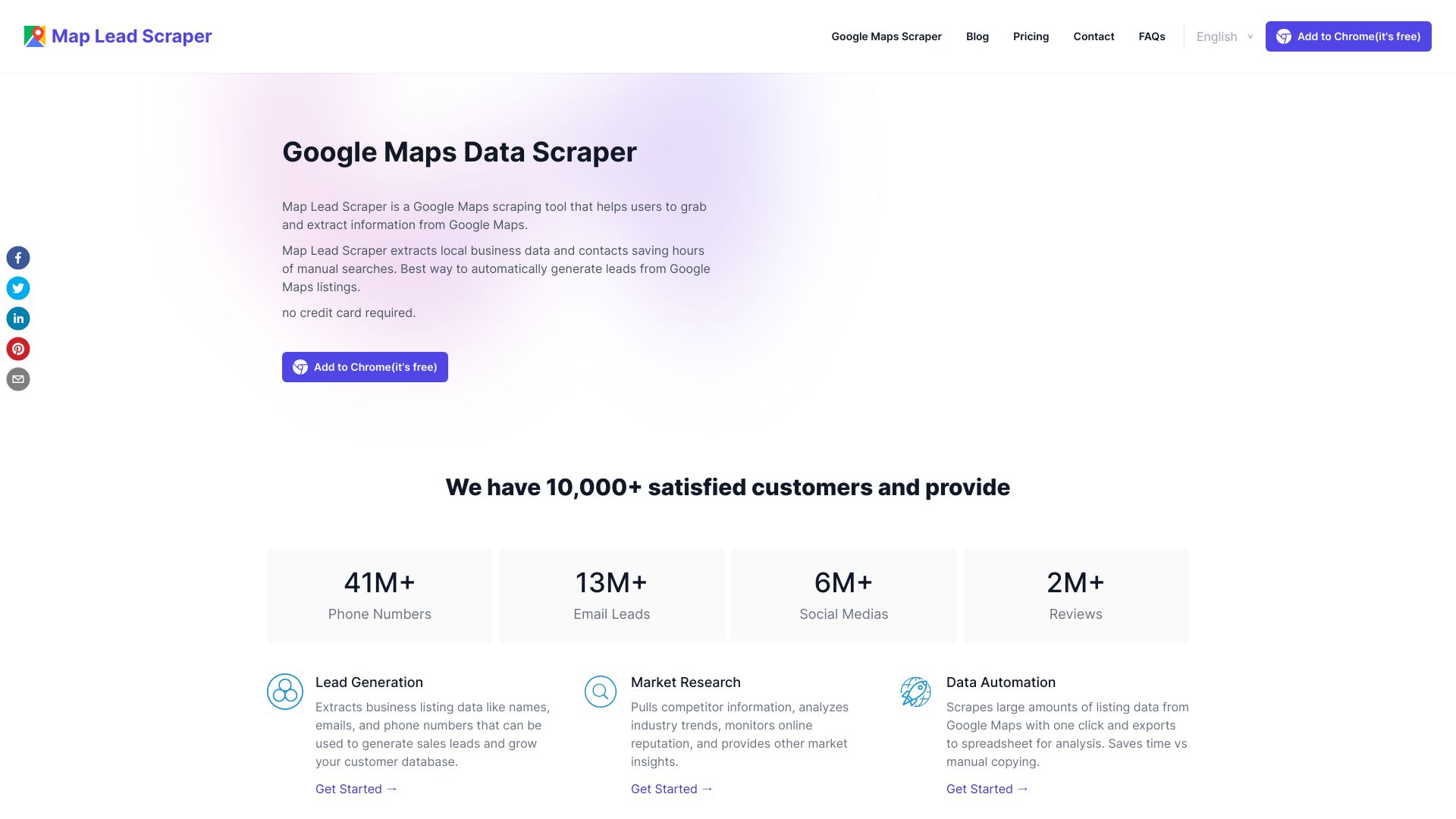
Map Lead Scraper is a Google Maps scraping tool that helps users grab and extract information from Google Maps. It extracts local business data and contacts, saving hours of manual searches. It's designed to automatically generate leads from Google Maps listings.

Map Lead Scraper screenshot

Best for

Short scenarios where Map Lead Scraper tends to shine.

  • Generating sales leads from local business listings

    Best for Sales managers

  • Market research by pulling competitor information

    Best for Digital marketers

  • Automating data collection from Google Maps

    Best for Entrepreneurs

Example outputs 1

Sample generations and before/after results for Map Lead Scraper.

Access & connections

Where you can use Map Lead Scraper.

Platforms

Web

Capabilities

What this tool accepts, produces, and is strongest at.

Highlights

  • Google Maps data extraction
  • Lead generation
  • Data automation
  • CSV/XLS export support

People also view

Tools that often show up alongside Map Lead Scraper in collections and comparisons.

FAQ 8

What is Map Lead Scraper?
Map Lead Scraper is a Google Maps scraping tool that helps users grab and extract information from Google Maps. It extracts local business data and contacts, saving hours of manual searches. It's designed to automatically generate leads from Google Maps listings.
How to use Map Lead Scraper?
To use Map Lead Scraper, search on Google Maps for local businesses using keywords and locations. Then, open the Chrome extension to start the crawl. Finally, export your results in CSV or XLS format.
How does it get email addresses that aren't shown on Google Maps?
The extractor visits each business website found on Google Maps to look for a contact page or email address listed there. Emails aren't on Google Maps but are usually on the business site.
Does it work on Mac or only on Windows?
The Google Maps extractor is a browser extension/plugin that can run on any operating system, including Windows, macOS, Linux etc. As long as you have the Chrome browser installed and add the extension.
Why don't I get all the results when searching a large region?
For large regions like a whole state, search smaller areas like cities or ZIP codes instead. Search 'Los Angeles restaurants' rather than 'California restaurants' for example.
Does it work for maps other than Google Maps?
Currently it only works for Google Maps, but we can create custom scrapers for other map sources if needed.
What are the differences between the free and paid versions?
The paid version removes all record limits, unlocks more advanced functionality and includes automatic batch extraction. The free version is limited to 15 listings per search.
How do I cancel my subscription?
There you can cancel your current subscription. From within the extractor app, go to the settings menu and click 'Manage Subscription'. Or contact customer support via email and request to cancel your subscription.
Map Lead Scraper Free + from $9.9 / month