Video generation

Makefun AI

Uncensored AI video and avatar generator for creators and developers.

Source rating 5.0 (88) 1.2M views 1.2M/mo traffic 0 saves Freemium
More categories (7)

Verdict

A quick read before you dig into the full page.

Best if
You are content creators and need: Creating engaging product marketing videos and captivates product releases without a video crew
Skip if
You need enterprise SLAs or a fully managed team plan right away
Pick this when
Freemium · Free + from $9.9 / month

Overview

Makefun is an uncensored, all-in-one AI video and image generation toolset designed for creators and developers. It features advanced capabilities including ultra-realistic image-to-video synthesis, AI head and face swapping, talking photos, voice cloning, and text-to-image generation. Powered by state-of-the-art models like Wan 2.6, Veo 3.1, Kling, and Flux.2, it enables the creation of professional videos without cameras, microphones, or physical actors. The platform also includes comprehensive developer-friendly options such as custom AI Avatar APIs and an MCP (Model Context Protocol) server to seamlessly integrate video and avatar features into external applications.

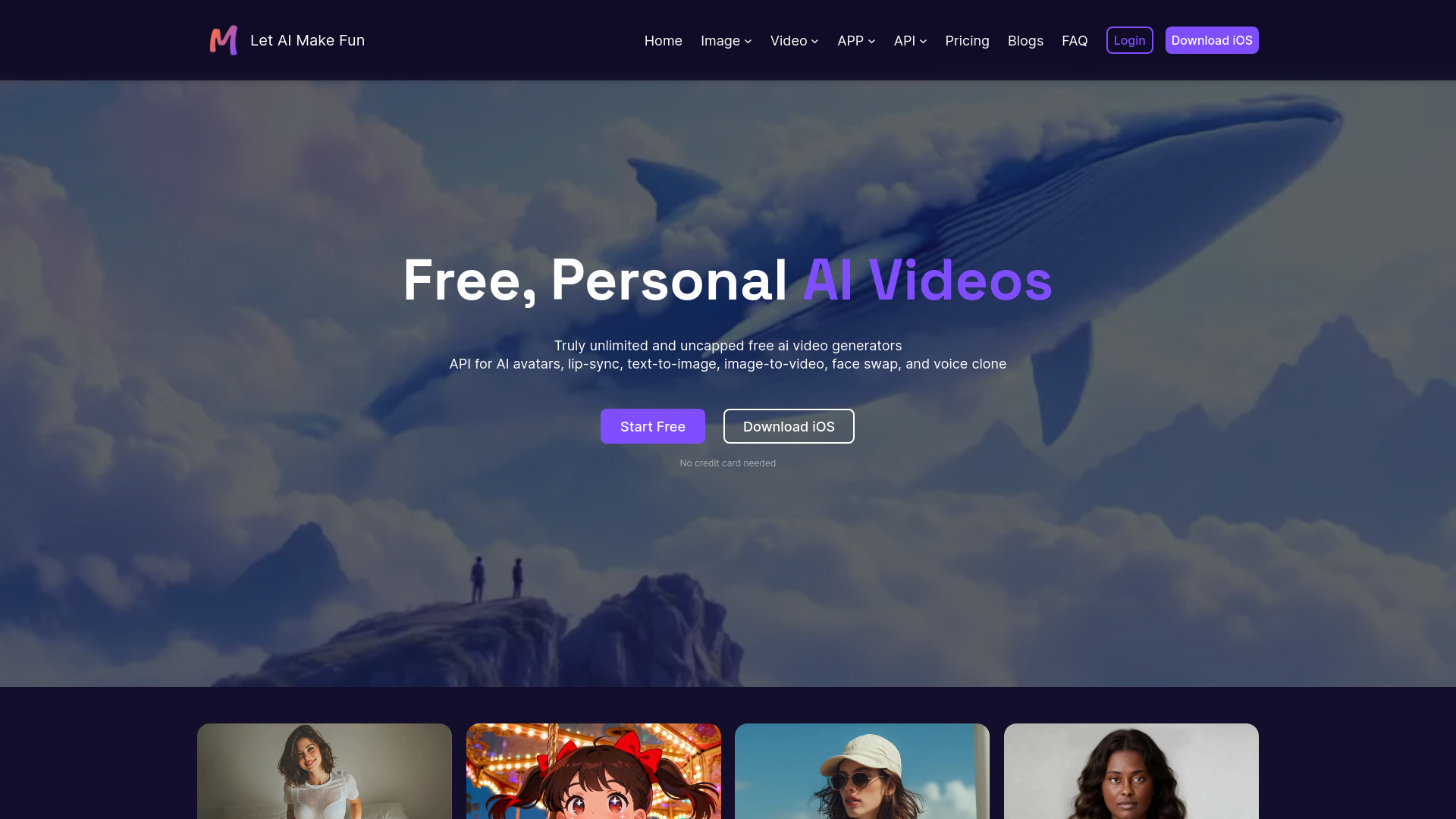
Makefun AI screenshot

Best for

Short scenarios where Makefun AI tends to shine.

  • Creating engaging product marketing videos and captivates product releases without a video crew

    Best for Content creators

  • Generating professional e-learning and corporate training modules using digital clones and AI avatars in 40+ languages

    Best for AI developers

  • Translating and localizing videos into multiple languages while preserving the original voice tone and flow

    Best for Product marketers

  • Creating entertaining content by swapping faces onto different characters and using cloned voice dubbing

    Best for Social media managers

How it works

Users can generate content by navigating to their preferred tool from the dashboard, such as Text to Image or Image to Video. For video generation, enter a descriptive text prompt or upload an image, select the desired AI model backend, and generate. Developers can fetch an API token from their account settings and integrate functions like AI avatars, lip-syncing, and voice cloning directly into their applications using the provided documentation.

Example outputs 1

Sample generations and before/after results for Makefun AI.

Access & connections

Where you can use Makefun AI, and what it plugs into.

Platforms

Web

Integrations

MCP

Capabilities

What this tool accepts, produces, and is strongest at.

Highlights

  • Ultra-realistic image-to-video and text-to-video synthesis
  • AI head swap, face swap, and cloth swap tools
  • Accurate lip-syncing with realistic teeth and body motion for talking photos/videos
  • Voice cloning supporting over 50 languages with cross-language translation
  • Developer-friendly custom APIs and world's first AI Avatar MCP server
  • Support for leading open-source and commercial models like Wan 2.6, Kling 3.0, Veo 3.1, and Flux.2

People also view

Tools that often show up alongside Makefun AI in collections and comparisons.

FAQ 6

What is Makefun?
Makefun is an uncensored, all-in-one AI video and image generation toolset designed for creators and developers. It features advanced capabilities including ultra-realistic image-to-video synthesis, AI head and face swapping, talking photos, voice cloning, and text-to-image generation. Powered by state-of-the-art models like Wan 2.6, Veo 3.1, Kling, and Flux.2, it enables the creation of professional videos without cameras, microphones, or physical actors. The platform also includes comprehensive developer-friendly options such as custom AI Avatar APIs and an MCP (Model Context Protocol) server to seamlessly integrate video and avatar features into external applications.
How to use Makefun?
Users can generate content by navigating to their preferred tool from the dashboard, such as Text to Image or Image to Video. For video generation, enter a descriptive text prompt or upload an image, select the desired AI model backend, and generate. Developers can fetch an API token from their account settings and integrate functions like AI avatars, lip-syncing, and voice cloning directly into their applications using the provided documentation.
Is Makefun free to use?
Yes, Makefun offers free AI video tools for personal creative workflows. Paid plans are available when you need higher-volume generation, no watermarks, API usage, or team workflows.
How many credits can I get with a subscription?
If you subscribe to the Pro plan, you can receive up to 3,600 credits per month. This includes 1,800 instant credits upon successful subscription and up to 1,800 credits from daily check-ins (60 credits per day).
Do unused credits roll over to the next month?
No, unused subscription credits do not carry over to the next billing cycle. At the start of each new cycle, your credits reset based on your subscription plan.
Can developers use Makefun through an API?
Yes. Developers can use the AI Video API and AI Avatar API to integrate custom avatars, lip-sync, voice cloning, and video generation workflows into their apps. A Pro plan is required for API access.
Makefun AI Free + from $9.9 / month
