
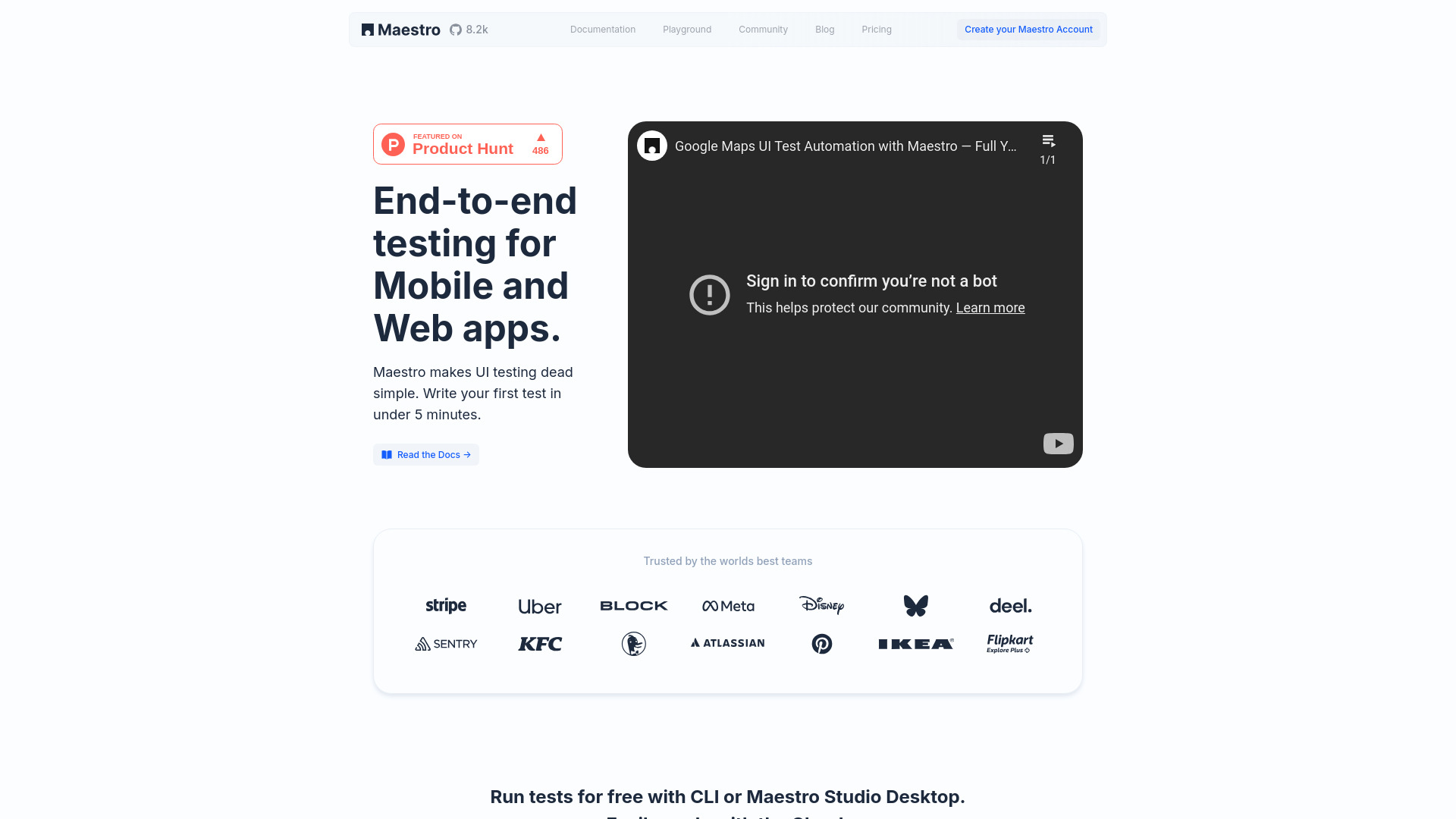
Maestro Studio Desktop Beta
All-in-one desktop app for automated mobile & web app testing.
Free + from $125 / browser / mo
Verdict
A quick read before you dig into the full page.
- Best if
- You are developers and need: Automating end-to-end UI tests for mobile and web applications
- Skip if
- You need enterprise SLAs or a fully managed team plan right away
- Pick this when
- Freemium · Free + from $125 / browser / mo
Overview
Maestro is an all-in-one desktop application designed to automate end-to-end testing for mobile and web applications. Built on the open-source Maestro framework, it allows users to create, run, and scale tests quickly without requiring CLI or complex IDE setups. It's suitable for both developers and non-technical teammates, making UI testing simple and efficient.
Best for
Short scenarios where Maestro Studio Desktop Beta tends to shine.
-
Automating end-to-end UI tests for mobile and web applications.
Best for Developers
-
Creating and running tests in minutes without extensive setup.
Best for QA Engineers
-
Scaling test execution with cloud-based parallel runs.
Best for Software Testers
-
Enabling non-technical team members to write and maintain tests.
Best for Non-technical Teammates
-
Integrating automated tests into continuous integration workflows (e.g., pre-release, nightly, pull request checks).
Best for Product Managers
-
Ensuring quality control and catching issues early in the development lifecycle.
Best for DevOps Engineers
Example outputs 1
Sample generations and before/after results for Maestro Studio Desktop Beta.
Access & connections
Where you can use Maestro Studio Desktop Beta.
Capabilities
What this tool accepts, produces, and is strongest at.
Highlights
- All-in-one IDE built specifically for testers
- Visual testing to find elements and build tests visually
- Cross-platform testing for iOS, Android, and Web apps (including various frameworks like React Native, Flutter, SwiftUI, etc.)
- AI-Assisted testing with MaestroGPT for command generation and support
- Element inspector for easy identification of UI elements
- Action recording to automatically generate test commands
- Integration into CI/CD pipelines for shift-left testing
- Parallel test execution on enterprise-grade cloud infrastructure
Show 1 more
- Test reporting and deep analysis of flows
People also view
Tools that often show up alongside Maestro Studio Desktop Beta in collections and comparisons.

