
LoomLetter
Newsletter reader app with sync, widgets, TTS, and progress tracking.
Source rating 5.0
(89)
0 views
0 saves
Unknown
Verdict
A quick read before you dig into the full page.
- Best if
- Newsletter reader app with sync, widgets, TTS, and progress tracking
- Pick this when
- Newsletter reader app with sync, widgets, TTS, and progress tracking
Overview
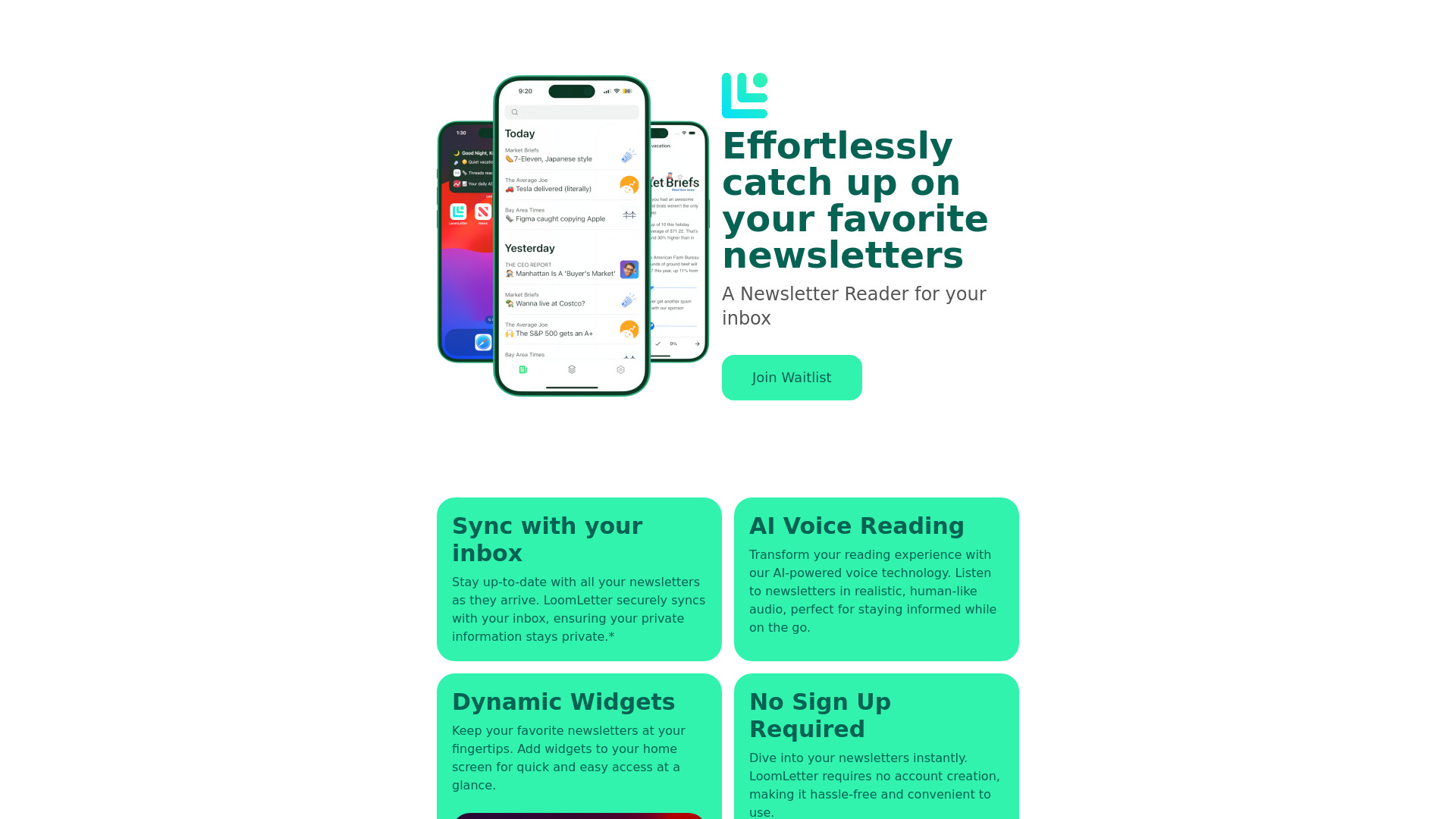
LoomLetter is a newsletter reader app designed to help users manage and read their newsletters efficiently. It syncs with your inbox, offers widgets for quick access, provides Text To Speech functionality for listening on the go, and tracks reading progress. It aims to streamline newsletter consumption and prevent users from missing important content.
Access & connections
Where you can use LoomLetter.
Platforms
Capabilities
What this tool accepts, produces, and is strongest at.
Highlights
- Newsletter syncing with inbox
- AI Voice Reading (Text To Speech)
- Dynamic Widgets for quick access
- Offline Support
- No Sign Up Required
FAQ 6
What is LoomLetter?
LoomLetter is a newsletter reader app designed to help users manage and read their newsletters efficiently. It syncs with your inbox, offers widgets for quick access, provides Text To Speech functionality for listening on the go, and tracks reading progress. It aims to streamline newsletter consumption and prevent users from missing important content.
How to use LoomLetter?
LoomLetter syncs with your inbox to gather your newsletters. You can then use the app to read, listen to (via Text To Speech), and manage your subscriptions. Widgets provide quick access to your favorite newsletters. No sign-up is required.
How does LoomLetter protect my privacy?
All your data is processed securely on your device, ensuring that your personal information remains private and protected. We do not store your email contents on our servers. Only a secure, encrypted refresh token is stored to maintain your account connection.
Why does LoomLetter need access to my email?
LoomLetter needs access to your email to fetch your newsletters and keep them organized in one place. This access is handled securely, and your email content is processed only on your device.
Is my email data stored on LoomLetter’s servers?
No, your email data is not stored on our servers. All email content is processed on your device. Our servers only handle the secure, encrypted refresh token needed to maintain your account connection with your device.
How can I disconnect my email account from LoomLetter?
You can disconnect your email account from LoomLetter in the app settings and tapping the Log Out button. This will stop all data synchronization and remove any saved data from the app and your token from our servers.
Related tools
Recommended


LoomLetter