AI Hairstyle Changer

LongHair

Free AI tool to virtually try on long hairstyles.

Source rating 5.0 (77) 26k views 26k/mo traffic 0 saves Unknown
More categories (6)

Verdict

A quick read before you dig into the full page.

Best if
You are individuals considering long hairstyles and need: Visualize different long hairstyles before getting a haircut or extensions
Pick this when
Free AI tool to virtually try on long hairstyles

Overview

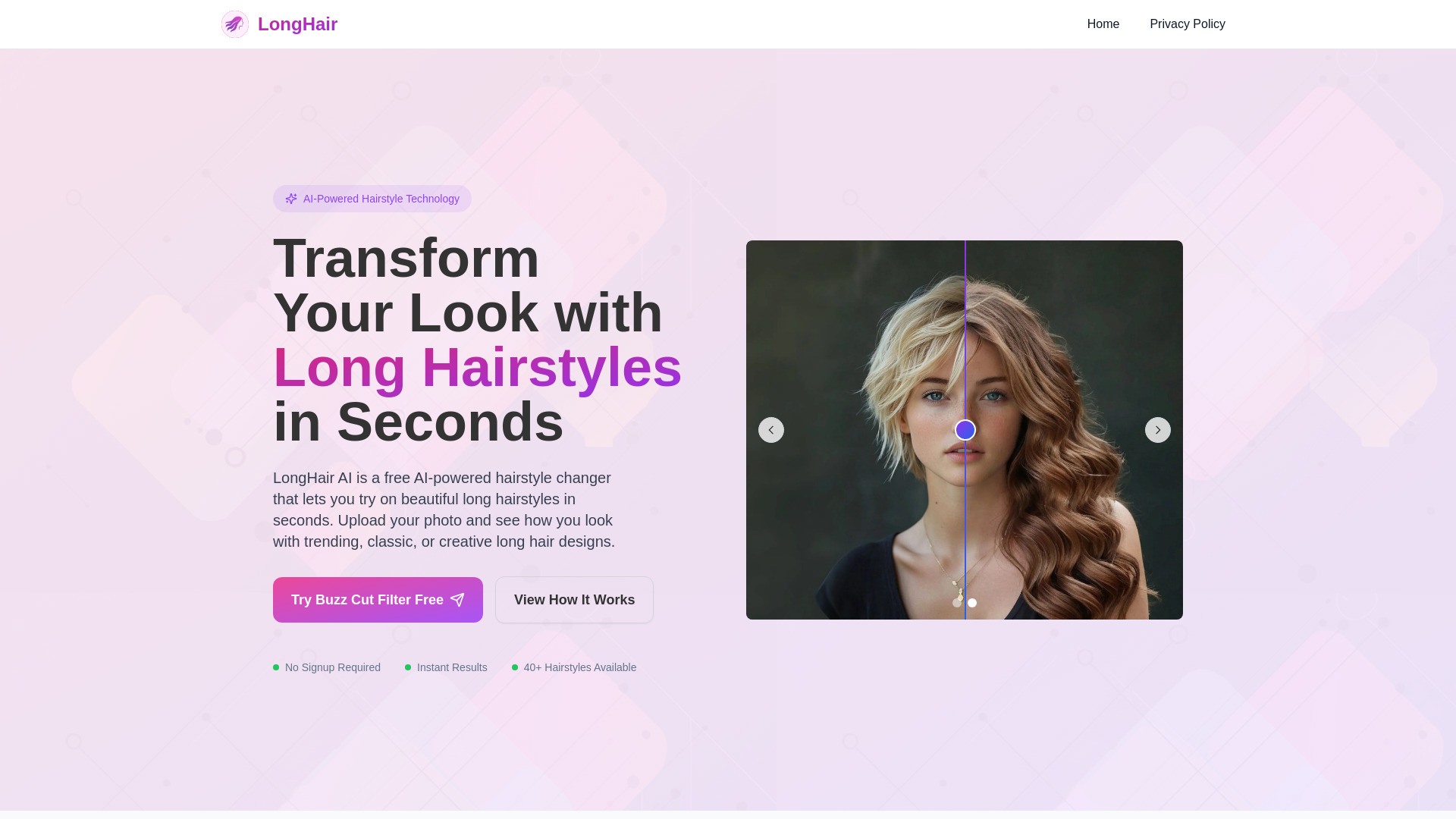
LongHair AI is a free AI-powered hairstyle changer that allows users to instantly try on beautiful long hairstyles. By uploading a photo, individuals can visualize how they would look with various trending, classic, or creative long hair designs, including sleek straight layers, wavy glam styles, boho vibes, romantic curls, or sharp straight hair. The platform aims to help users find their perfect long hairstyle before committing to a haircut or extensions, offering realistic previews without requiring signup or app downloads.

LongHair screenshot

Best for

Short scenarios where LongHair tends to shine.

  • Visualize different long hairstyles before getting a haircut or extensions.

    Best for Individuals considering long hairstyles

  • Experiment with various long hair looks (casual, elegant, trendy, bold) without risk.

    Best for People wanting to experiment with new looks

  • Save time and money by testing styles virtually before visiting a salon.

    Best for Salon clients seeking virtual try-ons

  • Discover which long hair style perfectly suits you.

    Best for Fashion enthusiasts

Example outputs 1

Sample generations and before/after results for LongHair.

Access & connections

Where you can use LongHair.

Platforms

Web

Capabilities

What this tool accepts, produces, and is strongest at.

Highlights

  • AI-Powered Hairstyle Changer
  • Specialized in Long Hairstyles
  • Instant Results (under 30 seconds)
  • No Signup Required
  • 100% Privacy Protected (photos deleted after 24 hours)
  • Works on Any Device (browser-based)

People also view

Tools that often show up alongside LongHair in collections and comparisons.

FAQ 10

What is LongHair?
LongHair AI is a free AI-powered hairstyle changer that allows users to instantly try on beautiful long hairstyles. By uploading a photo, individuals can visualize how they would look with various trending, classic, or creative long hair designs, including sleek straight layers, wavy glam styles, boho vibes, romantic curls, or sharp straight hair. The platform aims to help users find their perfect long hairstyle before committing to a haircut or extensions, offering realistic previews without requiring signup or app downloads.
How to use LongHair?
To use LongHair AI, simply upload a clear, front-facing photo from your device. Next, select your preferred long hairstyle from the wide variety of options available. The AI will then process your photo and generate a realistic preview of you with the chosen hairstyle within seconds. Finally, you can review the generated preview and download your new long hairstyle.
Is LongHair AI free?
Yes. Core features are free: upload a front-facing photo, try multiple long hairstyles, and save the result. Optional premium styles and HD export are available.
How realistic are the generated long-hair previews?
Our model is optimized for long-hair scenarios, aligning parts, volume, and lighting transitions for near photo-real results. Complex backgrounds or strong backlight may slightly affect quality.
What photo should I upload?
Use a clear, front-facing photo with even lighting and no obstructions. Avoid side profiles, low resolution, and harsh backlight. A visible hairline and ear area improves fit greatly.
Which long hairstyles and colors can I try?
Straight long layers, natural waves, Korean layered styles, French bangs, braided looks, and more. Popular color swatches include brown, ash, pink, and cool black—switch any time.
How is my privacy protected?
Your photos are used only to generate previews and are automatically cleared within 24 hours. We do not use them for training or share them externally. You can delete them manually at any time.
How long does it take to generate?
Typically 3–8 seconds. During peak time or on slow networks it may take a bit longer; real-time progress is shown on the page.
Can I download images without a watermark?
Yes. You can save a clean preview after generation. For higher resolution or watermark-free exports, choose the HD download upgrade.
What if I’m not satisfied with the result?
Try a clearer front-facing photo, switch the parting direction, or test different lengths, curl patterns, and colors—these usually improve realism significantly.
LongHair
