analytics

Llog

Llog: Collaborative analytics and insights tool for LLM interactions and monitoring.

Source rating 5.0 (85) 0 views 0 saves Unknown
More categories (7)

Verdict

A quick read before you dig into the full page.

Best if
Llog: Collaborative analytics and insights tool for LLM interactions and monitoring
Pick this when
Llog: Collaborative analytics and insights tool for LLM interactions and monitoring

Overview

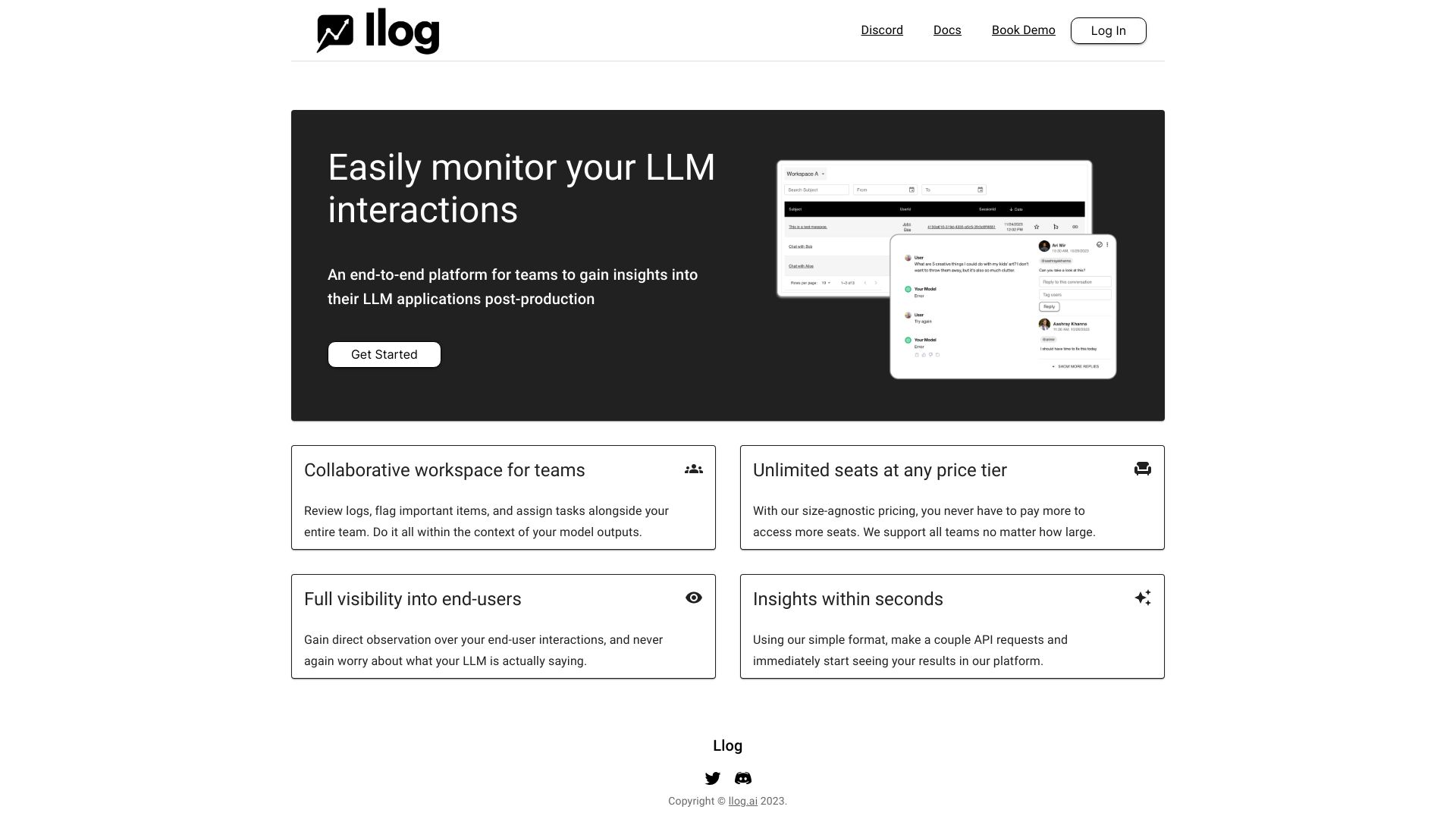
Llog is a collaborative analytics and insights tool designed for LLMs. It logs end-user interactions with a single request and facilitates surfacing, sharing, and deriving insights from those logs with all business stakeholders. It's an end-to-end platform for teams to gain insights into their LLM applications post-production, offering a collaborative workspace for reviewing logs, flagging important items, and assigning tasks within the context of model outputs. Llog provides unlimited seats at any price tier and full visibility into end-user interactions, allowing users to understand what their LLM is actually saying. Insights are available within seconds using a simple API format.

Llog screenshot

Access & connections

Where you can use Llog.

Platforms

Web

Capabilities

What this tool accepts, produces, and is strongest at.

Highlights

  • Collaborative monitoring for LLMs
  • End-to-end platform for LLM insights
  • Unlimited seats at any price tier
  • Full visibility into end-user interactions
  • Fast insights with a simple API

FAQ 5

What is Llog?
Llog is a collaborative analytics and insights tool designed for LLMs. It logs end-user interactions with a single request and facilitates surfacing, sharing, and deriving insights from those logs with all business stakeholders. It's an end-to-end platform for teams to gain insights into their LLM applications post-production, offering a collaborative workspace for reviewing logs, flagging important items, and assigning tasks within the context of model outputs. Llog provides unlimited seats at any price tier and full visibility into end-user interactions, allowing users to understand what their LLM is actually saying. Insights are available within seconds using a simple API format.
How to use Llog?
Integrate Llog with a single API request to log end-user interactions. Then, use the platform to review logs, flag items, assign tasks, and derive insights.
How does Llog monitor LLM interactions?
Llog monitors LLM interactions by logging end-user interactions with a single API request to their service.
What kind of insights can I derive from Llog?
Llog allows you to surface, share, and derive insights from logs of LLM interactions, enabling you to understand how your LLM applications are performing and identify areas for improvement.
Does Llog support teams of all sizes?
Yes, Llog offers unlimited seats at any price tier, supporting teams of all sizes.