

LLMStack ✓
Create AI apps and chatbots in minutes without coding
Verdict
A quick read before you dig into the full page.
- Best if
- Create AI apps and chatbots in minutes without coding
- Skip if
- Collaboration features might be complex
- Pick this when
- No-code platform
Considering Whacka instead? Compare side by side
Overview
LLMStack is a no-code platform that enables users to build generative AI apps, chatbots, and agents using their own data. With LLMStack, users can easily create powerful applications without the need for coding skills.
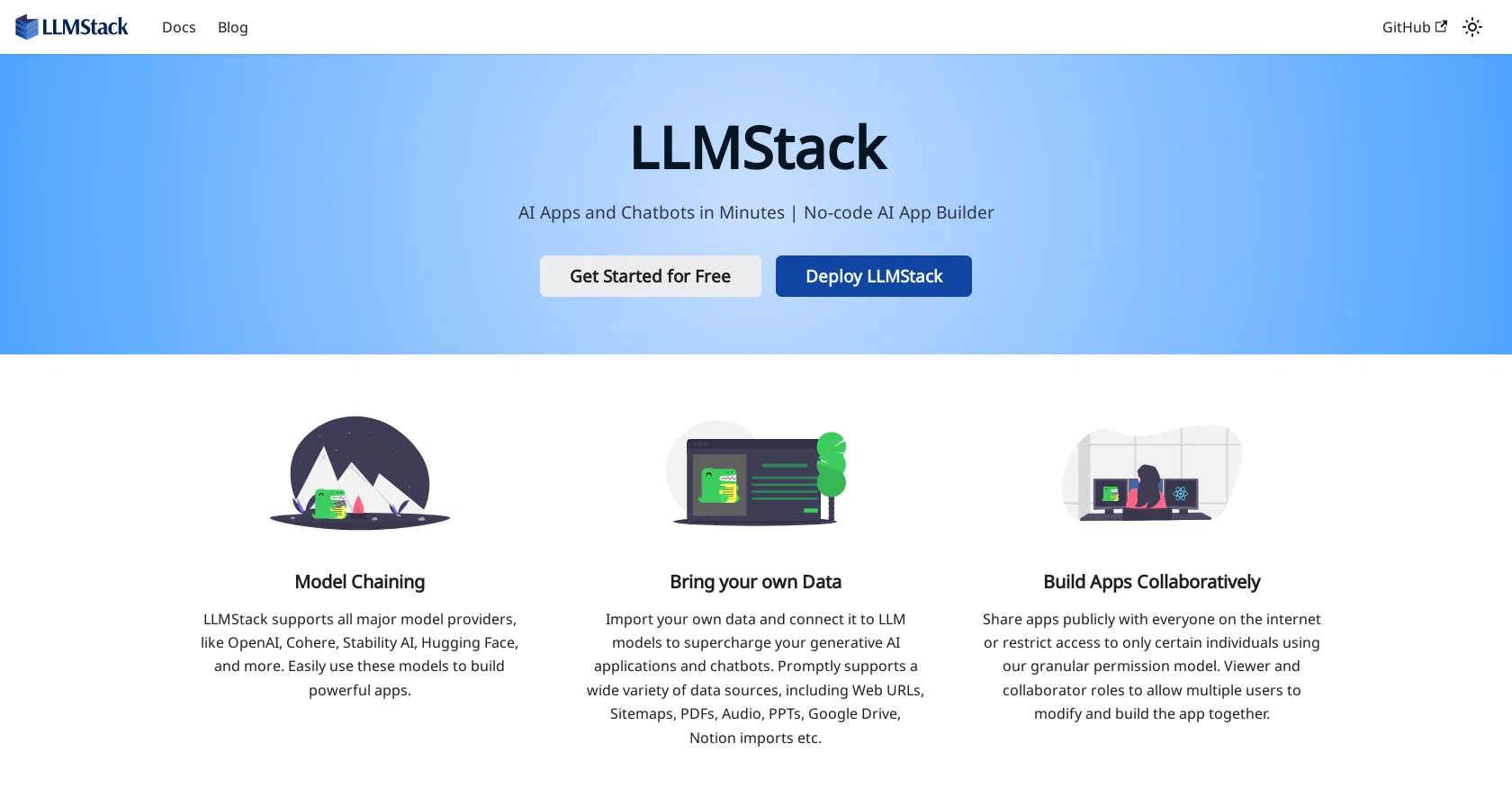
The platform supports major model providers such as OpenAI, Cohere, Stability AI, and Hugging Face, allowing seamless integration of these models into the apps.One of the strengths of LLMStack is its ability to import various data sources, including web URLs, sitemaps, PDFs, audio files, PPTs, Google Drive, and Notion imports.
By connecting their own data to LLM models, users can supercharge their generative AI applications and chatbots with personalized content.LLMStack's collaborative features enable users to share their apps publicly or restrict access to specific individuals.
The platform offers granular permission settings, allowing for different roles like viewers or collaborators. This fosters teamwork and facilitates multiple users modifying and building apps together.The platform is powered by React, ensuring a responsive user interface for an optimal user experience.To further assist users, LLMStack provides comprehensive documentation covering topics such as the user interface, processors, apps, and data sources.
Additionally, there is an active community presence on Discord, LinkedIn, and Twitter, where users can seek support or engage with other LLMStack enthusiasts.Overall, LLMStack empowers users to create AI-powered apps and chatbots quickly and easily, leveraging their own data sources and a range of major model providers.
Access & connections
Where you can use LLMStack, and what it plugs into.
Platforms
Integrations
Capabilities
What this tool accepts, produces, and is strongest at.
Input
- Text
Output
- Text
Pros & cons
Pros
- No-code platform
- Import diverse data sources
- Collaboration features
- Granular permission settings
- Responsive interface with React
- Comprehensive documentation
- Active community
- Supports public or restricted access
Show 11 more
- Fosters teamwork
- Optimal user experience
- Quick and easy creation
- Web URLs data import
- PDFs data import
- Audio files data import
- PPTs data import
- Google Drive data import
- Notion data import
- Connect data to LLM models
- Share publicly or restrict access
Cons
- Dependency on external providers
- Not open source
- No mentioned API access
- Requires own data set
- Potential data privacy concerns
- Limited to specific data formats
- Collaboration features might be complex
- No native language support mentioned
Show 1 more
- Unspecified platform compatibility
Compare alternatives
Similar tools in the catalog — with a clear reason to open each one.


AppDeploy ✓
FreeDeploy real apps directly from ChatGPT or Claude
Why look Offers a public API
Full comparison
Anything - AI App Builder ✓
FreemiumTurn your words into apps, sites, and products.
Why look Higher community rating
Full comparison


Releases 1
FAQ 12
What is LLMStack?
How can I create apps with LLMStack?
Does LLMStack require coding skills?
What model providers are supported by LLMStack?
How does LLMStack use my own data?
Can I import data from different sources into LLMStack?
What are the collaborative features of LLMStack?
What are the different roles I can assign in LLMStack?
What is LLMStack powered by?
What is the user interface like on LLMStack?
What kind of support does LLMStack provide?
Are there any LLMStack resources I can consult for further assistance?
Related tools
Recommended

Create ✓
FreemiumCreate apps using English

VenturusAI ✓
FreemiumBusiness idea analysis and reporting.

Agentgpt ✓
FreemiumDeploy autonomous AI Agents effortlessly in your browser.

Buzzy ✓
Free TrialTurn your idea into a high quality app in minutes.

Bricabrac ✓
FreemiumGenerate web apps from text descriptions, no coding required.

The Forge ✓
FreePlatform for creating & selling workflows.