CLI tool

LLMDog

Command-line tool to share code with AI models like ChatGPT and Claude.

Source rating 5.0 (80) 0 views 0 saves Unknown
More categories (6)

Verdict

A quick read before you dig into the full page.

Best if
Command-line tool to share code with AI models like ChatGPT and Claude
Pick this when
Command-line tool to share code with AI models like ChatGPT and Claude

Overview

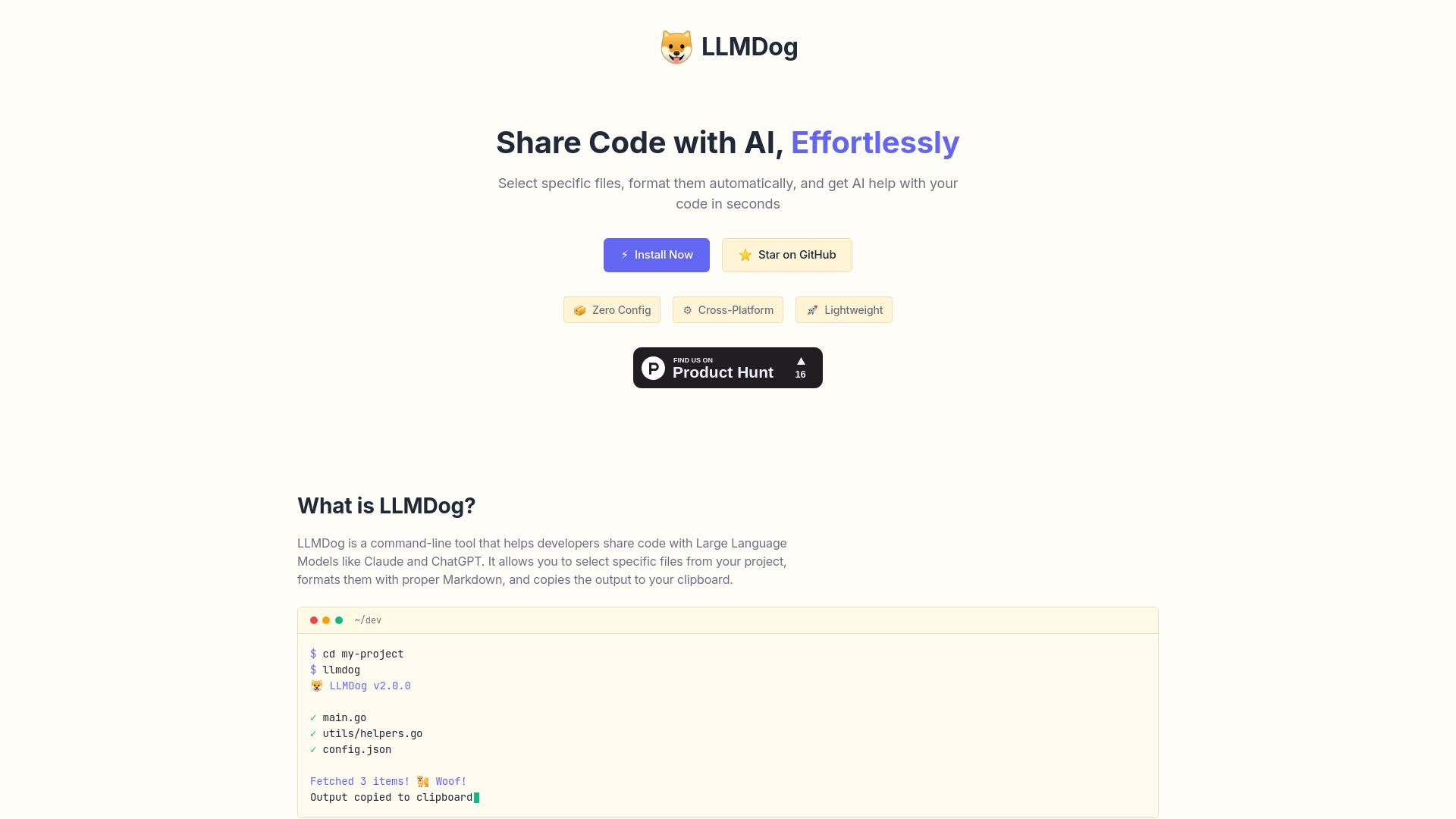
LLMDog simplifies sharing your code with AI models like Claude and ChatGPT. It's a command-line tool that helps developers share code with Large Language Models. It allows you to select specific files from your project, formats them with proper Markdown, and copies the output to your clipboard. LLMDog lets you easily share code with AI tools like ChatGPT and Claude. Select files with a simple terminal UI, automatically format code blocks in Markdown with syntax highlighting, and copy directly to clipboard. No messy copy-pasting or context switching.

LLMDog screenshot

Access & connections

Where you can use LLMDog.

Platforms

CLI

Capabilities

What this tool accepts, produces, and is strongest at.

Highlights

  • Select specific files from your project
  • Automatically format code blocks in Markdown with syntax highlighting
  • Copy formatted output directly to clipboard
  • Interactive terminal UI for file selection
  • Save and reuse common file selections
  • Content search within files

FAQ 5

What is LLMDog?
LLMDog simplifies sharing your code with AI models like Claude and ChatGPT. It's a command-line tool that helps developers share code with Large Language Models. It allows you to select specific files from your project, formats them with proper Markdown, and copies the output to your clipboard. LLMDog lets you easily share code with AI tools like ChatGPT and Claude. Select files with a simple terminal UI, automatically format code blocks in Markdown with syntax highlighting, and copy directly to clipboard. No messy copy-pasting or context switching.
How to use LLMDog?
Install LLMDog using brew or from source. Navigate your project in the terminal using arrow keys, expand folders with Space, select files with Tab, and press Enter to generate output. The formatted code will be copied to your clipboard, ready to paste into any AI assistant.
What is LLMDog?
LLMDog is a command-line tool that helps developers share code with Large Language Models like Claude and ChatGPT. It allows you to select specific files from your project, formats them with proper Markdown, and copies the output to your clipboard.
How do I install LLMDog?
You can install LLMDog using brew: `brew tap doganarif/llmdog` followed by `brew install llmdog`. Alternatively, you can install it from source by cloning the GitHub repository and building it with Go.
How do I use LLMDog?
Run `llmdog` in your terminal within your project directory. Use arrow keys to navigate, Space to expand folders, Tab to select files, and Enter to generate the formatted output. The output will be copied to your clipboard.
LLMDog

