
LlamaChat ✓
Chat with AI models locally on your Mac
Verdict
A quick read before you dig into the full page.
- Best if
- Chat with AI models locally on your Mac
- Skip if
- Intel or Apple Silicon required
- Pick this when
- Multiple model compatibility
Considering ChatGPT instead? Compare side by side
Overview
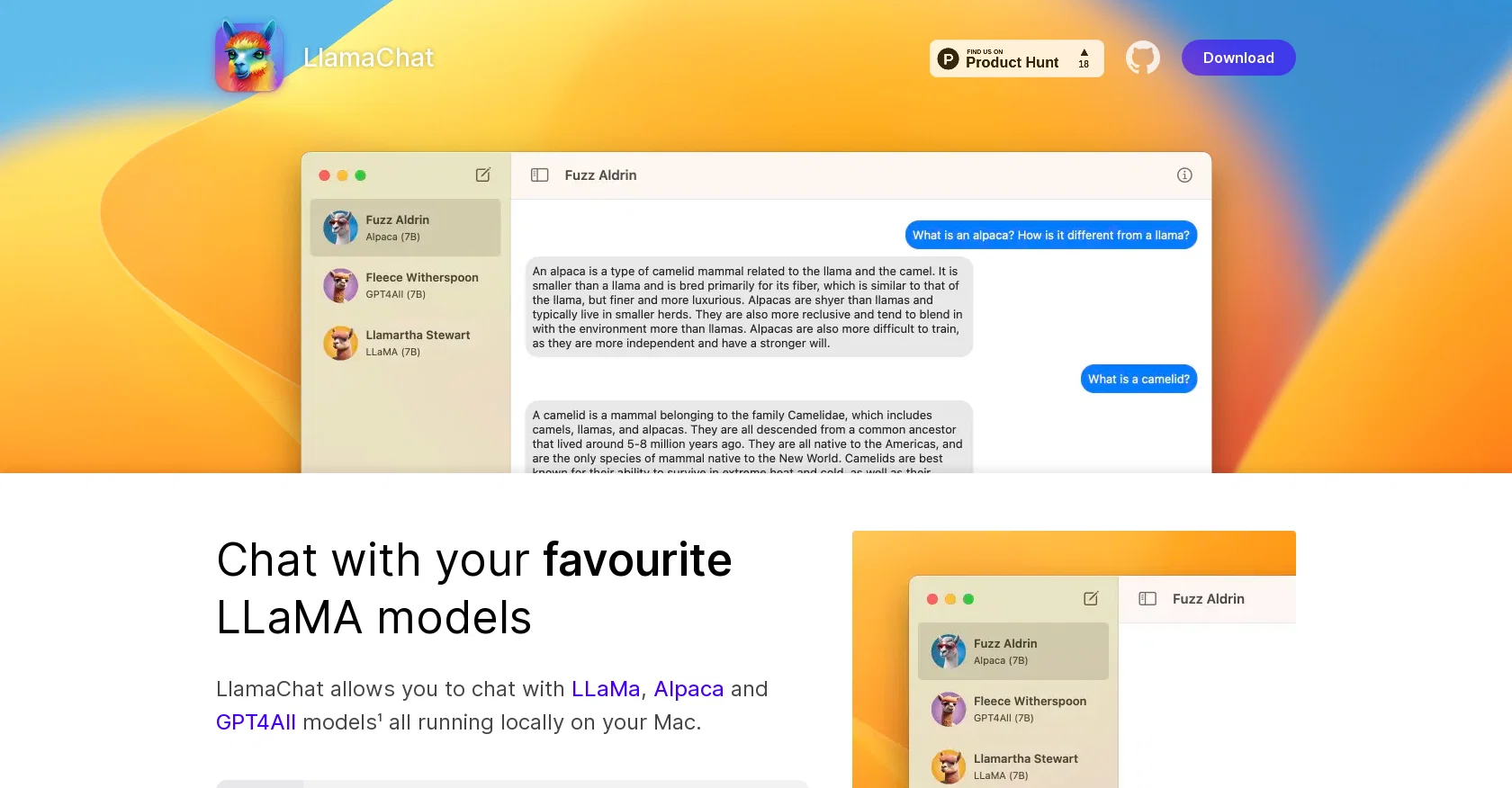
LlamaChat is an AI chat tool that allows users to chat with LLaMa, Alpaca, and GPT4All models. These models can be run locally on a user's Mac. Alpaca is a model developed by Stanford, fine-tuned on 52K instruction-following demonstrations generated from OpenAI's Text-Davinci-003.
LlamaChat can import raw published PyTorch model checkpoints or pre-converted .ggml model files. The tool is powered by open-source libraries including llama.cpp and llama.swift, making it fully open-source and free.
LlamaChat is not distributed with any model files, and users are responsible for obtaining and integrating the appropriate model files in accordance with the respective terms and conditions set forth by their providers.
LlamaChat is not affiliated with, endorsed by, or sponsored by Meta Platforms, Inc., Leland Stanford Junior University, or Nomic AI, Inc.LlamaChat provides a chatbot-like experience that allows users to interact with various models.
With LlamaChat, users can convert models with ease and chat with their favourite models such as Alpaca, LLaMa, GPT4All, and Vicuna (coming soon). The tool is built for Intel processors and Apple Silicon and requires Mac OS 13 to run.
Overall, LlamaChat is an open-source AI chat tool that allows users to chat with various models, making it a useful tool for AI enthusiasts and researchers.
Access & connections
Where you can use LlamaChat.
Platforms
Capabilities
What this tool accepts, produces, and is strongest at.
Input
- Text
Output
- Text
Pros & cons
Pros
- Multiple model compatibility
- Local processing on Mac
- Can import PyTorch checkpoints
- Can import .ggml model files
- Fully open-source
- Free to use
- Interactive chat experience
- Ease of model conversion
Show 12 more
- Built for Intel processors
- Built for Apple Silicon
- Supports Stanford's Alpaca model
- Support for upcoming Vicuna model
- Compatible with MAC OS 13
- Support for LLaMa models
- User responsibility for model integration
- Not affiliated with large companies
- Independent application
- Easy chat with favourite models
- Runs locally on user's Mac
- User-driven model file integration
Cons
- MacOS only
- Intel or Apple Silicon required
- Needs manual model files integration
- No model files provided
- Not affiliated with model providers
- Requires MacOS 13
- Only for chatbot-like experience
- Models conversion required
Show 1 more
- Open-source: potential security concerns
Compare alternatives
Similar tools in the catalog — with a clear reason to open each one.

ChatGPT ✓
FreemiumAsk anything, create anything, and move from idea to action.
Why look Offers a public API
Full comparison
Smarter ChatGPT by Athena AI ✓
FreemiumAI assistant that gets your tasks done. Smarter than ChatGPT.
Why look Offers a public API
Full comparison
Free AI Chatbot & Image Generator ✓
FreeFree AI chat and image creation, no signup required
Why look Offers a public API
Full comparison
KoalaChat ✓
FreemiumThe best AI writer and chatbot for your needs
Free + from $9/mo
Full comparison

Releases 1
FAQ 12
What is LlamaChat?
Can I use LlamaChat on my Mac?
What models are compatible with LlamaChat?
What is the Alpaca model in LlamaChat?
What is the process to import models in LlamaChat?
What are .ggml files in LlamaChat?
How does LlamaChat provide a chatbot experience?
Is LlamaChat an open-source platform?
What are the required specifications to run LlamaChat?
How can I download LlamaChat?
How do I integrate model files in LlamaChat?
Can I run LlamaChat on Apple Silicon?
Related tools
Recommended

AiryChat ✓
UnknownDo less, achieve more with AI assistants

Superpower GPT ✓
FreemiumManagement and export of ChatGPT conversations.

Agentgpt ✓
FreemiumDeploy autonomous AI Agents effortlessly in your browser.

Harpa ✓
FreemiumAI-powered web assistant for automation and productivity

Kaiber Superstudio ✓
Free TrialAI Video Generation

Chatbase ✓
FreemiumBuild custom AI chatbots for your website