Editing(165)

lensa.app

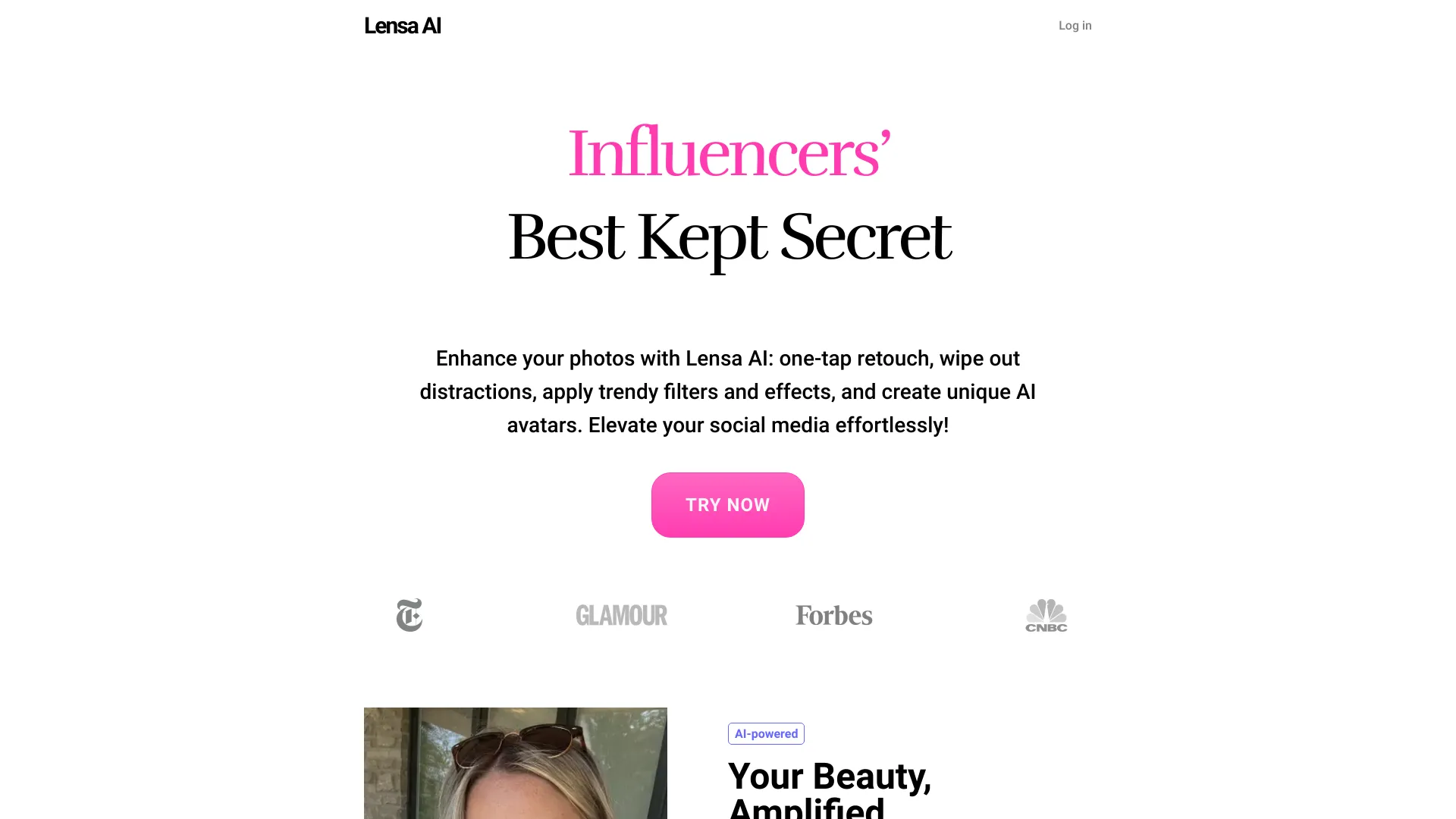
Lensa is an AI photo editor with retouching, filters, object removal, and avatar creation.

Source rating 5.0 (96) 67k views 67k/mo traffic 0 saves Unknown
More categories (8)

Verdict

A quick read before you dig into the full page.

Best if
You are photo enthusiasts and need: Enhance social media photos with trendy filters and effects
Pick this when
Lensa is an AI photo editor with retouching, filters, object removal, and avatar creation

Overview

Lensa is an AI photo editor that offers powerful photo enhancement tools and effortless edits for stunning results. It allows users to retouch photos with one-tap, remove distractions, apply trendy filters and effects, and create unique AI avatars. Lensa provides professional-quality image retouching and self-portrait enhancements, object removal, background blur, and trendy photo filters & effects for social media.

lensa.app screenshot

Best for

Short scenarios where lensa.app tends to shine.

  • Enhance social media photos with trendy filters and effects.

    Best for Photo enthusiasts

  • Retouch portraits for flawless skin and professional-quality results.

    Best for Creators

  • Remove unwanted objects or people from photos.

    Best for Professional photographers

  • Create unique AI avatars for digital representation.

    Best for Social media users

  • Blur backgrounds to make subjects stand out.

    Best for Influencers

Example outputs 1

Sample generations and before/after results for lensa.app.

Access & connections

Where you can use lensa.app.

Platforms

Web

Capabilities

What this tool accepts, produces, and is strongest at.

Highlights

  • AI Photo Retouching
  • Object Remover
  • Trendy Photo Filters & Effects
  • Background Blur
  • Magic Avatars (AI Headshot Generator)

People also view

Tools that often show up alongside lensa.app in collections and comparisons.

FAQ 6

What is Lensa?
Lensa is an AI photo editor that offers powerful photo enhancement tools and effortless edits for stunning results. It allows users to retouch photos with one-tap, remove distractions, apply trendy filters and effects, and create unique AI avatars. Lensa provides professional-quality image retouching and self-portrait enhancements, object removal, background blur, and trendy photo filters & effects for social media.
How to use Lensa?
To use Lensa, download the mobile app from the App Store or Google Play. Once installed, upload your photos and use the various AI-powered tools to enhance, retouch, remove objects, blur backgrounds, apply filters, and create AI avatars.
What makes Lensa the best choice among other photo editors?
Lensa stands out as one of the best photo editing apps, thanks to its powerful AI-based tools. Lensa can easily perform AI Photo Correction and AI Photo Enhancement, using features like Hollywood, Magic Retouch and Smart Adjust. With these advanced features creating stunning images becomes effortless. Additionally, Lensa offers a vast collection of trendy photo filters, effects, and Magic Avatars.
Does Lensa have an online photo editor?
For now Lensa is a mobile only app and does not have an online photo editor. You can download Lensa AI Photo Editor from Appstore or Google Play.
Is Lensa’s photo editor free?
Lensa provides a blend of free tools and premium features accessible with Pro subscription. Start a 7-day free trial to enjoy unlimited access to AI photo retouching tools.
Can I use Lensa as AI headshot generator?
Absolutely! You can generate AI headshots using Lensa's Magic Avatars. Simply upload your photos and let the AI work its magic. You can choose from styles like Business, Office Siren, Old Money, and Butter Yellow. You can also use Magic Avatars as your personal AI portrait maker, with styles suited for different occasions and moods.
lensa.app
