
Ledger
All-in-one project management tool for efficient teamwork and collaboration.
Source rating 5.0
(78)
0 views
0 saves
Paid
From $9/user or $7/user / monthly
Verdict
A quick read before you dig into the full page.
- Best if
- All-in-one project management tool for efficient teamwork and collaboration
- Skip if
- You need a free plan with no credit card
- Pick this when
- Paid · From $9/user or $7/user / monthly
Overview
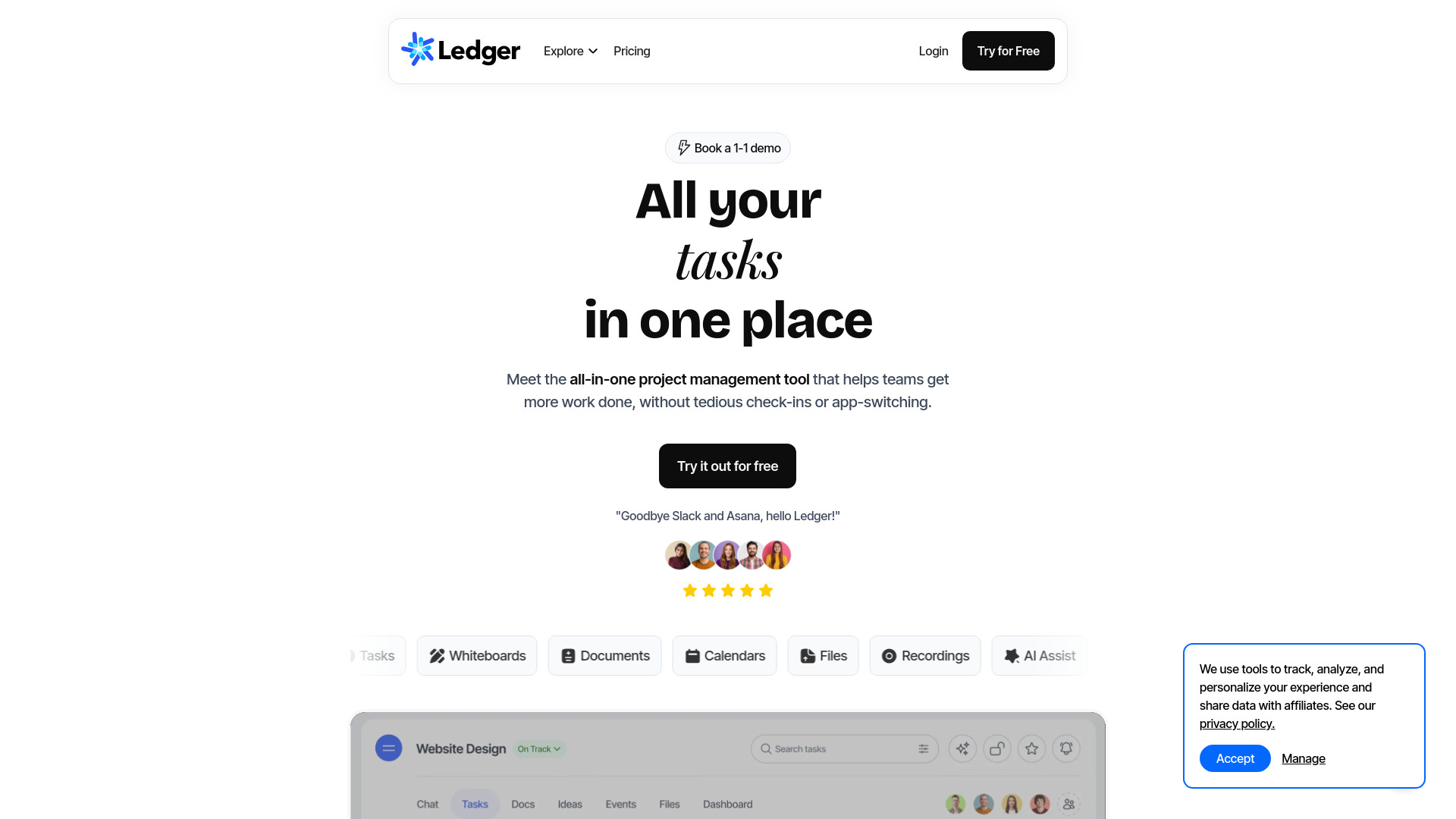
Ledger is an all-in-one project management tool designed to help teams of all sizes get more work done efficiently. It centralizes teamwork, eliminating the need for tedious check-ins, file searching, and app-switching. Ledger offers features such as chat and threads, tasks with kanban, documents, whiteboards, direct messaging, calendars, dashboards, and file management, all within a unified workspace.
Access & connections
Where you can use Ledger.
Platforms
Capabilities
What this tool accepts, produces, and is strongest at.
Highlights
- Project management
- Chat and threads
- Tasks with kanban
- Documents
- Whiteboards
- Direct messaging
- Calendars
- Dashboards
Show 2 more
- File management
- AI Assist
FAQ 10
What is Ledger?
Ledger is an all-in-one project management tool designed to help teams of all sizes get more work done efficiently. It centralizes teamwork, eliminating the need for tedious check-ins, file searching, and app-switching. Ledger offers features such as chat and threads, tasks with kanban, documents, whiteboards, direct messaging, calendars, dashboards, and file management, all within a unified workspace.
How to use Ledger?
To get started with Ledger, register for a free 14-day trial, create a workspace, invite your team members, and start collaborating by sharing ideas, files, and updates within streams.
How do I get started with Ledger?
Getting started with Ledger is quick and easy! Follow these simple steps to begin your collaboration journey: Sign up: Start by clicking here to sign up for a free 14 day trial with Ledger. Create a workspace: During the registration process, you will create your first workspace and stream (what we call a streamlined project). This workspace will serve as the hub for your team's collaboration. Invite team members: Once your workspace is set up, invite your team members by entering their email addresses. They will receive invitations to join your workspace and start collaborating with you on Ledger. Explore features: Familiarize yourself with Ledger's features, such as creating Streams, tasks, DM's and events. Pro tip: make sure and check out the dark mode! Start collaborating: With your team on board, begin collaborating! Share ideas, files, and updates within your Streams, and enjoy a seamless collaboration experience.
Is Ledger similar to Slack, Asana and Basecamp?
Ledger is similar to popular team collaboration tools like Slack, Asana, Monday and Basecamp. Like them, Ledger allows you to create streamlined projects (known as streams) and manage discussions, tasks, and events. However, Ledger sets itself apart by offering an essential suite of tools in one platform, eliminating the need for additional apps and subscriptions. Its open, engaging design fosters a simplified, connected work experience, ensuring your team has everything they need to thrive without much of a learning curve.
How many people can collaborate in a stream?
The number of collaborators allowed in a stream depends on the plan you choose. The Light plan accommodates up to 10 members, the Growth plan supports up to 25, and the Pro plan offers up to 100 users. While most streams have a handful of collaborators, some can have many. The flexibility of Ledger allows you to decide how you want to use it. Note: teams over 100 users must contact our sales team for pricing.
Is there a Ledger mobile app?
Ledger is designed to work seamlessly on any device without the need for a separate app. Whether you're using a desktop computer at the office or your mobile phone at the gym, Ledger has you covered. Keep in mind that there might be subtle differences in navigation between devices, such as the way you navigate views on the top of each section.
Can I invite people that are not using Ledger?
Yes! Once your workspace has been registered, simply invite new members. Once these invitations have been accepted, you will be able to loop members in to any stream or discussion. As a note, the owner of the workspace pays for all members, so anyone invited will not need to pay. If someone's not using Ledger, and you don't feel they should be invited to your workspace as a permanent member, consider adding them as a guest. Every plan includes free guests, so you can loop in vendors, clients, agencies...just about anyone you work with. Just add their email to any stream or DM and they will receive an invitation to join, just like any regular member. If at some point you want to convert that guest to a member, and allow them greater access to more discussions and projects, you can do it in a single click.
Are streams like channels?
Each stream contains a dedicated tab for discussions, similar to channels in other platforms. You can react, reply, and attach files, making it easy to stay up-to-date. However, Ledger goes beyond this by integrating additional collaboration tools like task management, docs, whiteboards and event scheduling directly into each stream. This comprehensive approach fosters higher engagement and reduces disconnection among team members.
How many streams can I create?
With Ledger, there are no restrictions on the number of streams you can create. Unlike other collaboration tools that limit the number of projects, Ledger allows you to have an unlimited number of streams. Whether you have hundreds of clients or projects, you can easily manage them all. You only pay for the members of your workspace and any additional storage you may need.
Is Ledger reliable, fast and secure?
Ledger boasts a 99.999% uptime and a server architecture that ensures worldwide accessibility and impressive speed. We carefully schedule maintenance during times of lowest use to minimize any planned downtime. Regarding security, Ledger offers two-factor authentication, an essential layer of protection alongside our robust security protocols. Your data is kept safe and secure, ensuring it remains protected from unauthorized access.
Related tools
Recommended

Ledger
From $9/user or $7/user / monthly