

Customer onboarding 2026 Rank: #2790
LaunchBay ✓
Client onboarding, projects, and follow-ups in one place.
Verdict
A quick read before you dig into the full page.
- Best if
- Client onboarding, projects, and follow-ups in one place
- Skip if
- Limited customer support hours
- Pick this when
- Dynamic workflows
Considering Adoption Layer instead? Compare side by side
Overview
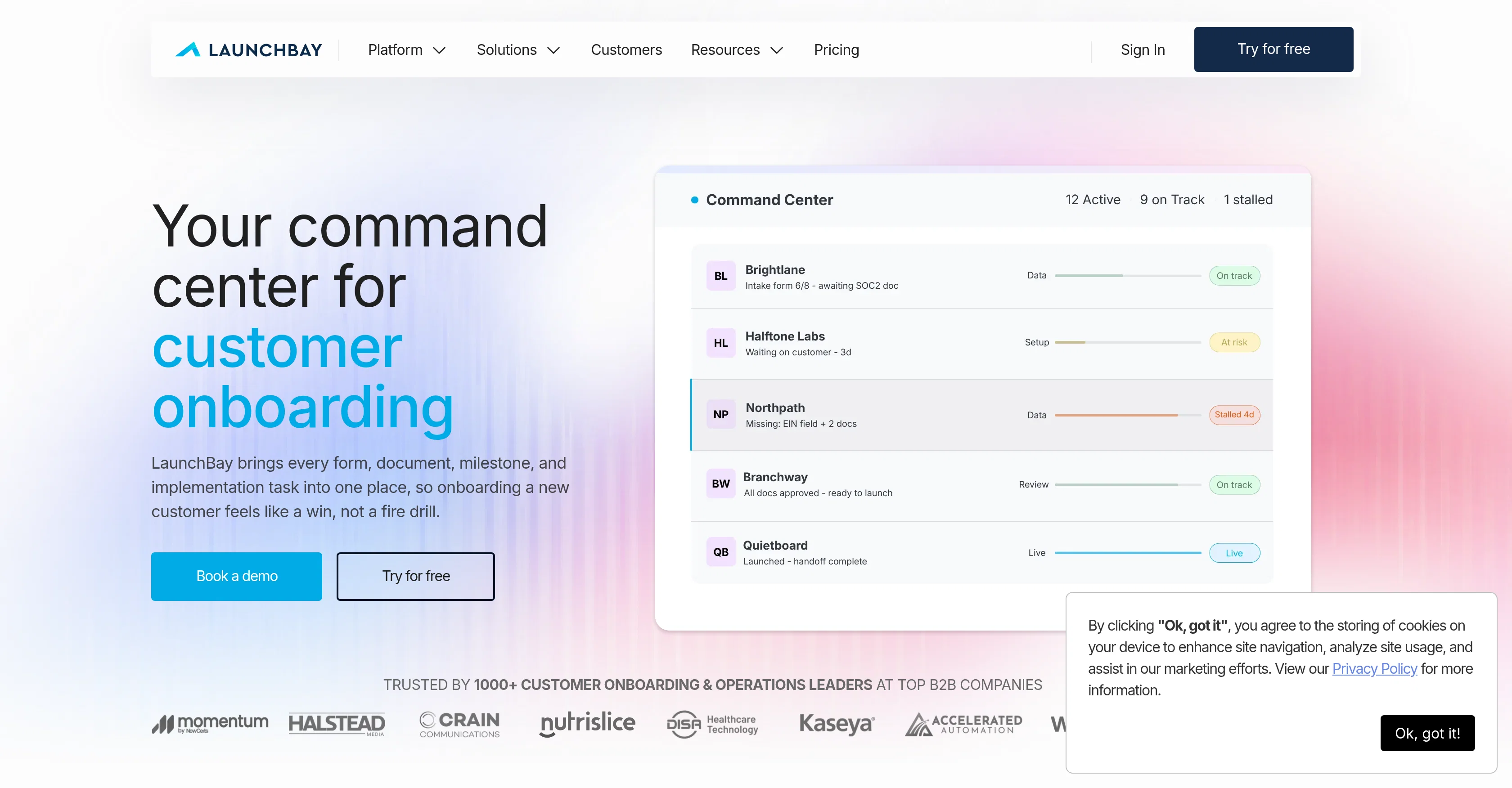
LaunchBay is an AI-assisted customer onboarding and portal software designed to streamline and automate the onboarding process. The platform provides a broad range of functionalities such as dynamic workflows, reusable project templates, and in-depth reporting and visibility options, all of which offer detailed insights into every project's progress.
The platform's core function is to bring all client onboarding tasks, from forms and documents to milestones and implementations, into one unified system for a seamless and efficient experience.
The software also includes features for faster data collection and customer accountability through structured forms, document requests, and customer portals.
The customer portal, which can be white-labeled to your brand, shows each customer their onboarding tasks and timelines, ensuring clarity and ownership of tasks.
Additional automated features such as reminders, workflow automation, and the use of AI help to accelerate the onboarding process, enabling customers to start seeing value in shorter periods.
LaunchBay offers the possibility to turn effective onboarding workflows into templates for repeat use, enhancing process efficiency and consistency. The platform also employs AI agents to monitor the status and sentiment of onboardings across all accounts, providing timely insights into potential issues or barriers to progress.
Access & connections
Where you can use LaunchBay.
Platforms
Capabilities
What this tool accepts, produces, and is strongest at.
Input
- Tabular
Output
- Text
Pros & cons
Pros
- Dynamic workflows
- Reusable project templates
- Detailed project insights
- Unified onboarding system
- Accelerated data collection
- Customer accountability features
- White-label customer portals
- Automated reminders
Show 26 more
- Workflow automation
- Template creation for workflows
- Real-time sentiment analysis
- White-label branding option
- Project status and progress visibility
- Effective client engagement
- Improved process efficiency
- Consistent onboarding experience
- Faster value realization
- Pre-emptive onboarding issue detection
- Structured forms and document requests
- Tasks and milestones clarity
- In-depth reporting and visibility
- Documented meeting decisions
- Unique customer portal per-client
- Prevention of onboarding stalls
- Real-time user accountability
- Conditional logic in form creation
- Distinct view of each clients' task
- Automated task completion triggers
- Onboarding cycle shortening
- At-risk account monitoring and alert
- Template reuse for efficiency
- Consistency in processes
- Customer portal timeline visualization
- Refinement of playbook through learnings
Cons
- No offline access
- Lacks social media integrations
- No mobile application
- Portal lacks customization options
- Non-intuitive user interface
- Limited reporting options
- No multi-language support
- Lacks robust access permissions
Show 2 more
- Limited customer support hours
- No third-party integrations
Compare alternatives
Similar tools in the catalog — with a clear reason to open each one.

Adoption Layer ✓
PaidAI that guides users through any web app, step by step.
from $590/mo
Full comparison
HappyPanda ✓
Free TrialAutomate user communication with AI-generated sequences.
Free + from $29/mo
Full comparison

Deacon ✓
FreemiumAI support that knows your product like you do.
Free + from $40/mo
Full comparison
Myra ✓
Free TrialYou build the product. Myra runs the front office
Free + from $19.00/mo
Full comparison
Voice Agents by smallest.ai ✓
FreemiumFrom idea to voice agents in minutes
Why look Typically cheaper
Full comparison