Automation

Knapsack Sidepanel

AI-powered Chrome extension for data interaction and workflow automation.

Source rating 5.0 (72) 4.1k views 4.1k/mo traffic 0 saves Unknown
More categories (9)

Verdict

A quick read before you dig into the full page.

Best if
AI-powered Chrome extension for data interaction and workflow automation
Pick this when
AI-powered Chrome extension for data interaction and workflow automation

Overview

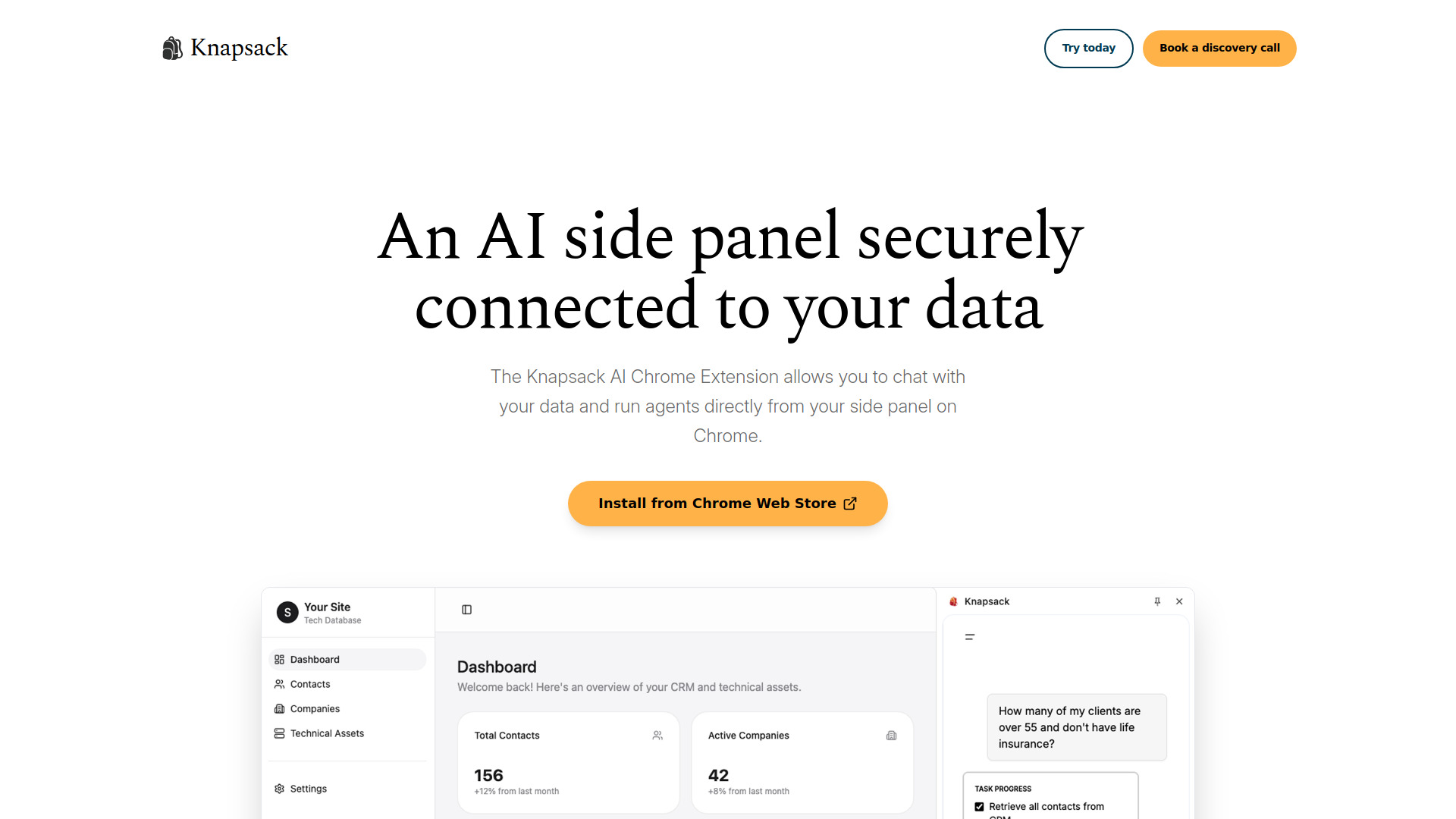
Knapsack.ai offers a Chrome Extension that provides AI-powered assistance directly in your browser. It allows users to chat with their data and run AI agents securely on any website. The extension integrates seamlessly with various business data sources like Salesforce, HubSpot, Google Drive, Dropbox, and calendars. It observes connected data, plans actions, executes workflows, and enables users to build custom AI agents using natural language without coding. Knapsack aims to automate time-consuming tasks such as research, planning, data entry, and meeting management, while ensuring security and privacy with SOC2 Type 2 certification and HIPAA compliance.

Knapsack Sidepanel screenshot

Access & connections

Where you can use Knapsack Sidepanel, and what it plugs into.

Platforms

Capabilities

What this tool accepts, produces, and is strongest at.

Highlights

  • AI-powered assistance in browser
  • Chat with connected data in real-time
  • Run AI agents for workflow automation
  • Seamless integration with business data sources (Salesforce, HubSpot, Google Drive, etc.)
  • Build custom AI agents using natural language (no coding)
  • Secure and private by design (SOC2 Type 2 certified, HIPAA compliant)

FAQ 7

What is Knapsack Sidepanel?
Knapsack.ai offers a Chrome Extension that provides AI-powered assistance directly in your browser. It allows users to chat with their data and run AI agents securely on any website. The extension integrates seamlessly with various business data sources like Salesforce, HubSpot, Google Drive, Dropbox, and calendars. It observes connected data, plans actions, executes workflows, and enables users to build custom AI agents using natural language without coding. Knapsack aims to automate time-consuming tasks such as research, planning, data entry, and meeting management, while ensuring security and privacy with SOC2 Type 2 certification and HIPAA compliance.
How to use Knapsack Sidepanel?
To use Knapsack AI, first, install the extension from the Chrome Web Store with one click. Once installed, you can access Knapsack AI on any website by clicking its extension icon. From the side panel, you can then ask questions, run agents, and receive AI-powered assistance without leaving your current page.
What is the Knapsack Chrome extension?
The Knapsack Chrome extension provides AI-powered assistance directly in your browser, allowing you to chat with your data and run AI agents securely on any website.
What data sources can Knapsack connect to?
Knapsack seamlessly integrates with Salesforce, HubSpot, Google Drive, Dropbox, calendars, and custom MCP servers to access your business data.
Is Knapsack secure and private?
Yes, Knapsack is SOC2 Type 2 certified and HIPAA compliant. Additionally, Knapsack explicitly states that it does not train on user data.
Can I build my own AI agents with Knapsack?
Yes, you can use natural language to build an agent in seconds, with no coding required, and tailor custom workflows to your specific needs.
How does Knapsack help automate tasks?
Knapsack allows you to automate repetitive workflows such as uploading notes to CRM after meetings, auto-generating draft replies to urgent emails, or taking notes during meetings.
Knapsack Sidepanel
