Video generation

kling motion control

AI tool for precise motion transfer from video to static images with high consistency.

Source rating 5.0 (81) 216 views 216/mo traffic 0 saves Paid
More categories (5)

From $15.00 / month

Verdict

A quick read before you dig into the full page.

Best if
AI tool for precise motion transfer from video to static images with high consistency
Skip if
You need a free plan with no credit card
Pick this when
Paid · From $15.00 / month

Overview

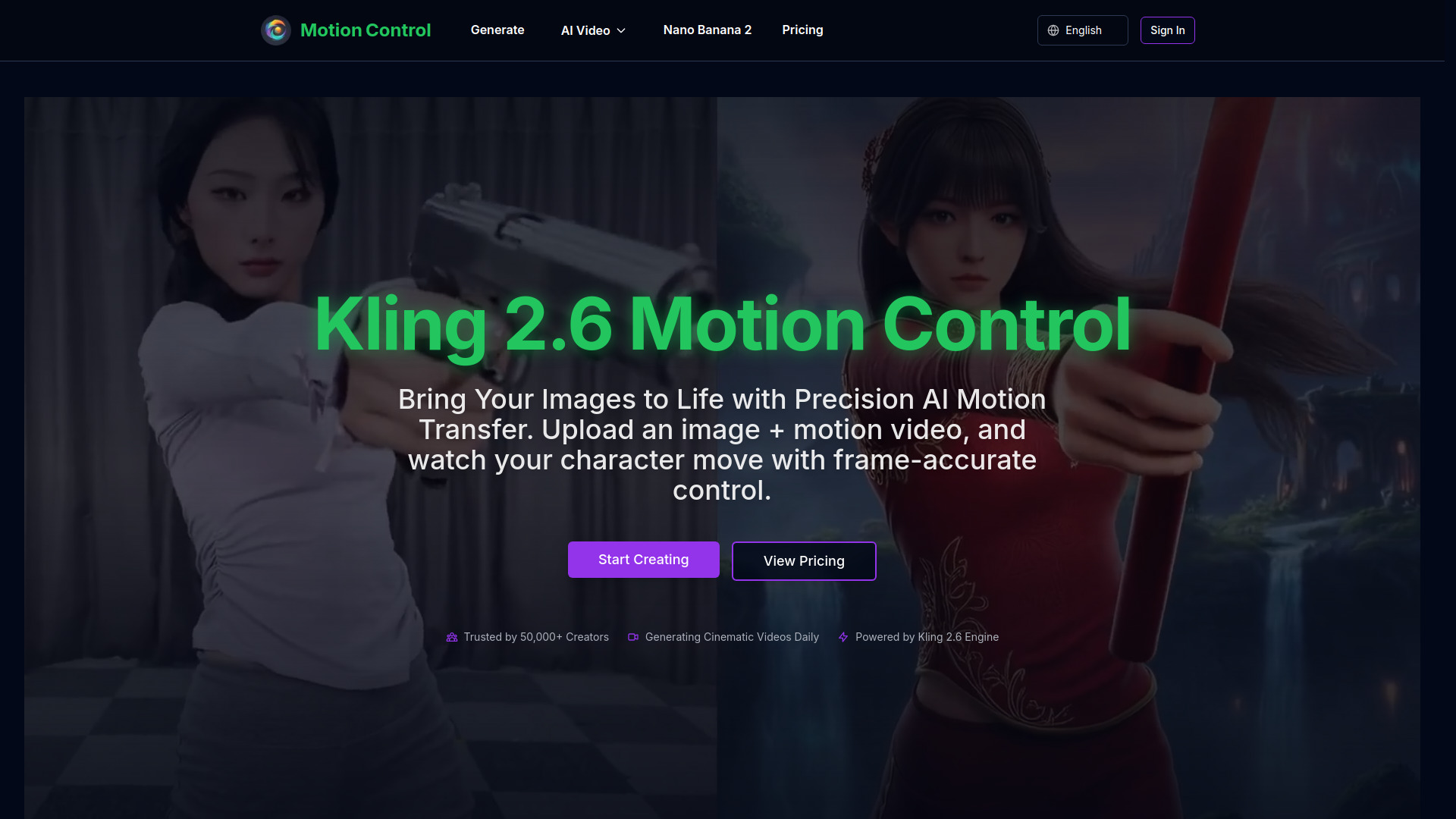
Kling 2.6 Motion Control is an advanced AI-powered motion transfer video generator that allows users to animate static images using motion reference videos. Powered by the Kling 2.6 engine, it provides frame-accurate motion transfer, maintaining character consistency and visual quality. It supports high-definition 1080p output, physically accurate lighting, and complex action control, enabling creators to generate cinematic videos with precise movement trajectories and professional camera moves in minutes.

kling motion control screenshot

Access & connections

Where you can use kling motion control, and what it plugs into.

Platforms

Web

Integrations

Capabilities

What this tool accepts, produces, and is strongest at.

Highlights

  • Precise Motion Trajectories
  • Superior Character Consistency
  • Photorealistic 2.6 Engine (1080p)
  • Complex Action Control
  • Rapid Video Generation
  • Cinematic Camera Moves (Pan, Tilt, Zoom)

FAQ 5

What is Kling 2.6 Motion Control?
Kling 2.6 Motion Control is an advanced AI-powered motion transfer video generator that allows users to animate static images using motion reference videos. Powered by the Kling 2.6 engine, it provides frame-accurate motion transfer, maintaining character consistency and visual quality. It supports high-definition 1080p output, physically accurate lighting, and complex action control, enabling creators to generate cinematic videos with precise movement trajectories and professional camera moves in minutes.
How to use Kling 2.6 Motion Control?
To use the tool, upload a reference image of the character or subject you want to animate. Then, upload a motion reference video showing the desired action. You can optionally add text prompts to refine scene details or backgrounds. Finally, generate the video to have the AI extract the motion and apply it to your image.
What is Kling 2.6 Motion Control?
It is a technology that allows you to upload an image and a motion reference video to generate cinematic videos where the character in the image performs the movements from the video.
Does it maintain character appearance?
Yes, unlike older models, Kling 2.6 ensures character features and attire remain consistent throughout the video generation process.
What resolution does it support?
The platform delivers high-definition 1080p output with physically accurate lighting and fluid textures.
kling motion control From $15.00 / month