
Kling AI 3.0 Motion Control
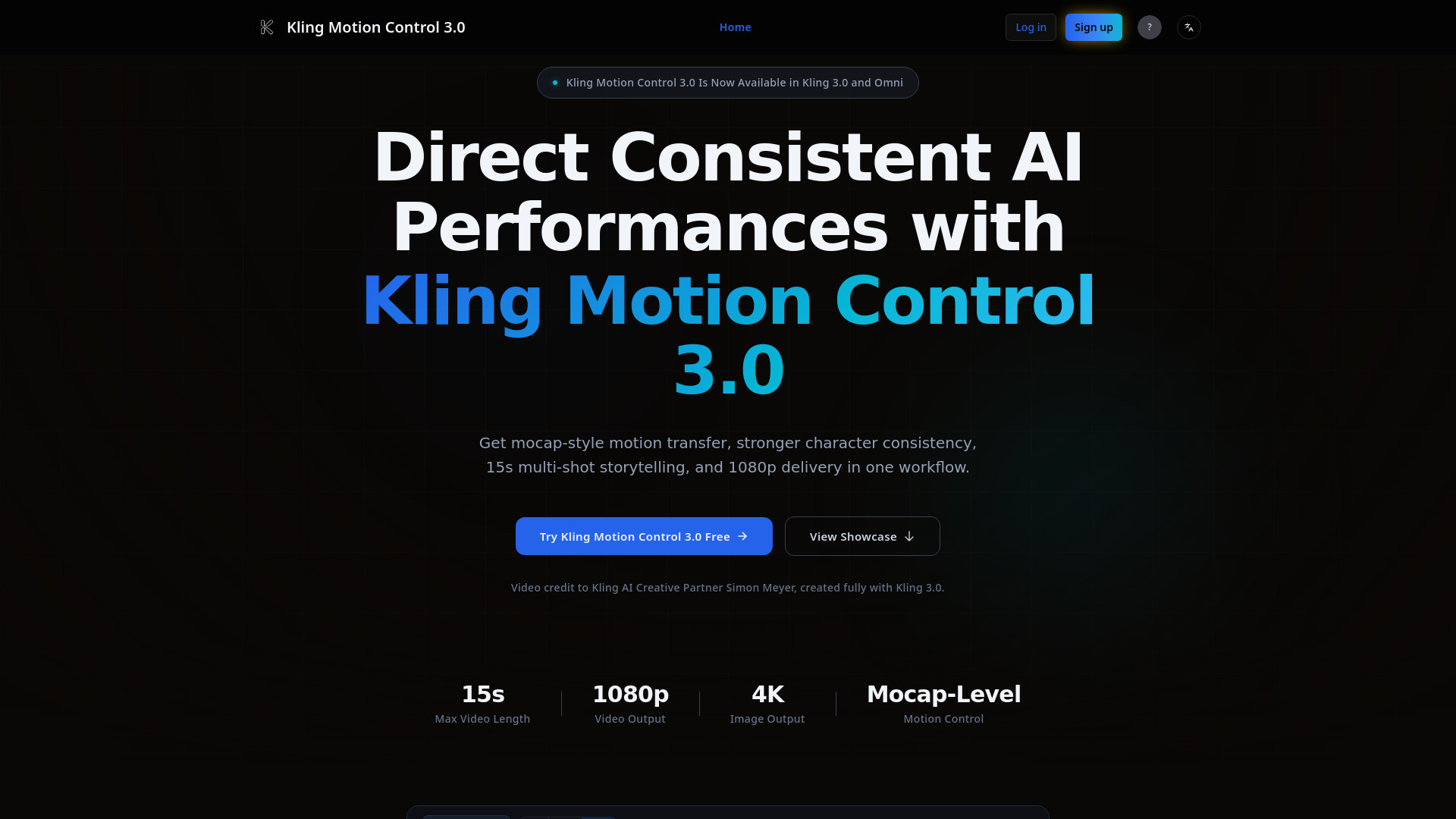
Professional-grade AI motion capture and video generation tool with 1080p output and multi-angle face consistency
Source rating 5.0
(88)
0 views
0 saves
Paid
From $9.9
Verdict
A quick read before you dig into the full page.
- Best if
- Professional-grade AI motion capture and video generation tool with 1080p output and multi-angle face consistency
- Skip if
- You need a free plan with no credit card
- Pick this when
- Paid · From $9.9
Overview
Kling 3.0 introduces a revolutionary Motion Control system that achieves Mocap-level precision. It allows users to transfer complex body movements, gestures, and facial expressions from reference videos to digital characters with high fidelity. The update features significant improvements in face consistency under occlusions and extreme angles, supporting 1080p resolution and multi-shot cinematic storytelling.
Access & connections
Where you can use Kling AI 3.0 Motion Control.
Platforms
Capabilities
What this tool accepts, produces, and is strongest at.
Highlights
- Mocap-level Motion Control: Precise replication of limbs, gestures, and micro-expressions
- High Face Consistency: Maintains facial identity across multiple angles and complex movements.
- 1080p HD Output: High-definition video generation suitable for professional ads and films.
- Multi-shot Narrative: Supports extended video length and complex storytelling.
- Native Audio Sync: Integrated with Kling 3.0 Omni for seamless lip-sync and audio.
FAQ 5
What is Kling AI 3.0 Motion Control?
Kling 3.0 introduces a revolutionary Motion Control system that achieves Mocap-level precision. It allows users to transfer complex body movements, gestures, and facial expressions from reference videos to digital characters with high fidelity. The update features significant improvements in face consistency under occlusions and extreme angles, supporting 1080p resolution and multi-shot cinematic storytelling.
How to use Kling AI 3.0 Motion Control?
1. Upload your character image or reference video.
2. Use Motion Control to bind facial and movement features.
3. Adjust parameters for 1080p resolution and duration (up to 15s).
4. Generate and download your AI-driven cinematic video.
2. Use Motion Control to bind facial and movement features.
3. Adjust parameters for 1080p resolution and duration (up to 15s).
4. Generate and download your AI-driven cinematic video.
What makes Kling 3.0 Motion Control different from previous versions?
Kling 3.0 achieves "Mocap-level" precision, meaning it can accurately replicate complex limb movements and micro-expressions from a reference video. It also introduces superior face consistency, keeping the character's identity stable even during 360-degree rotations or partial occlusions.
Does it support 4K resolution?
While the core video generation supports high-quality 1080p, the Kling 3.0 ecosystem includes a 4K Image Upscaler and enhanced rendering modes that provide cinematic-grade clarity suitable for professional production.
Can I synchronize audio with the generated motion?
Yes. Kling 3.0 features native audio synchronization and multi-language lip-syncing (Omni version), ensuring that the character's mouth movements and emotional expressions perfectly match the uploaded or generated audio track.
Related tools
Recommended


Kling AI 3.0 Motion Control
From $9.9