
Kling 3.0-
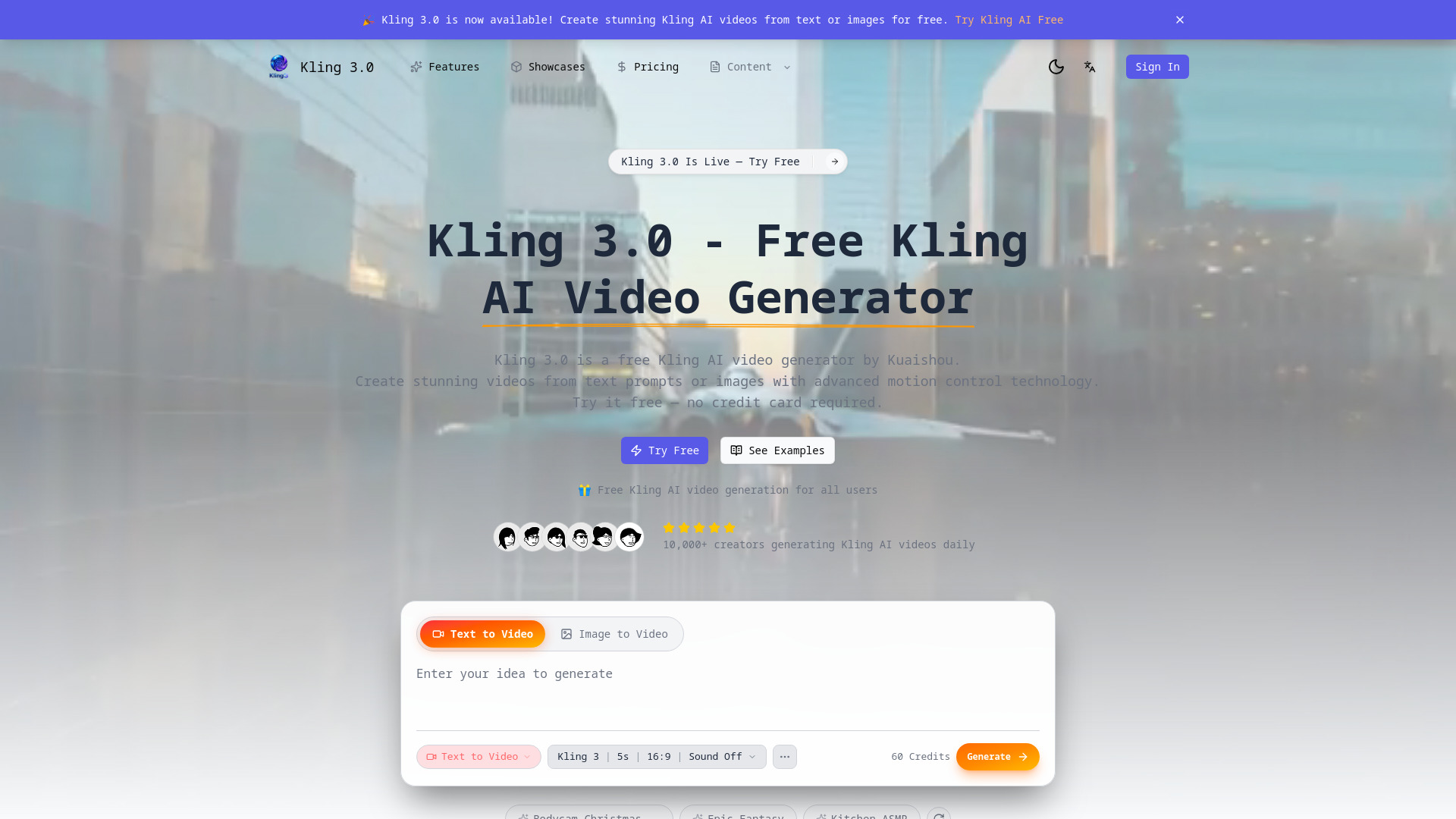
Free AI video generator by Kuaishou with text/image input and motion control.
Source rating 5.0
(98)
3k views
3k/mo traffic
0 saves
Paid
From $29.9 / month (billed , or $99 billed annually)
Verdict
A quick read before you dig into the full page.
- Best if
- Free AI video generator by Kuaishou with text/image input and motion control
- Skip if
- You need a free plan with no credit card
- Pick this when
- Paid · From $29.9 / month (billed , or $99 billed annually)
Overview
Kling 3.0 is a free Kling AI video generator developed by Kuaishou. It allows users to create stunning AI videos from text prompts or images, utilizing advanced motion control technology. Version 3.0 is a complete AI video platform offering superior quality, better visual coherence, and longer duration compared to previous versions. It provides professional features like HD output, multiple video styles, and commercial licensing options, catering to creators, marketers, and developers.
Access & connections
Where you can use Kling 3.0-.
Platforms
Capabilities
What this tool accepts, produces, and is strongest at.
Highlights
- Text to Video Generation
- Image to Video Conversion
- Advanced Motion Control Technology (camera angles, object movement)
- Free Access Tier Available
- HD and 4K Video Output
- Fast Processing (30-90 seconds)
- API for Developers
FAQ 6
What is Kling 3.0?
Kling 3.0 is a free Kling AI video generator developed by Kuaishou. It allows users to create stunning AI videos from text prompts or images, utilizing advanced motion control technology. Version 3.0 is a complete AI video platform offering superior quality, better visual coherence, and longer duration compared to previous versions. It provides professional features like HD output, multiple video styles, and commercial licensing options, catering to creators, marketers, and developers.
How to use Kling 3.0?
To use the Kling AI video generator, first, access the platform (no signup required for the first generation). Next, enter a detailed text description or upload an image for conversion. Then, customize the video settings, including style, duration, aspect ratio, and advanced motion control. Finally, click generate and download the resulting Kling AI video in MP4 format.
Is Kling AI video free to use?
Yes, Kling 3.0 offers free Kling AI video generation for all users. You can create videos daily without needing a credit card or subscription for the free tier.
What is new in Kling AI video version 3.0?
Version 3.0 is the newest platform offering superior quality, advanced motion control, text-to-video, and image-to-video capabilities, delivering more realistic output and better coherence compared to versions 2.6 and 2.1.
How long does Kling AI video generation take?
The generator produces Kling AI videos quickly, typically in 30-90 seconds, due to optimized processing.
Can I use Kling AI video commercially?
Commercial usage rights are included in the Starter, Standard, and Premium paid plans.
Related tools
Recommended


Kling 3.0-
From $29.9 / month (billed , or $99 billed annually)