
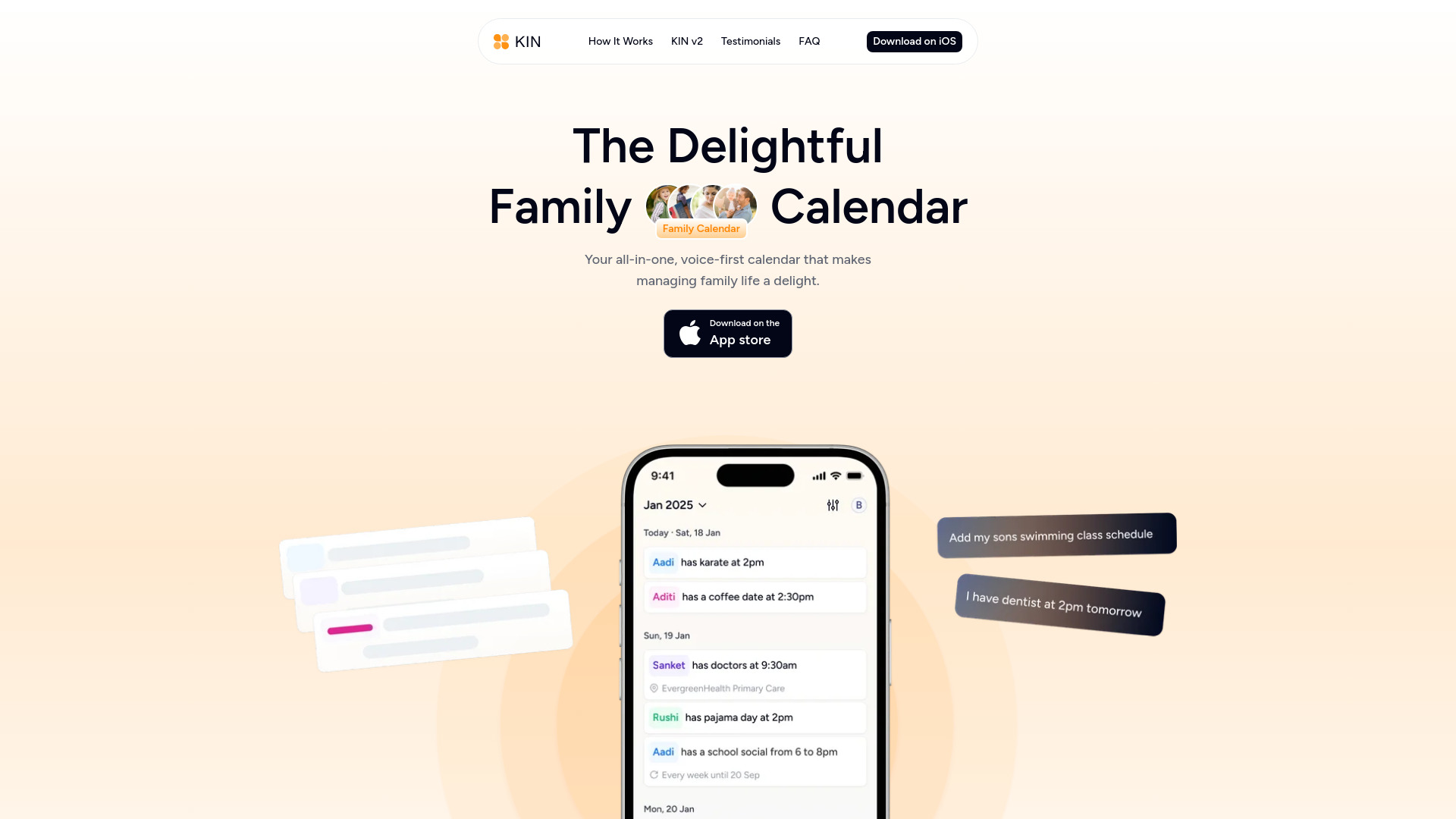
KIN: Family Calendar
Voice-first AI calendar assistant for busy families.
Source rating 5.0
(61)
3.3k views
3.3k/mo traffic
0 saves
Unknown
Verdict
A quick read before you dig into the full page.
- Best if
- Voice-first AI calendar assistant for busy families
- Pick this when
- Voice-first AI calendar assistant for busy families
Overview
KIN is a Voice-first AI-powered Calendar Assistant designed for busy families. It simplifies scheduling by offering smart reminders and seamless coordination. KIN functions as a shared family calendar app that aims to make managing family life a delight. It allows users to create and edit events effortlessly using voice commands or by typing, set up recurring events by speaking, modify existing plans with voice, and even create events from photos or screenshots.
Access & connections
Where you can use KIN: Family Calendar, and what it plugs into.
Platforms
Integrations
Capabilities
What this tool accepts, produces, and is strongest at.
Highlights
- Voice-first AI-powered calendar assistant
- Shared family calendar
- Smart reminders and seamless coordination
- Create and edit events with voice or typing
- Create recurring events by voice
- Edit events with voice
- Create events from photos/screenshots
FAQ 5
What is KIN?
KIN is a Voice-first AI-powered Calendar Assistant designed for busy families. It simplifies scheduling by offering smart reminders and seamless coordination. KIN functions as a shared family calendar app that aims to make managing family life a delight. It allows users to create and edit events effortlessly using voice commands or by typing, set up recurring events by speaking, modify existing plans with voice, and even create events from photos or screenshots.
How to use KIN?
Users can create a family group and invite members to join. Events can be created and edited effortlessly by holding to talk or tapping to type. Recurring events can be set up by simply speaking. To adjust existing plans, users can hold an event to talk changes in real time. Additionally, KIN allows users to snap a photo or screenshot, and it will automatically turn it into an event on the family calendar.
What devices does KIN currently support?
KIN is currently available on iPhone. Users can vote for Android, iPad, Apple Watch, and MacOS support to be added in the future.
How does voice activation work?
Users can create and edit events effortlessly by holding to talk, or they can tap to type when needed. This allows for natural language interaction to manage calendar details.
Is KIN right for my family?
KIN is designed for modern families, particularly those with 3+ people, who need a calendar on the go, and appreciate intuitive voice AI for managing their schedules.
Related tools
Recommended


KIN: Family Calendar