Marketing

Key Visual

Creative automation tool syncing Figma designs with CMS data to auto-generate marketing content.

Source rating 5.0 (58) 276 views 276/mo traffic 0 saves Unknown
More categories (4)

Verdict

A quick read before you dig into the full page.

Best if
Creative automation tool syncing Figma designs with CMS data to auto-generate marketing content
Pick this when
Creative automation tool syncing Figma designs with CMS data to auto-generate marketing content

Overview

Key Visual is a creative automation platform designed for agencies and marketing teams to streamline the production of on-brand images and videos. It functions by syncing directly with Figma design systems—including components, variables, and styles—and connecting them to a headless CMS or external data sources via API. This allows teams to generate marketing content on autopilot, scale designs with live data, and use AI to create variations while strictly adhering to brand guidelines. It bridges the gap between designers and marketers, allowing for rapid deployment of content without manual handoffs.

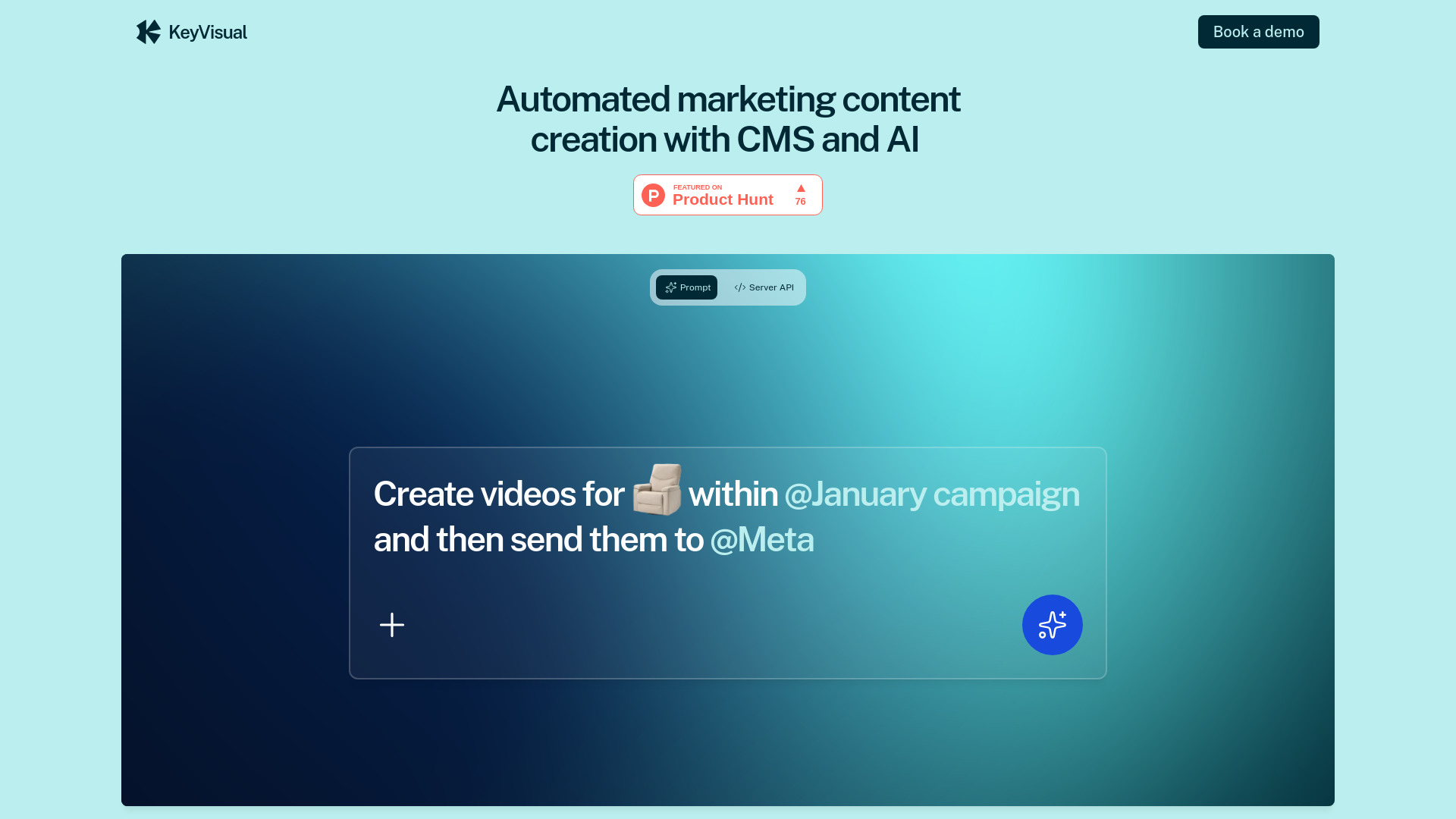
Key Visual screenshot

Access & connections

Where you can use Key Visual, and what it plugs into.

Platforms

Web

Integrations

Capabilities

What this tool accepts, produces, and is strongest at.

Highlights

  • Direct Figma design system sync
  • Headless CMS integration
  • AI-driven creative variation generation
  • Server API and Webhook support
  • Automated video auto-layout and resizing
  • Real-time design updates without copy-pasting

FAQ 5

What is Key Visual?
Key Visual is a creative automation platform designed for agencies and marketing teams to streamline the production of on-brand images and videos. It functions by syncing directly with Figma design systems—including components, variables, and styles—and connecting them to a headless CMS or external data sources via API. This allows teams to generate marketing content on autopilot, scale designs with live data, and use AI to create variations while strictly adhering to brand guidelines. It bridges the gap between designers and marketers, allowing for rapid deployment of content without manual handoffs.
How to use Key Visual?
First, sync your Figma design system (components, variables, and styles) using the Key Visual plugin. Next, connect your content source, such as a spreadsheet, live API, or the built-in headless CMS. You can then use AI prompts to generate multiple creative variations or set up Server API webhooks to automatically trigger content creation when external data updates.
How does Key Visual stay in sync with Figma?
It uses a direct connection to Figma components, variables, and styles through a plugin. Any changes made in Figma update the creatives in Key Visual in real time.
Does the AI invent content that might be off-brand?
No, Key Visual uses AI to generate variations based on your reference layouts, assets, and data tables, ensuring everything stays fully on-brand and within your guidelines.
Can it automate video production?
Yes, it supports videos with auto-layout, allowing you to import Figma layouts and automatically generate multiple sizes based on your design constraints.
Key Visual