Text to speech

Katalog

AI-powered read-it-later app for listening to articles with high-quality narration and voice interaction.

Source rating 5.0 (95) 0 views 0 saves Unknown
More categories (7)

Verdict

A quick read before you dig into the full page.

Best if
AI-powered read-it-later app for listening to articles with high-quality narration and voice interaction
Pick this when
AI-powered read-it-later app for listening to articles with high-quality narration and voice interaction

Overview

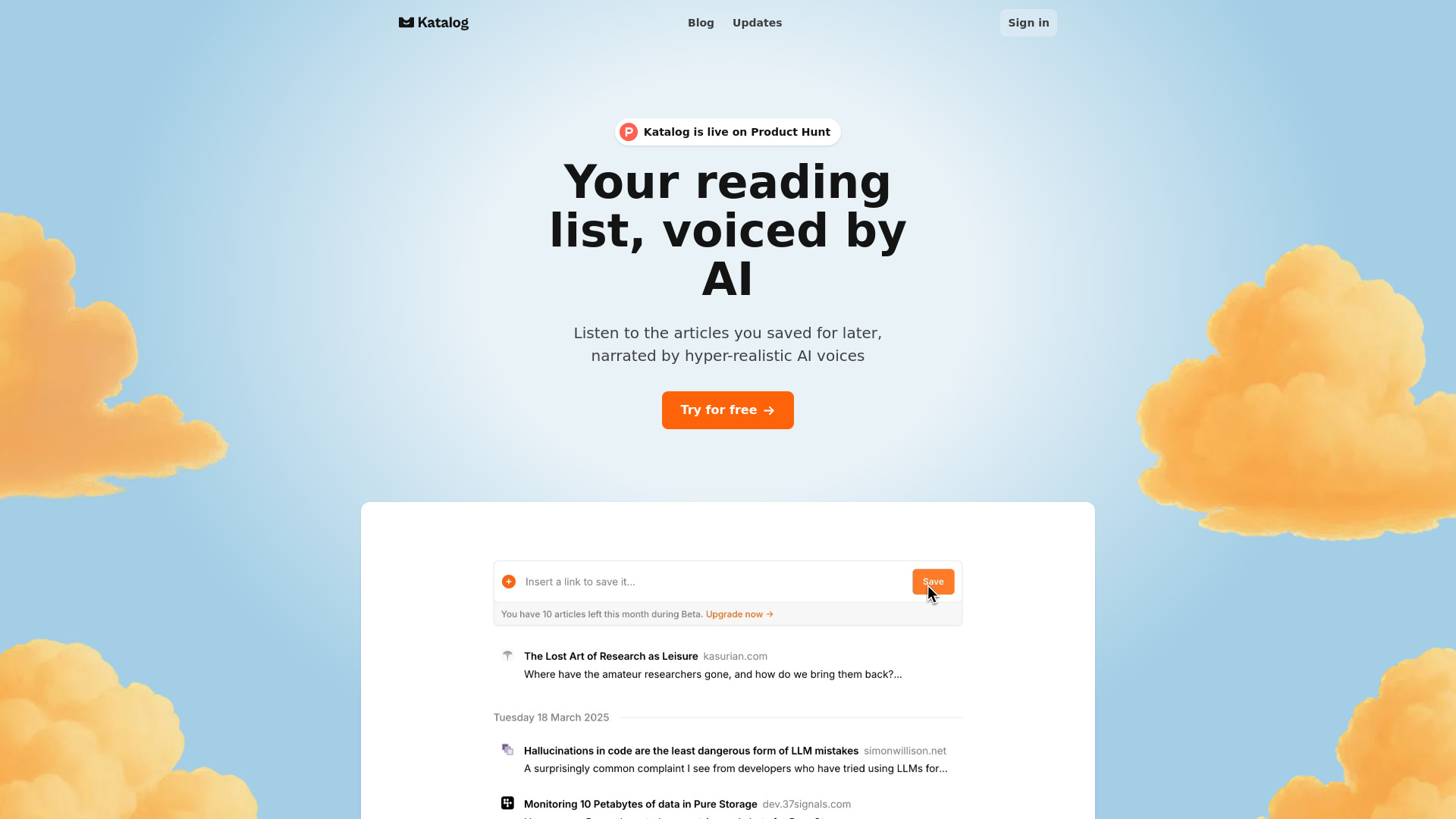
Katalog is an AI-powered read-it-later application designed to save articles from the web and transform them into high-quality, hyper-realistic AI narrations. It enhances article transcripts to provide a top-notch listening experience, distinguishing itself from standard text-to-speech services. Users can also interact with the content using their voice while listening, allowing them to ask questions, take notes, or highlight important points. The platform ensures access to saved content even if the original webpage becomes unavailable.

Katalog screenshot

Access & connections

Where you can use Katalog.

Platforms

Web

Capabilities

What this tool accepts, produces, and is strongest at.

Highlights

  • Save articles from any webpage
  • High-quality, hyper-realistic AI narration of articles
  • Enhanced article transcripts for superior listening experience
  • Voice interaction during listening (ask questions, take notes, highlight)
  • Content preservation (access articles even if original page is down)

FAQ 7

What is Katalog?
Katalog is an AI-powered read-it-later application designed to save articles from the web and transform them into high-quality, hyper-realistic AI narrations. It enhances article transcripts to provide a top-notch listening experience, distinguishing itself from standard text-to-speech services. Users can also interact with the content using their voice while listening, allowing them to ask questions, take notes, or highlight important points. The platform ensures access to saved content even if the original webpage becomes unavailable.
How to use Katalog?
To use Katalog, simply paste the link of any article from the web into the platform to save its content. Once saved, you can listen to the article narrated by hyper-realistic AI voices, benefiting from an enhanced transcript for a superior audio experience. While listening, you can use your voice to ask questions, take notes, or highlight important sections.
Is Katalog available to use right now?
Yes, Katalog is in public beta right now and available to use for free during this period.
How much does Katalog cost?
Katalog is free during public beta. Once officially launched, a competitive free plan and a paid subscription with Pro features will be introduced.
Do you have iOS / Android app?
Katalog is only available as a web app for now. Native apps for iOS and Android, as well as browser extensions, are currently being developed.
How does Katalog differ from apps like Pocket?
Unlike other read-it-later apps like Pocket, Katalog is designed to be audio-first, offering a superior listening experience with enhanced transcripts and AI narration, though reading is still possible.
Can I import my library from other apps?
This feature is not yet available but is actively being worked on, especially given Pocket's shutdown.
Katalog
