
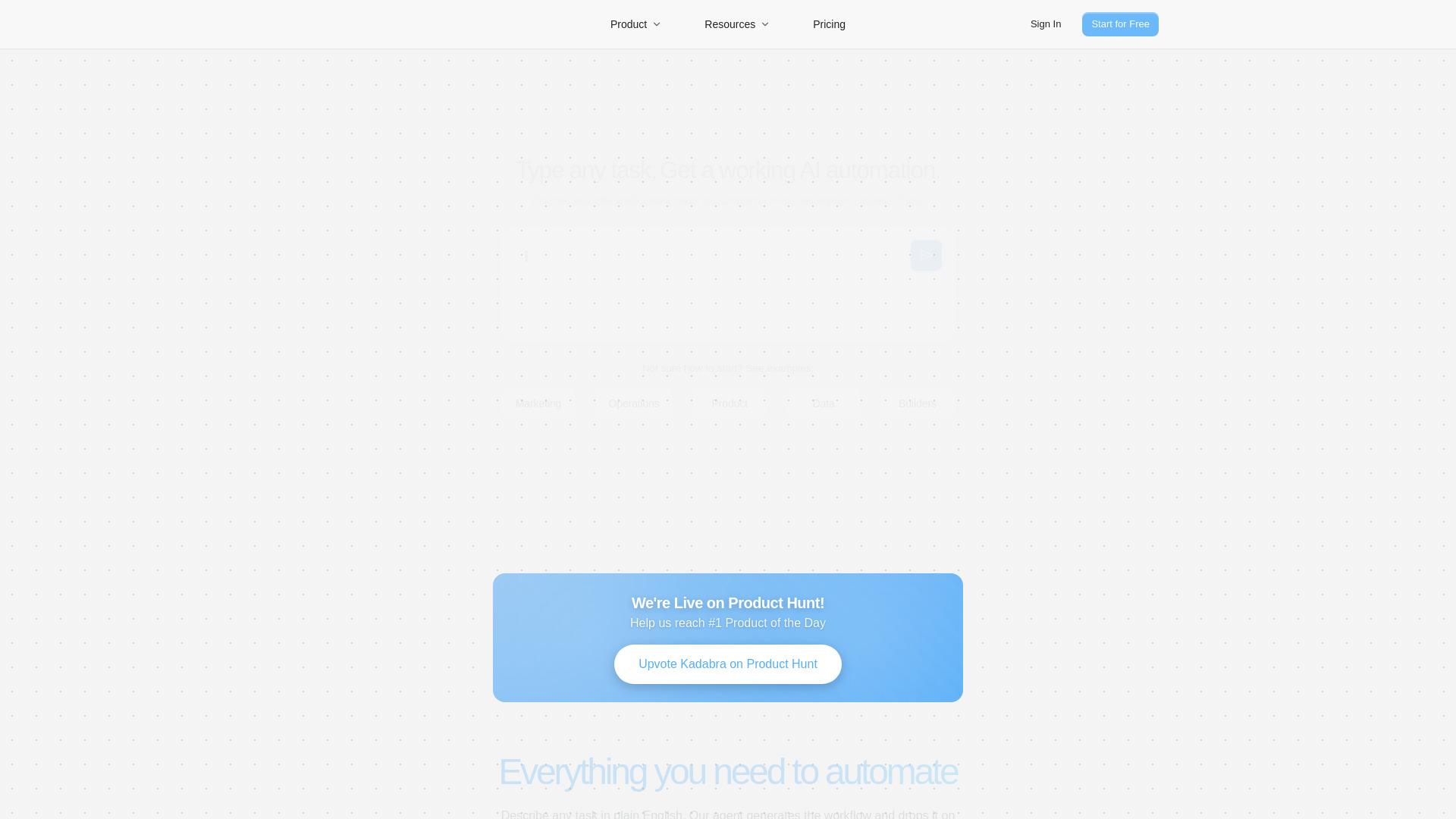
Kadabra
AI agent for automating data and business workflows.
Source rating 5.0
(69)
751 views
751/mo traffic
0 saves
Freemium
Free + from $9 /month (per user)
Verdict
A quick read before you dig into the full page.
- Best if
- AI agent for automating data and business workflows
- Skip if
- You need enterprise SLAs or a fully managed team plan right away
- Pick this when
- Freemium · Free + from $9 /month (per user)
Overview
Kadabra is an AI agent designed to automate data and business workflows. Users describe their desired outcome in plain text, and Kadabra designs, tests, and runs the workflow, either on a schedule or by trigger. It integrates with various popular tools such as Slack, Notion, Sheets, Gmail, and webhooks. Kadabra aims to help growth, ops, marketing, sales, and product teams increase their output and ship real automations in minutes without needing more headcount.
Access & connections
Where you can use Kadabra, and what it plugs into.
Platforms
Capabilities
What this tool accepts, produces, and is strongest at.
Highlights
- AI Agent (Chat to Build)
- Visual Canvas (Node-based workflow builder)
- Built-in Integrations (Slack, Notion, Sheets, Gmail, etc.)
- Pro Controls (Inline Python, API calls, database connections)
- Shareable Interfaces
- Data Tables (Track and explore data)
FAQ 6
What is Kadabra?
Kadabra is an AI agent designed to automate data and business workflows. Users describe their desired outcome in plain text, and Kadabra designs, tests, and runs the workflow, either on a schedule or by trigger. It integrates with various popular tools such as Slack, Notion, Sheets, Gmail, and webhooks. Kadabra aims to help growth, ops, marketing, sales, and product teams increase their output and ship real automations in minutes without needing more headcount.
How to use Kadabra?
To use Kadabra, users simply describe their idea or goal in plain English. The AI agent then instantly turns it into a working automation, building the workflow, testing it, and deploying it in under 3 minutes. Users can then visualize and edit the workflow on a clean node-based canvas, dragging, tweaking, and running it with one click.
What's included in the free plan?
The free plan gives you 1,000 message credits per month and access to all core features including AI Agent, 1 Custom Node, and Limited Schedules. You can build fully functional applications with user authentication, data storage, and more, all at no cost.
What are credits?
Credits are the currency used to execute nodes and flows in Kadabra. Each node has a specific credit cost - for example, AI Node costs 50 credits, while Google Search costs 1 credit. The total cost of running a flow is the sum of all its individual node costs. You can find the credit cost for each node in the nodes catalog when creating a new flow, and track your detailed usage on your account page.
What happens if I reach my plan limits?
If you reach your monthly message credit limit, you can either upgrade to a higher tier plan for more credits or wait until your next billing cycle when credits are refreshed. You'll receive notifications when you're approaching your limits.
Can I cancel my subscription anytime?
Yes, you can cancel your subscription at any time from your account settings. Your access will continue until the end of your current billing period, and you won't be charged again.
Related tools
Recommended


Kadabra
Free + from $9 /month (per user)