
K8Studio
Kubernetes IDE for simplified monitoring and management.
Verdict
A quick read before you dig into the full page.
- Best if
- You are kubernetes administrators and need: Simplify Kubernetes monitoring and management
- Pick this when
- Kubernetes IDE for simplified monitoring and management
Overview
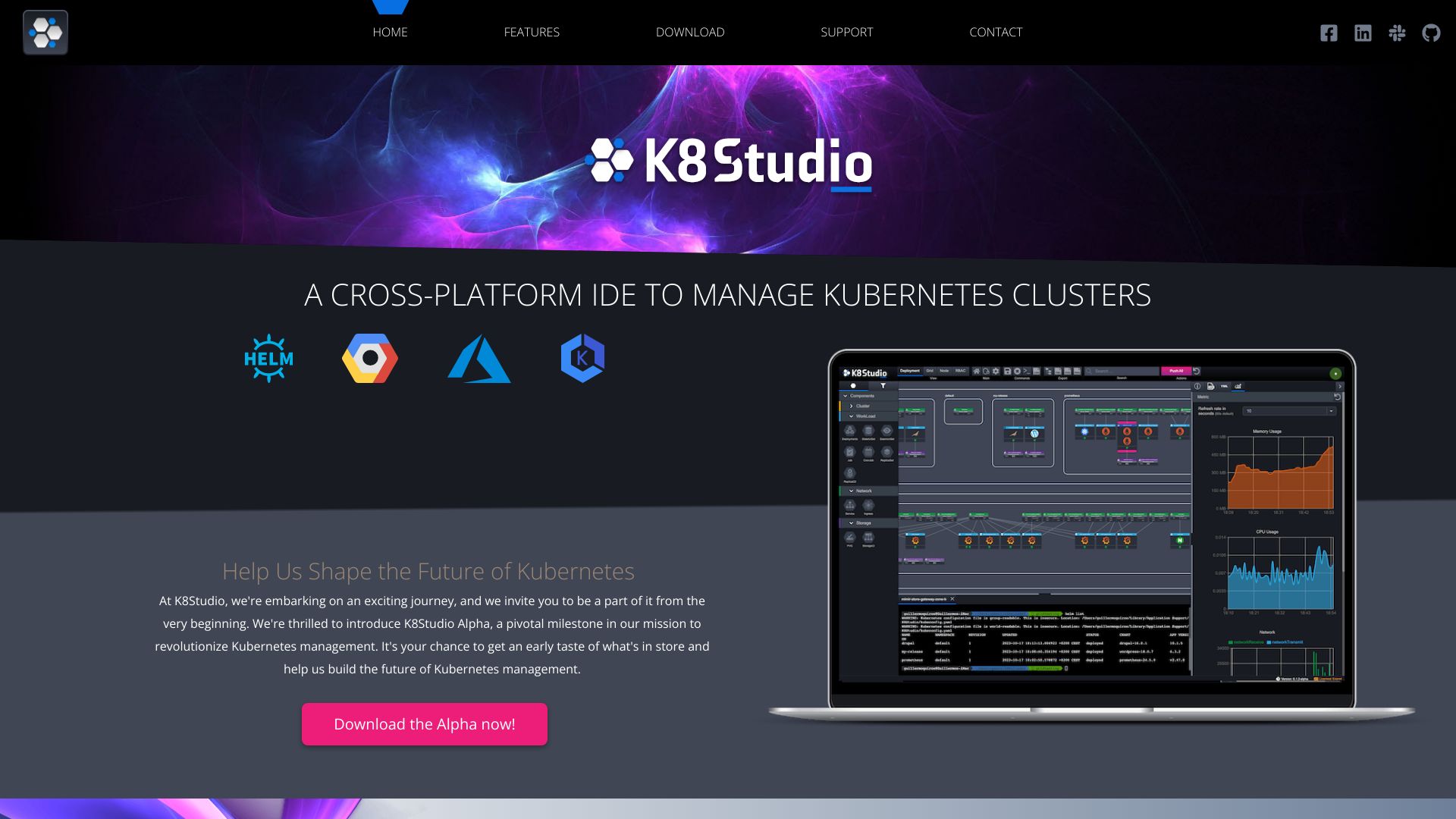
K8Studio is an integrated development environment (IDE) designed to simplify Kubernetes monitoring and management. It features a powerful code editor, simplified containerization, cluster management, and real-time debugging. K8Studio offers intuitive visualizations and comprehensive tools that transform complex cluster data into clear, actionable insights, helping users maintain control and efficiency. It supports major Kubernetes distributions and provides features like CloudMaps, multi-cluster management, cluster overview, advanced logs, an AI Copilot, grid view, YAML editor, and selection overview.
Best for
Short scenarios where K8Studio tends to shine.
-
Simplify Kubernetes monitoring and management
Best for Kubernetes administrators
-
Visualize complex cluster data for actionable insights
Best for DevOps engineers
-
Manage multiple Kubernetes clusters simultaneously
Best for Software developers
-
Debug applications with advanced logging features
Best for System administrators
-
Edit YAML configurations with a user-friendly interface
Best for Cloud engineers
-
Monitor node metrics and workload performance
Best for Kubernetes administrators
-
Manage Helm repositories and releases
Best for Kubernetes administrators
Example outputs 1
Sample generations and before/after results for K8Studio.
Access & connections
Where you can use K8Studio, and what it plugs into.
Platforms
Integrations
Capabilities
What this tool accepts, produces, and is strongest at.
Highlights
- CloudMaps for intuitive cluster visualization
- Multi-cluster management
- Cluster overview with key metrics
- Advanced logs for debugging
- Integrated AI Copilot
- Grid view for tabular display of Kubernetes objects
- YAML editor for configuration management
- Selection overview for detailed object information
Show 7 more
- Monitoring & Metrics
- Selection Security
- RBAC View
- Helm View
- Integrated Terminal
- User Permissions
- Customizable Docking Layout
People also view
Tools that often show up alongside K8Studio in collections and comparisons.

Qoder ✓
FreemiumAgentic Coding Platform for Real Software

Nextbrowser ✓
FreemiumAI Browser Agent that automates professional tasks through chat.

iDox.ai Guardrail ✓
Free TrialStop sensitive data leaks to AI tools.

Chatbot App
PaidMulti-Model AI Chat Platform that lets you switch between 30+ leading AI models instantly or run them side by…
FAQ 6
What is K8Studio?
How to use K8Studio?
How does K8Studio read Kubernetes clusters?
Is K8Studio compatible with all major Kubernetes distributions?
What is CloudMaps?
What is the User Permissions feature?
Related tools
Recommended
iDox.ai Guardrail ✓
Free TrialStop sensitive data leaks to AI tools.
Qoder ✓
FreemiumAgentic Coding Platform for Real Software
Nextbrowser ✓
FreemiumAI Browser Agent that automates professional tasks through chat.
Chatbot App
PaidMulti-Model AI Chat Platform that lets you switch between 30+ leading AI models instantly or run them side by…