Summarization

Jump AI

AI meeting assistant for financial advisors, automating tasks, notes, and compliance.

Source rating 5.0 (95) 278k views 278k/mo traffic 0 saves Paid
More categories (5)

Verdict

A quick read before you dig into the full page.

Best if
You are financial advisors and need: Automating meeting notes and task management for financial advisors
Skip if
You need a free plan with no credit card
Pick this when
Paid · From $75

Overview

Jump is an AI meeting assistant designed exclusively for financial advisors. It turns conversations into tasks, notes, and compliance records using secure AI. Jump deeply integrates with CRMs like Salesforce, Redtail, and Wealthbox, cutting meeting admin work by 90%. It offers customizable meeting notes, one-click CRM updates, pre-meeting prep one-pagers, follow-up emails, and smart, syncable tasks. Jump also features a mobile app for capturing in-person meetings and allows users to ask questions about past meetings.

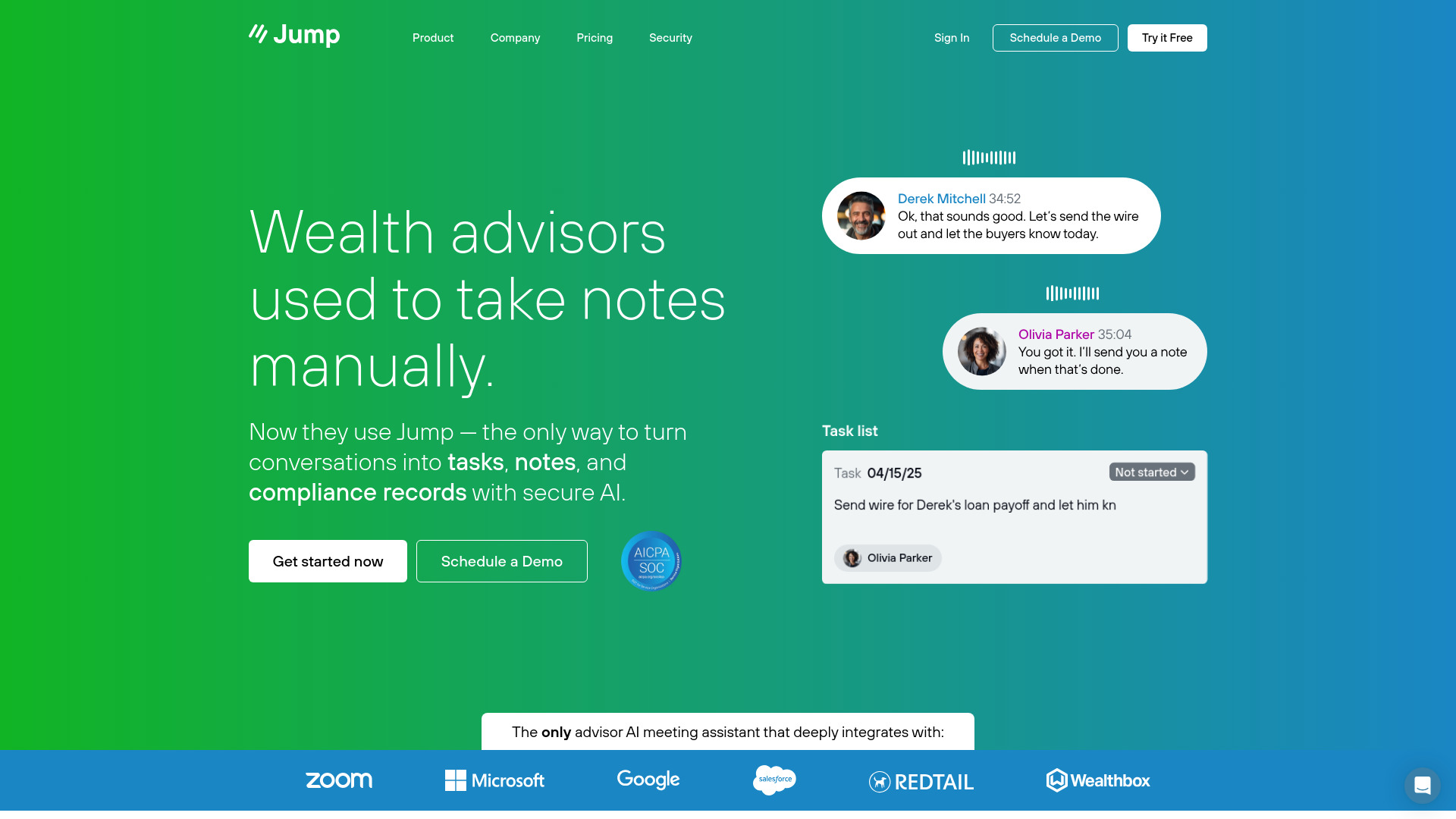
Jump AI screenshot

Best for

Short scenarios where Jump AI tends to shine.

  • Automating meeting notes and task management for financial advisors

    Best for Financial advisors

  • Preparing for client meetings with AI-generated one-pagers

    Best for Wealth managers

  • Ensuring compliance with audit-friendly meeting records

    Best for RIAs (Registered Investment Advisors)

  • Streamlining CRM updates with one-click data sync

    Best for Broker-dealers

  • Capturing and transcribing meetings on-the-go with the mobile app

    Best for Financial advisors

How it works

Connect Jump to your meeting software (Zoom, Teams, or Google Meet). A 'notetaker' participant joins the meeting, with full disclosure to clients. Jump captures and transcribes the meeting, generating notes, tasks, and compliance records. These can be reviewed and edited before being synced to your CRM with one click.

Example outputs 1

Sample generations and before/after results for Jump AI.

Access & connections

Where you can use Jump AI, and what it plugs into.

Platforms

Web

Integrations

Capabilities

What this tool accepts, produces, and is strongest at.

Highlights

  • AI-powered meeting notes
  • Automated task creation and CRM sync
  • Pre-meeting prep one-pagers
  • Customizable follow-up emails
  • Mobile app for meeting capture
  • Compliance record generation

FAQ 8

What is Jump | AI for Financial Advisors?
Jump is an AI meeting assistant designed exclusively for financial advisors. It turns conversations into tasks, notes, and compliance records using secure AI. Jump deeply integrates with CRMs like Salesforce, Redtail, and Wealthbox, cutting meeting admin work by 90%. It offers customizable meeting notes, one-click CRM updates, pre-meeting prep one-pagers, follow-up emails, and smart, syncable tasks. Jump also features a mobile app for capturing in-person meetings and allows users to ask questions about past meetings.
How to use Jump | AI for Financial Advisors?
Connect Jump to your meeting software (Zoom, Teams, or Google Meet). A 'notetaker' participant joins the meeting, with full disclosure to clients. Jump captures and transcribes the meeting, generating notes, tasks, and compliance records. These can be reviewed and edited before being synced to your CRM with one click.
Can Jump really take notes like I would?
Yes. This is not just another tool that simply summarizes meetings. We craft our product to your firm’s practices, so that it takes notes in your voice, in your style, in just the right amount of detail.
What are your security practices?
We use end-to-end encryption for all data, including data at rest. We engage in regular security audits and keep software up-to-date to mitigate any emerging threats. We are happy to work with compliance and security teams to ensure that our software meets all best and required practices at your firm.
Will my compliance officer sign off on this?
Jump’s goal is to ensure your firm not just maintains, but improves existing compliance practices. Our notetaker can help flag required disclosures, advisor or client statements (not just using words, but actual intent and meaning), and add custom language to notes.
How does it know where to put notes in my CRM?
In onboarding, we’ll help you set up all of the automations your firm needs. That includes pointing specific types of meetings and notes to specific fields. All of our notes are editable and reviewable before they go into the CRM.
How does it know who to assign tasks to?
Just like with the CRM setup, we’ll help your firm to establish task automation so the system knows what tasks should go where. We believe that the system is only helpful if it’s intimately knowledgeable about your firm and its workflows, so we take the time to get it right.
How does capturing meetings work?
When you sign up for Jump, you will connect your meeting software (Zoom, Teams, or Google Meet), and we’ll start sending a “notetaker” participant to the meeting. Clients are given full disclosure about the meeting capture, and you can decline the notetaker if there’s a meeting you don’t want to capture and transcribe.
Jump AI From $75