JSON editor

jsoneditor.io

Online tool for editing, validating, and converting JSON, YAML, and XML data.

Source rating 5.0 (55) 5.3k views 5.3k/mo traffic 0 saves Unknown
More categories (9)

Verdict

A quick read before you dig into the full page.

Best if
You are developers and need: Editing and validating JSON data
Pick this when
Online tool for editing, validating, and converting JSON, YAML, and XML data

Overview

JSONEditor.io is a powerful online tool for editing, validating, and converting JSON, YAML, and XML data. With features like split-view, object validation, and AI assistance, it simplifies data workflows for developers and automation enthusiasts alike. It allows users to edit, view, format, and validate JSON online for free. It offers features like reformatting JSON, escaping/unescaping characters, split editor, converting data types, and different view modes.

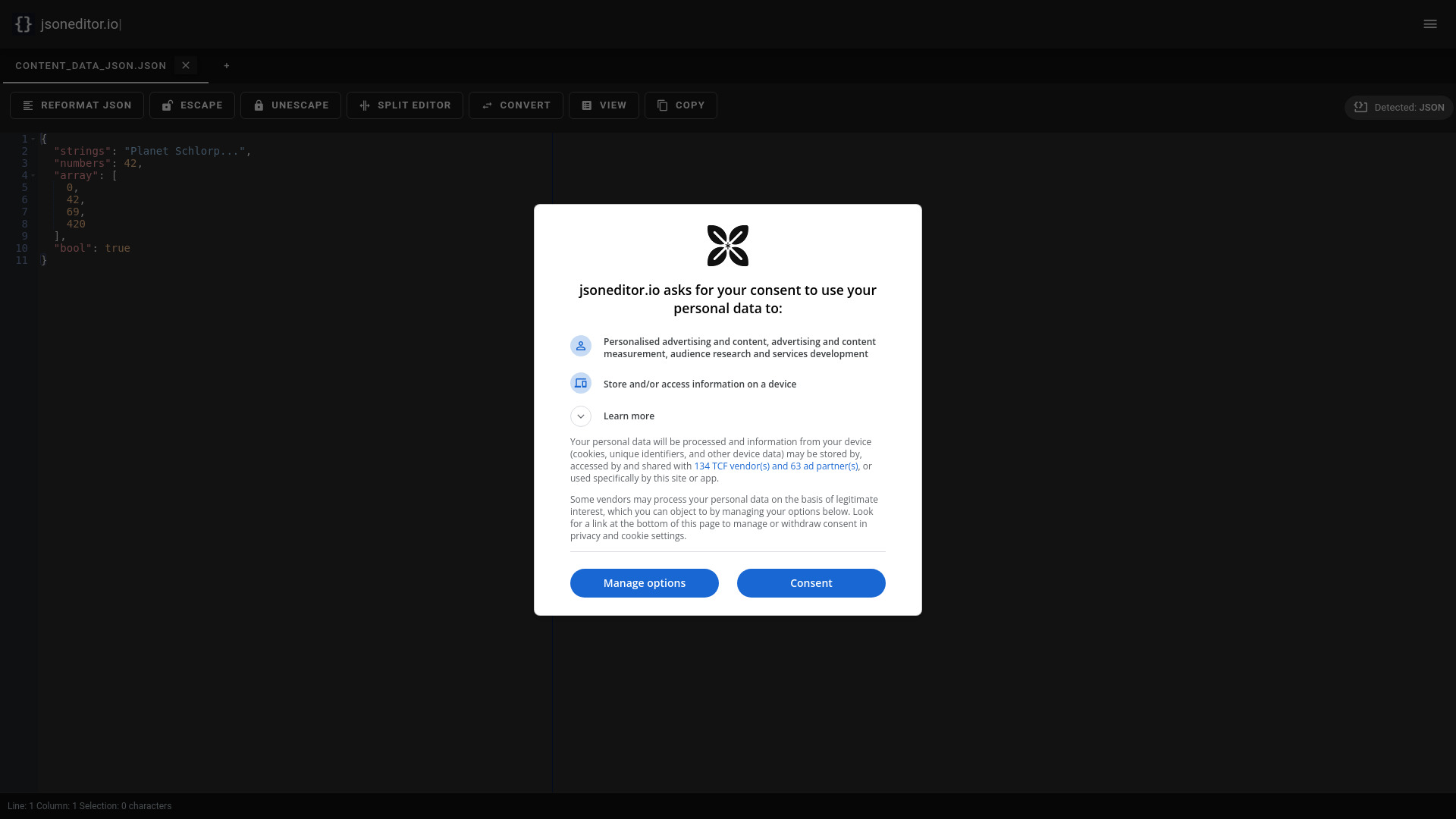
jsoneditor.io screenshot

Best for

Short scenarios where jsoneditor.io tends to shine.

  • Editing and validating JSON data

    Best for Developers

  • Converting between JSON, YAML, and XML formats

    Best for Automation engineers

  • Repairing JSON files

    Best for Data scientists

  • Comparing different versions of JSON documents

    Best for System administrators

  • Transforming JSON data based on specific requirements

    Best for Web developers

  • Working with large JSON files

    Best for API developers

  • Validating JSON against a predefined schema

    Best for Developers

Example outputs 1

Sample generations and before/after results for jsoneditor.io.

Access & connections

Where you can use jsoneditor.io.

Platforms

Web

Capabilities

What this tool accepts, produces, and is strongest at.

Highlights

  • JSON, YAML, and XML editing
  • Data validation
  • Data conversion
  • Split-view
  • AI assistance
  • JSON Schema validation
  • JSON to CSV and CSV to JSON conversion
  • JSON formatter and beautifier
Show 4 more
  • Compare JSON documents
  • Sharable links
  • AI integration
  • Offline JSON Editor support

People also view

Tools that often show up alongside jsoneditor.io in collections and comparisons.

FAQ 8

What is JSONEditor.io?
JSONEditor.io is a powerful online tool for editing, validating, and converting JSON, YAML, and XML data. With features like split-view, object validation, and AI assistance, it simplifies data workflows for developers and automation enthusiasts alike. It allows users to edit, view, format, and validate JSON online for free. It offers features like reformatting JSON, escaping/unescaping characters, split editor, converting data types, and different view modes.
How to use JSONEditor.io?
Users can paste JSON data into the editor or load it via drag-and-drop. The editor provides tools to edit, format, and validate the JSON. It supports text mode, tree mode, and table mode for different visualization preferences. Features like 'Reformat JSON' help beautify the data.
How do I edit a JSON file?
Simply paste your JSON data into the editor, or load it via drag-and-drop. You can then edit, format, and validate your JSON using our advanced tools.
Can I edit other data types?
The editor will allow any data type, but currently it only will highlight XML, JSON and YAML.
How do I format and beautify JSON?
Click the "Reformat JSON" or "Pretty" button in code mode to beautify your data objects with proper indentation and white space for easy readability.
Can I use JSON Editor to clean or repair JSON?
Yes! JSON Editor can automatically detect and repair common errors in your JSON data, or guide you in manually fixing any issues.
How do I compare JSON files?
Open the JSON files in the left and right panels of the editor, and use the "Compare" feature to see differences between them. You can switch to tree mode for a clearer view of all changes.
How do I query or transform JSON data?
Use the "Transform" option to run queries on your JSON data. This allows you to extract specific data, transform structures, and preview the results before finalizing.
jsoneditor.io

