What is Intercom?
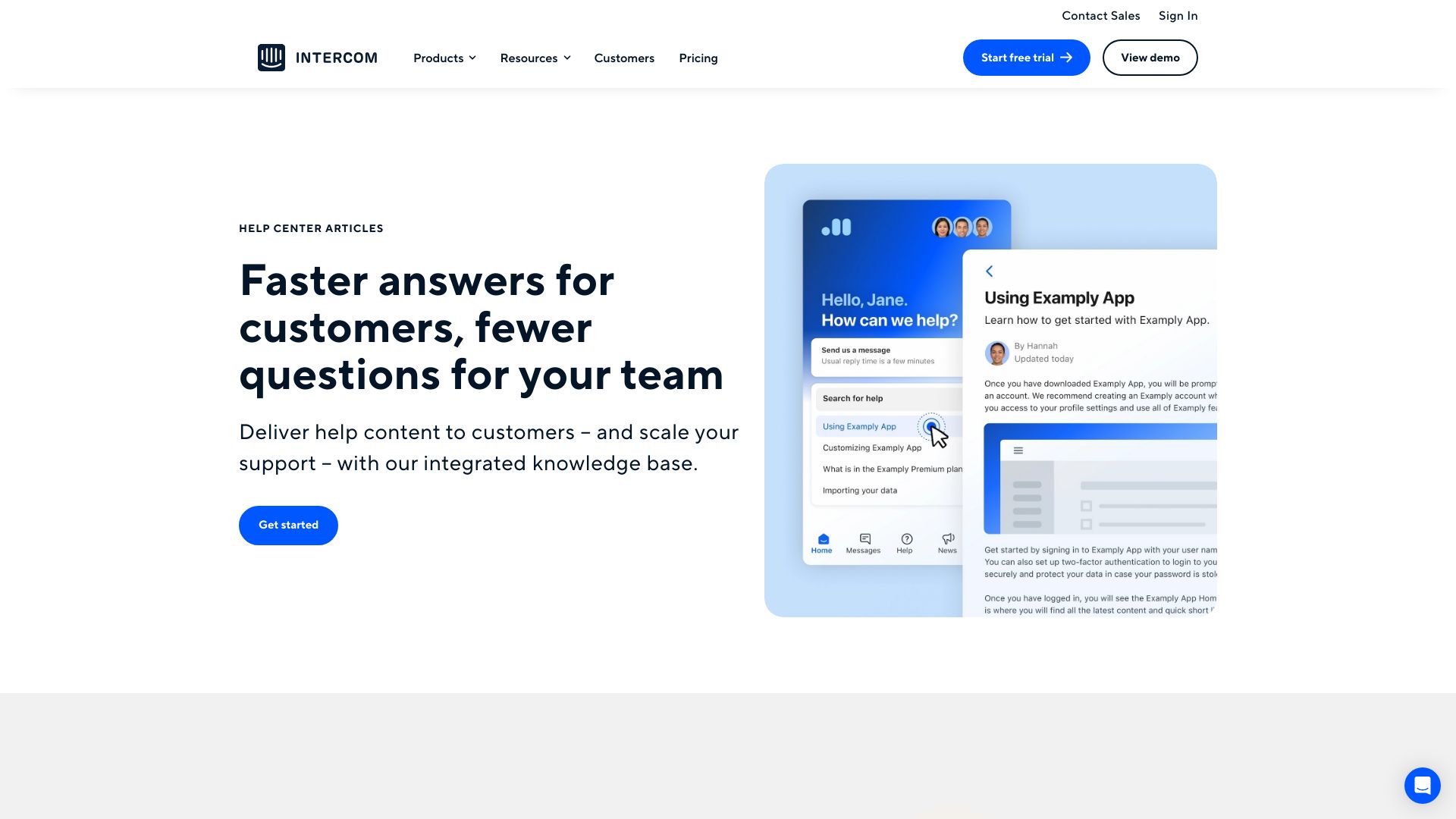
Intercom is a customer service platform that uses AI to deliver faster answers for customers and fewer questions for support teams. It offers an integrated knowledge base, help desk, AI chatbot, proactive support, and an omnichannel platform to deliver personalized support at scale.
How to use Intercom?
Intercom can be used to set up a central help center, create multilingual articles, add images and videos to articles, tailor content to different audiences, automate feedback loops, and resolve issues before they arise using outbound messaging.
How does Intercom pricing work?
Pricing depends on whether you’re purchasing our customer service platform with Fin AI Agent, or Fin with your current helpdesk including (Zendesk, Salesforce, and more). Resolution-based pricing: You’ll only pay $0.99 per resolution. You'll need at least one seat from one of our three plans (Essential, Advanced or Expert) to start using Fin on Intercom. When purchasing Intercom’s customer service platform, you’ll choose from three plans: Essential, Advanced, or Expert. The plan you choose determines your seat price. You’ll then be charged based on the number of teammates who require Full seats. Full seats provide complete access to all features in your plan and are charged per teammate.
How does pricing for Fin for Zendesk or Fin for Salesforce work?
We have adopted a simple model to strike a balance between affordability and sustainability: $0.99 per Fin resolution, 50 resolutions per month minimum, Unlimited teammates – No additional seat costs. There are no additional costs, such as integration fees, setup fees, or platform charges.
How does the free trial work?
Intercom’s free trial requires no credit card to sign up. During the 14-day trial, you’ll have access to all the products and features available in the Essential, Advanced, and Expert plans, as well as Proactive Support Plus, Fin AI Agent, and Copilot. This allows you to experience the full range of features included in your chosen plan. The free trial is designed for our AI-first customer service platform and its features. If you’re interested in using Fin on your current helpdesk, our sales team will work closely with you to ensure it’s the right fit for your needs. After the free trial period, just add your credit card details to continue using Intercom.
What is Fin AI Agent?
Fin AI Agent is an advanced AI agent that provides fast, accurate answers to customers 24/7 via live chat, email, SMS, Whatsapp, social and more. Fin is the highest-performing AI agent for customer service, delivering higher-quality answers and resolving more complex queries than any other AI agent. Fin is powered by the patented Fin AI Engine™, an AI architecture specifically engineered for customer service. Every layer is optimized for precision, speed, and reliability—so Fin can resolve more conversations, more effectively than competing AI agents. All Intercom plans include access to Fin, and pricing is simple: $0.99 per resolution.
What payment methods does Intercom accept?
For customers who sign up and pay online, we accept all major credit cards. To pay via ACH or wire, please contact our sales team. Please note: Intercom is billed in United States Dollars (USD) only.
Can I pay in my local currency?
Intercom is billed in United States Dollars (USD) only. This applies across our whole platform, including seat pricing, additional usage charges, add-ons, and Premier Services. Right now, we can’t bill in any other currencies.
What is Copilot?
Copilot is an AI-powered assistant in the Intercom Inbox that helps customer support agents quickly find answers, troubleshoot issues, and respond to follow-up questions—saving time and allowing them to build stronger customer relationships. Every Intercom plan includes limited usage (up to 10 conversations or tickets per teammate per month), which resets monthly. For unlimited usage, you can add Copilot to any Full Seat for $35 per seat per month (subject to the Additional Product Terms for AI Products).
What is Proactive Support Plus?
Proactive Support Plus is an optional add-on available for any Intercom plan (Essential, Advanced, or Expert). It unlocks advanced capabilities like Product Tours, Surveys, In-app Posts, Mobile Push, and Mobile Carousels. The add-on is priced at $99 per month, which includes 500 messages sent each month. If you exceed 500 messages in a month, additional charges will apply based on the 'Messages Sent' metric. You can add Proactive Support Plus to your plan at any time unless you are on a contract, in which case you’ll need to contact your Account Manager.
Are there any additional usage charges?
In addition to Seats and ‘Proactive Support Plus’, you only pay for what you use. WhatsApp: WhatsApp is charged per ‘conversation’, with unit costs varying by volume. We have different pricing for inbound and outbound WhatsApp. SMS: SMS is charged per the number of “SMS sent and/or received” with unit costs varying by volume. Prices also vary by region. Emails and Email Campaigns: Emails sent from the Inbox have no additional charge. Inbound emails from your customers and responses to those emails are included in your plan, with no additional charge. Email campaigns are charged per the number of ‘Bulk Emails Sent’, which are emails sent to more than one customer. Fin Resolutions: Fin AI Agent usage is measured in ‘resolutions.’ This ensures that you only pay when Fin achieves the outcome you and your customers care about most – resolved conversations. A resolution is counted when either the customer confirms the AI Answer resolved their issue, or the customer doesn’t request more help after the last AI Answer. Proactive Support Plus & Messages Sent: Purchasing the ‘Proactive Support Plus’ add-on unlocks a number of capabilities including Product Tours, Surveys, In-app Posts, Mobile Push, and Mobile Carousels. The baseline monthly fee includes 500 Messages Sent every month (see below for how ‘Messages Sent’ is calculated). Any messages sent above 500 per month are at an additional cost and charged per ‘Message Sent.’
How can I change my plan or number of seats?
You can easily upgrade or downgrade between the Essential, Advanced or Expert plans, and add or remove the Proactive Support Plus add-on at any time. Customers on annual plans can upgrade and manage seats at any time. Downgrades will be processed at renewal. To add seats, simply head to ‘Settings’ > ‘Teammates’ to add or remove seats. If you have the Advanced or Expert plan, you can also swap a teammate's full Seat for a free Lite Seat. To change your plan, simply head to ‘Billing’ > ‘Subscriptions’.