
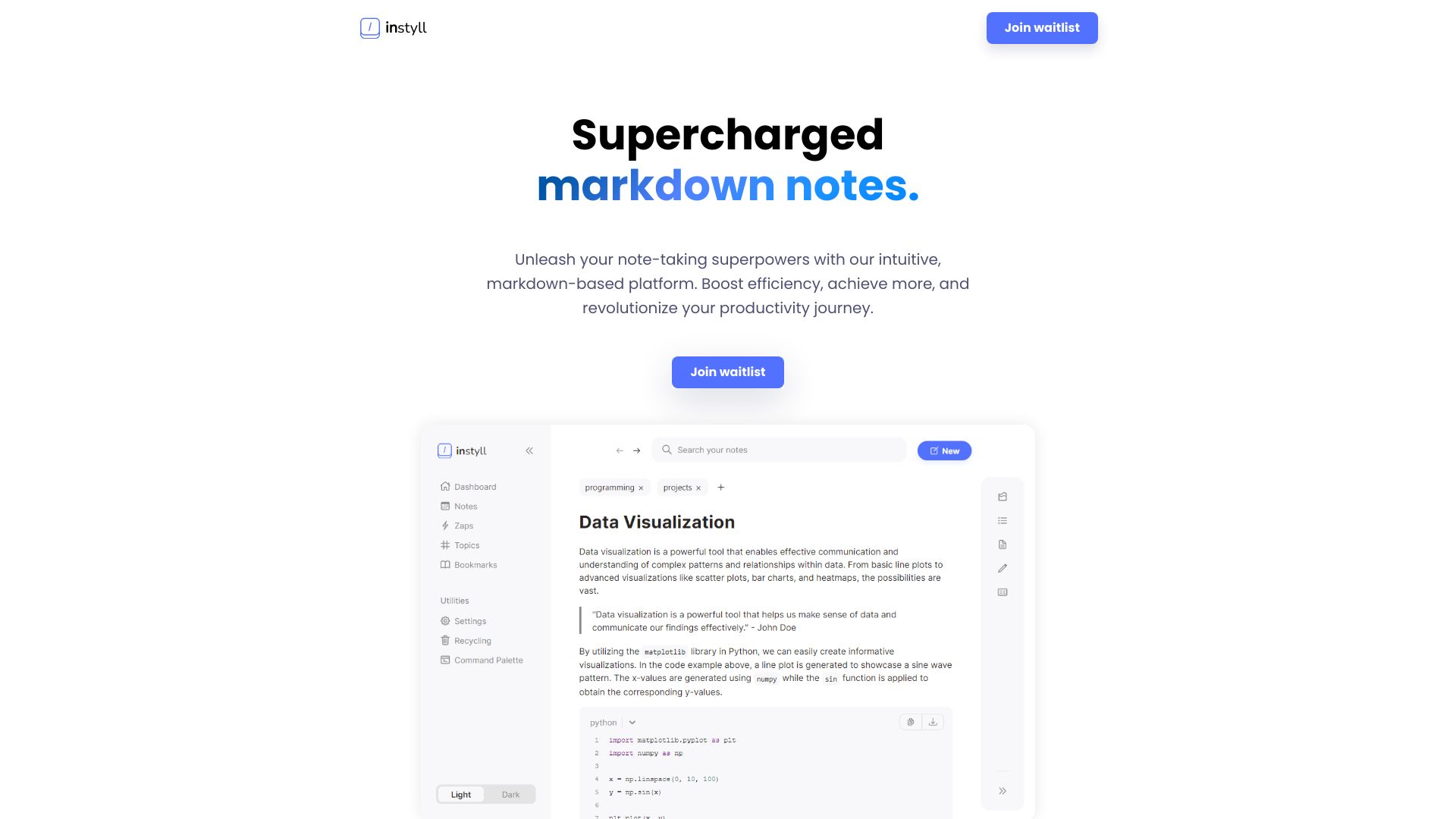
Instyll
Markdown note-taking app with features to boost productivity and streamline workflow.
Source rating 5.0
(93)
0 views
0 saves
Unknown
Verdict
A quick read before you dig into the full page.
- Best if
- Markdown note-taking app with features to boost productivity and streamline workflow
- Pick this when
- Markdown note-taking app with features to boost productivity and streamline workflow
Overview
Instyll is a note-taking application designed for markdown users. It focuses on streamlining time-consuming processes, allowing users to concentrate on their markdown notes. Instyll aims to supercharge markdown notes, elevate note-taking productivity, and streamline workflow with features like code autocomplete, LaTeX autocomplete, slash menu, AI assistant, zaps, mermaid diagrams, instant tables, and command palette.
Access & connections
Where you can use Instyll.
Platforms
Capabilities
What this tool accepts, produces, and is strongest at.
Highlights
- Code Autocomplete
- LaTeX Autocomplete
- Slash Menu
- Instyll AI assistant
- Zaps for rapid note-taking
- Mermaid Diagrams
- Instant Tables
- Command Palette
Show 2 more
- Topics for organization
- Split Screen
FAQ 5
What is Instyll?
Instyll is a note-taking application designed for markdown users. It focuses on streamlining time-consuming processes, allowing users to concentrate on their markdown notes. Instyll aims to supercharge markdown notes, elevate note-taking productivity, and streamline workflow with features like code autocomplete, LaTeX autocomplete, slash menu, AI assistant, zaps, mermaid diagrams, instant tables, and command palette.
How to use Instyll?
Use Instyll to create and manage markdown notes. Utilize features like code autocomplete, LaTeX autocomplete, slash menu, AI assistant, zaps, mermaid diagrams, instant tables, and command palette to enhance your note-taking experience. Access the command palette with CTRL+K.
What is Instyll?
Instyll is a note-taking application designed for markdown users who want to streamline their writing experience and focus on their notes.
What are Zaps?
Zaps let you write your markdown notes at lightning speed. Define your own zaps and reap the benefits of increased productivity. Get rid of unnecessary repetition and jot down ideas and information swiftly.
How do I access the command palette?
Access the command palette by pressing CTRL+K and type your query for results.
Related tools
Recommended

Instyll