
Indesign Translator
Online InDesign file translator preserving layouts and styles.
Source rating 5.0
(62)
0 views
0 saves
Paid
From $12 / month
Verdict
A quick read before you dig into the full page.
- Best if
- Online InDesign file translator preserving layouts and styles
- Skip if
- You need a free plan with no credit card
- Pick this when
- Paid · From $12 / month
Overview
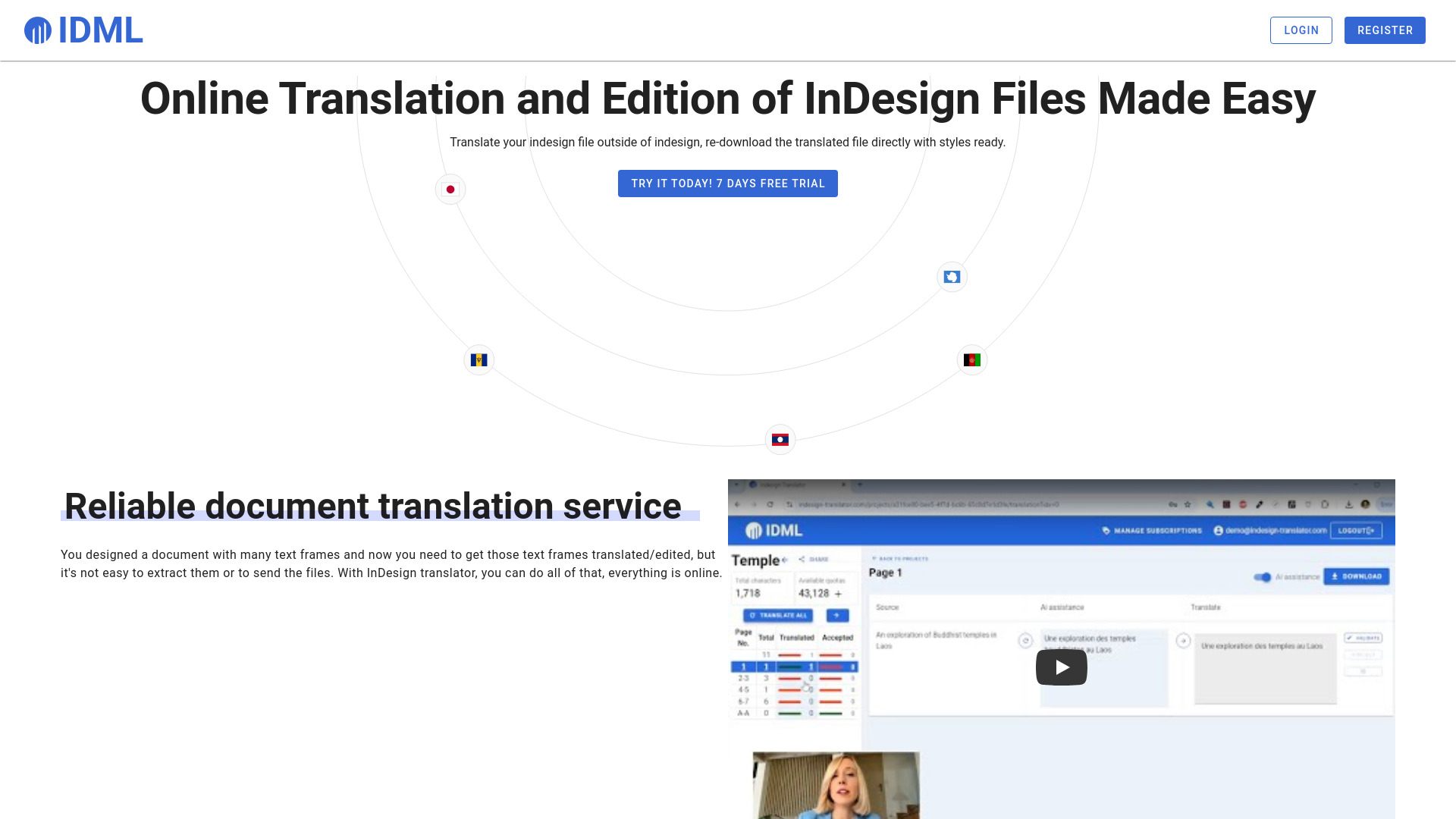
Paper Polyglot is an online InDesign translator that allows users to easily extract text frames from InDesign files, translate them automatically or share a link for others to translate, and re-download the translated file with all styles and layout preserved. It offers a cheap and efficient way to translate Adobe InDesign files in the browser, preserving layouts and styles in the new language.
Access & connections
Where you can use Indesign Translator.
Platforms
Capabilities
What this tool accepts, produces, and is strongest at.
Highlights
- Automatic translation of InDesign files
- Preservation of layouts and styles during translation
- Collaborative translation via shareable links
- Online editing of text frames
- AI-assisted translation
FAQ 7
What is Paper Polyglot?
Paper Polyglot is an online InDesign translator that allows users to easily extract text frames from InDesign files, translate them automatically or share a link for others to translate, and re-download the translated file with all styles and layout preserved. It offers a cheap and efficient way to translate Adobe InDesign files in the browser, preserving layouts and styles in the new language.
How to use Paper Polyglot?
Users export their InDesign file in .idml format, upload it to Paper Polyglot, and the system extracts all text frames. They can then translate the text frames automatically or share a link with a translator. Once translated, the file can be re-downloaded and opened in InDesign with all styles kept.
What file format can I translate?
This system is only for Adobe InDesign, and it requires uploading .idml file rather than .indd.
What is .idml?
.idml is a special format that can be generated directly in Adobe Indesign. It is called a markup language format and contains all text and style information from you original file.
What is the AI assistant?
A box with google translation is provided so you can start with it, but you can edit everything afterward.
Can I use this system to edit in the same language?
Yes you can use this system to also get comments and edition for your text frames without changing language.
Is this an official Adobe product?
No, this product is not related to Adobe.
Related tools
Recommended


Indesign Translator
From $12 / month