
ImagetoSketch
Online AI tool converting photos into professional pencil sketches and clean line art.
Verdict
A quick read before you dig into the full page.
- Best if
- You are graphic designers and need: Creating coloring pages and stencils from personal photos
- Pick this when
- Online AI tool converting photos into professional pencil sketches and clean line art
Overview
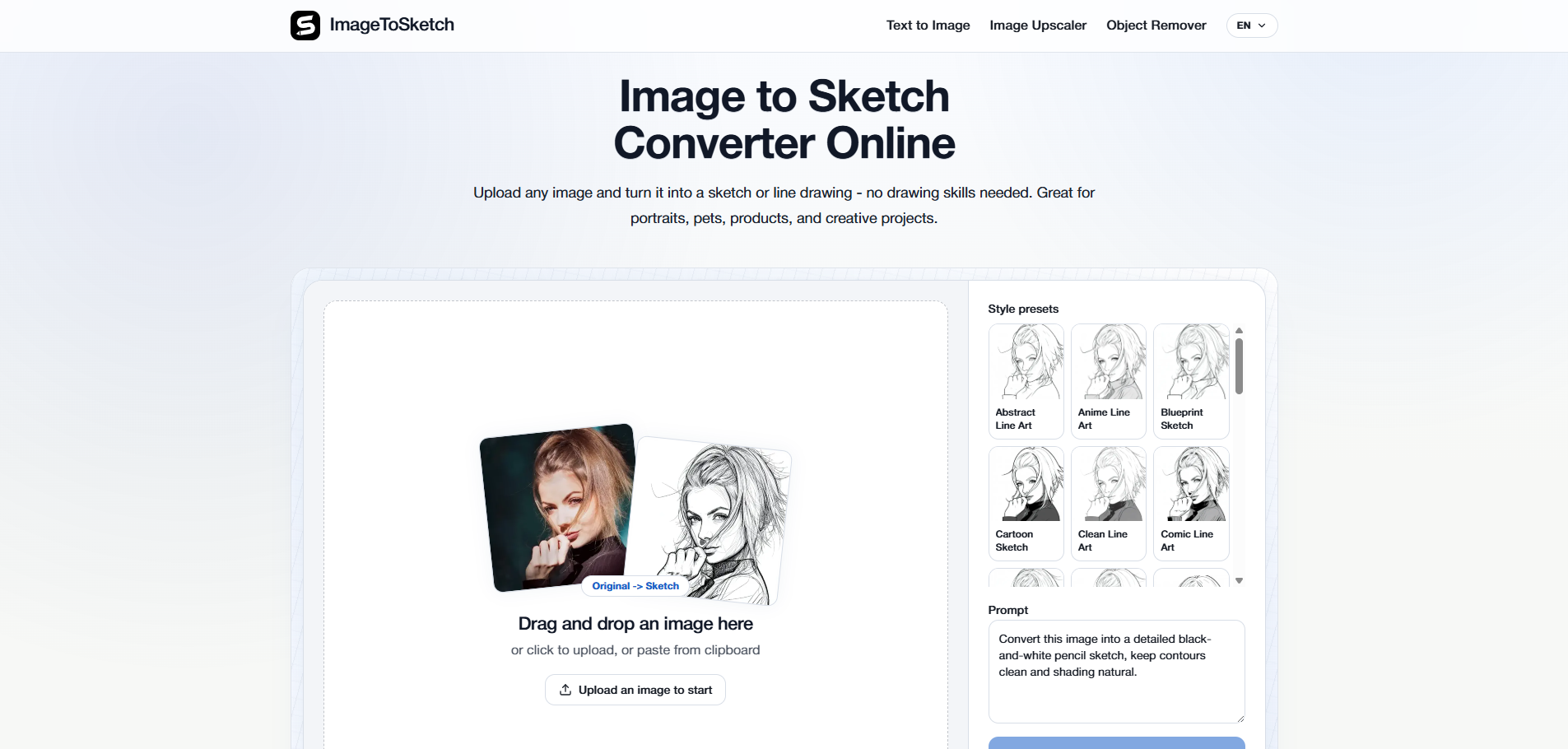
ImageToSketch is an online AI-powered tool designed to convert photos into various artistic styles, including pencil sketches, line drawings, and ink outlines. It utilizes advanced image processing to emphasize contours and details while providing a wide array of style presets like anime line art, blueprints, and engravings. The platform is built for creators, designers, and hobbyists who need high-resolution artistic assets for web or print without requiring manual drawing skills. It supports various subjects such as portraits, pets, architecture, and landscapes, ensuring that key features of the original image are preserved during the transformation.
Best for
Short scenarios where ImagetoSketch tends to shine.
-
Creating coloring pages and stencils from personal photos
Best for Graphic designers
-
Generating artistic profile pictures or avatars for social media
Best for Content creators
-
Converting product photos into minimalist line art for design assets
Best for Digital artists
-
Creating architectural sketches for presentations and mockups
Best for Architects
-
Designing unique gifts and keepsakes from pet or landscape photography
Best for Marketing specialists
Example outputs 1
Sample generations and before/after results for ImagetoSketch.
Access & connections
Where you can use ImagetoSketch.
Platforms
Capabilities
What this tool accepts, produces, and is strongest at.
Highlights
- Wide variety of style presets including Pencil Sketch, Ink Drawing, and Anime Line Art
- High-resolution output suitable for web and print
- Advanced image processing for accurate contour and detail preservation
- Simple drag-and-drop workflow with no drawing skills required
- Specialized modes for architecture, pets, and portraits
People also view
Tools that often show up alongside ImagetoSketch in collections and comparisons.


