

Image decomposition 2026 Rank: #3047
ImageLayered ✓
Separate any image into editable layers with AI.
Verdict
A quick read before you dig into the full page.
- Best if
- Separate any image into editable layers with AI
- Skip if
- Output choice complex
- Pick this when
- No Photoshop skills required
Overview
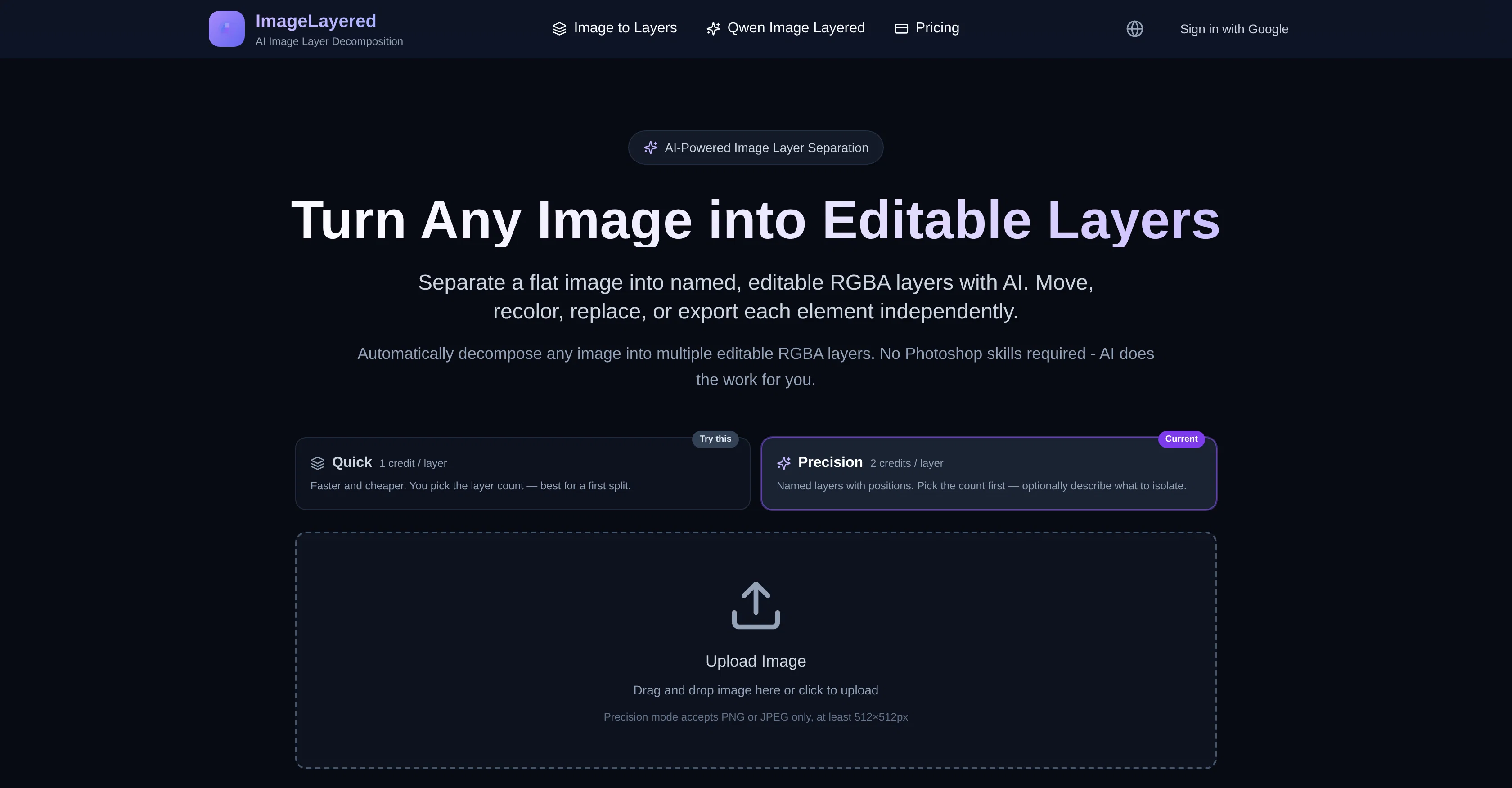
ImageLayered is an AI tool that decomposes any image into its constituent RGBA layers. It automatically selects subjects, text, objects, and backgrounds, creating distinct transparent layers you can edit independently — no Photoshop skills required.
Quick mode generates a preset number of layers automatically; Precision mode lets you choose the layer count and describe the objects to isolate. ImageLayered also supports smart background reconstruction, filling in hidden areas behind objects to create ready-to-edit layers.
Users can resize, recolor, move, or replace objects in any layer without impacting the others. It is powered by Qwen Image Layered, an open-source model for efficient decomposition of images into transparent, editable layers.
Access & connections
Where you can use ImageLayered.
Platforms
Capabilities
What this tool accepts, produces, and is strongest at.
Input
- Image
Output
- Image
Pros & cons
Pros
- No Photoshop skills required
- Quick and Precision modes
- Smart background reconstruction
- Editable layers
- Resizing, Recoloring, Object Movement
- Object Replacement option
- Edits don't impact other layers
- Qwen Image Layered Model
Show 27 more
- Open source
- Automatic layer separation
- Flexible layer control
- Automatic image to layers
- Inpainting feature
- Supports multiple layer outputs
- Provides transparent layer output
- Hidden area reconstruction
- Differs from traditional Photoshop
- Handles JPEG and PNG
- Selective layer extraction
- Individual object replacement possible
- High fidelity editing
- Layer count choice
- Supports 3-8+ layers
- Transparent, editable layers
- Per output layer cost
- Layer location feature
- Custom extraction description
- Multiple RGBA layer decomposition
- Quick image decomposition
- Recoloring independent of layers
- User-friendly interface
- Optional description for isolation
- In-built layered model
- Downloadable layers
- Automatic background reconstruction
Cons
- Precision mode limited formats
- Min size 512x512px
- Charges per output layer
- Limited to 2-13 outputs
- Output choice complex
- Precision instructions required
- Count first model limitation
- Count method not precise
Show 2 more
- Extraction instruction specificity needed
- Not designed for detailed editing
Releases 1
FAQ 12
What is the purpose of ImageLayered?
How does ImageLayered work?
What is the difference between quick and precision mode in ImageLayered?
What skills do I need to use ImageLayered?
How does ImageLayered support smart background reconstruction?
What editing operations can I perform with ImageLayered?
What is the Qwen Image Layered model in ImageLayered?
What does the AI in ImageLayered exactly do?
How can I choose the layer count in ImageLayered?
How does ImageLayered decompose an image into RGBA layers?
Can ImageLayered work with any type of image?
Is any knowledge of Photoshop required to use ImageLayered?
Related tools
Recommended

MagicSlides.app AI PPT Maker ✓
FreemiumCreate Stunning PPTs in Seconds with the AI PPT Maker

GetLogit ✓
FreemiumArtificial intelligence, available for everyone.

ChatGPT ✓
FreemiumAsk anything, create anything, and move from idea to action.

Automateed ✓
Free TrialCreate eBooks effortlessly with Automateed, the AI-powered writing tool.

Kin - Personal AI Advisors ✓
FreePrivacy-first & designed your for mind, and life at work

Aiter.io | Paste a URL. Ship a Campaign That Sounds L... ✓
FreemiumAI marketing that sounds like you, not everyone else.