
Image To Prompts - io
ImageToPrompts turns images into detailed, editable prompts for AI image generators. It also includes live AI image generation and AI pixel art generation tools for creating visuals from text and optional reference images.
Free + from $9.99
Verdict
A quick read before you dig into the full page.
- Best if
- ImageToPrompts turns images into detailed, editable prompts for AI image generators. It also includes live AI image generation and AI pixel art generation…
- Skip if
- You need enterprise SLAs or a fully managed team plan right away
- Pick this when
- Freemium · Free + from $9.99
Overview
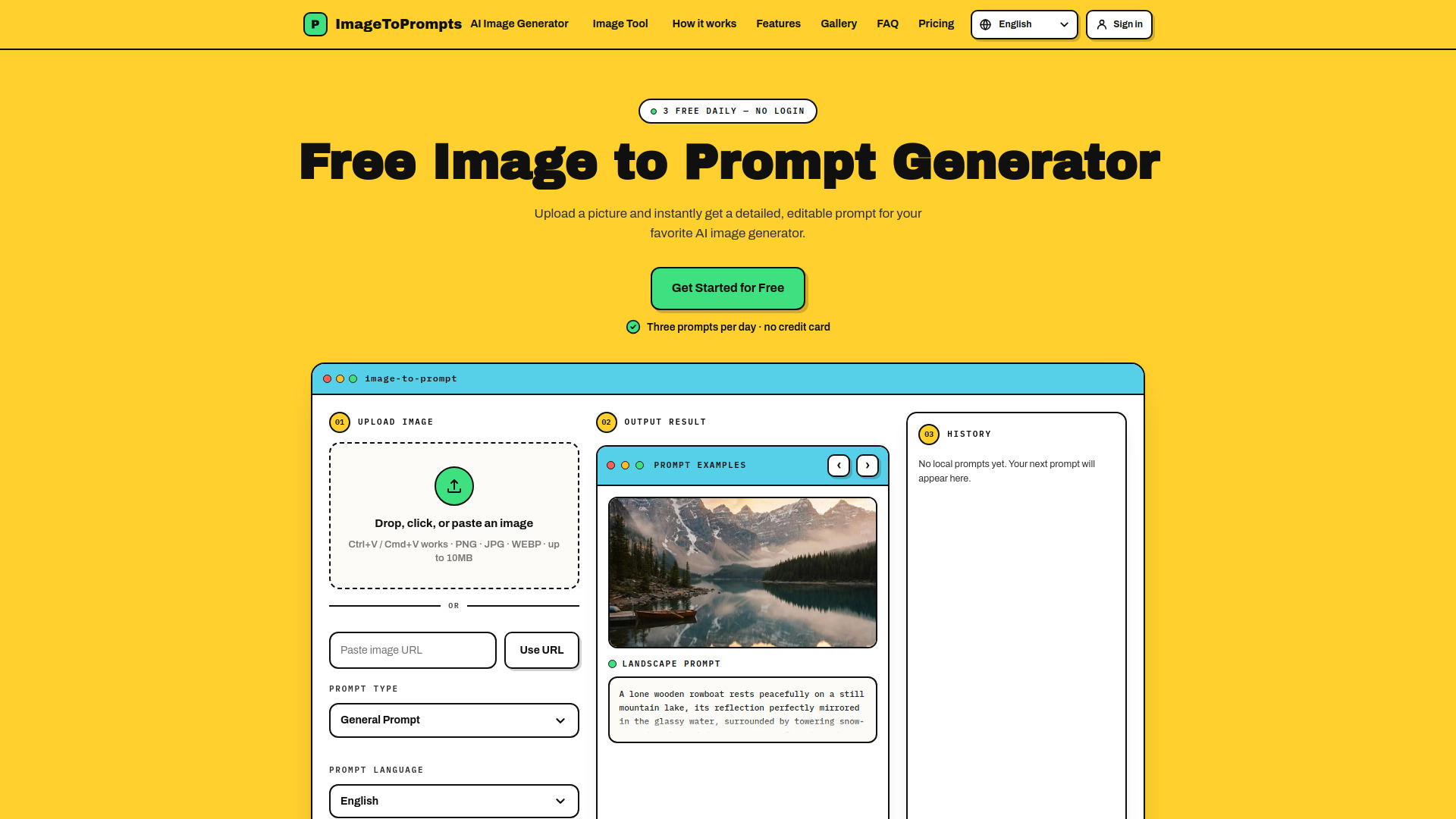
ImageToPrompts is a practical creative workspace for turning visual references into usable AI prompts and finished AI images. Upload a PNG, JPG, or WEBP image, paste an image URL, or paste an image from your clipboard, then the image-to-prompt tool analyzes the subject, composition, lighting, visual style, camera cues, mood, and key details to produce a clear natural-language prompt that can be edited, copied, or reused.
The live product currently includes a free Image to Prompt Generator, an AI Image Generator, and an AI Pixel Art Generator. The AI Image Generator can turn text prompts and up to three reference images into original visuals with adjustable aspect ratio and quality controls. The AI Pixel Art Generator helps users create crisp pixel art from a text prompt, an optional reference image, or both.
ImageToPrompts is built for artists, designers, prompt engineers, content creators, marketers, and curious creators who want to study reference images, write better prompts, and move quickly from inspiration to generation. Visitors can create three free image-to-prompt results per UTC day without an account, and signed-in users can use credits for additional reverse prompts and image generation.
Access & connections
Where you can use Image To Prompts - io.
Platforms
Capabilities
What this tool accepts, produces, and is strongest at.
Highlights
- Generate detailed editable prompts from uploaded images or image URLs
- Analyze subject, composition, lighting, style, camera cues, mood, and visible details
- Create original AI images from text prompts and optional reference images
- Generate crisp AI pixel art from text, an optional reference image, or both
- Support PNG, JPG, and WEBP image inputs up to 10MB
- Use three free image-to-prompt generations per day without login
- Keep local prompt history in the browser and sync account history when signed in
FAQ 7
What is Image To Prompts?
The live product currently includes a free Image to Prompt Generator, an AI Image Generator, and an AI Pixel Art Generator. The AI Image Generator can turn text prompts and up to three reference images into original visuals with adjustable aspect ratio and quality controls. The AI Pixel Art Generator helps users create crisp pixel art from a text prompt, an optional reference image, or both.
ImageToPrompts is built for artists, designers, prompt engineers, content creators, marketers, and curious creators who want to study reference images, write better prompts, and move quickly from inspiration to generation. Visitors can create three free image-to-prompt results per UTC day without an account, and signed-in users can use credits for additional reverse prompts and image generation.
How to use Image To Prompts?
2. For image-to-prompt, upload a PNG, JPG, or WEBP image, paste an image URL, or paste an image from your clipboard.
3. Choose the prompt type and output language, then generate a detailed editable prompt.
4. Review the generated prompt, adjust keywords or style details, and copy it into your favorite AI image generator.
5. To create a new image directly, send the prompt to the built-in AI Image Generator or Pixel Art Generator and adjust reference images, aspect ratio, and quality settings.
