Image to Draw.io

Image to Drawio

AI-powered tool to convert images to editable Draw.io diagrams.

Source rating 5.0 (72) 5.3k views 5.3k/mo traffic 0 saves Paid
More categories (8)

Verdict

A quick read before you dig into the full page.

Best if
You are engineers and need: Recovering lost Draw.io source files from PNG exports
Skip if
You need a free plan with no credit card
Pick this when
Paid · From $4.99 USD

Overview

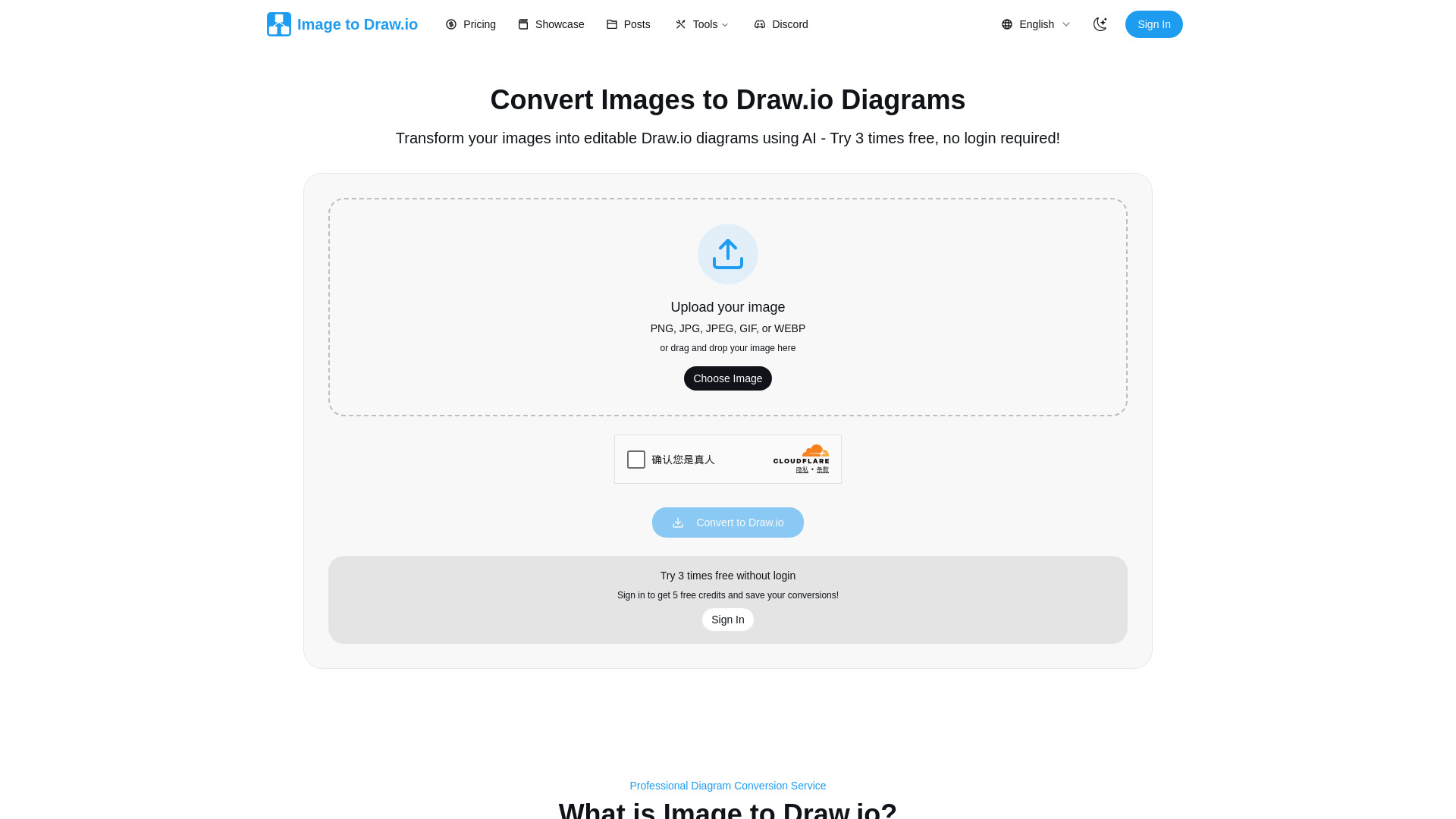
Image to Draw.io Converter is an AI-powered online service that transforms various image types, including screenshots, whiteboard photos, and diagram images, into fully editable Draw.io files. It uses advanced AI to accurately recognize shapes, preserve text, maintain connections, and handle colors, even for hand-drawn sketches. The service operates on a simple credit system, allowing users to convert static images into dynamic, editable diagrams compatible with any Draw.io editor.

Image to Drawio screenshot

Best for

Short scenarios where Image to Drawio tends to shine.

  • Recovering lost Draw.io source files from PNG exports

    Best for Engineers

  • Converting hand-drawn whiteboard diagrams or paper sketches into professional digital diagrams

    Best for Business Analysts

  • Customizing diagrams found online (screenshots from web/PDFs) to fit specific needs

    Best for Project Managers

  • Modernizing legacy documentation by converting old JPEGs and PNGs into editable Draw.io files

    Best for Technical Writers

  • Converting agile sprint boards or technical architecture sketches into editable formats

    Best for Marketing Professionals

  • Transforming static images shared in communication tools (Slack, Email) into collaborative diagrams

    Best for Agile Teams

Example outputs 1

Sample generations and before/after results for Image to Drawio.

Access & connections

Where you can use Image to Drawio.

Platforms

Web

Capabilities

What this tool accepts, produces, and is strongest at.

Highlights

  • AI-powered image to Draw.io conversion
  • Transforms screenshots, whiteboard photos, and diagrams into editable Draw.io files
  • Supports PNG, JPG, JPEG, GIF, WEBP image formats
  • Preserves layout, shapes, text, and connections with high accuracy
  • Instant online editing with embedded Draw.io editor
  • Converts hand-drawn sketches to professional diagrams
  • Privacy-focused: uploaded images are deleted after conversion, no AI training on user data

People also view

Tools that often show up alongside Image to Drawio in collections and comparisons.

FAQ 9

What is Image to Drawio?
Image to Draw.io Converter is an AI-powered online service that transforms various image types, including screenshots, whiteboard photos, and diagram images, into fully editable Draw.io files. It uses advanced AI to accurately recognize shapes, preserve text, maintain connections, and handle colors, even for hand-drawn sketches. The service operates on a simple credit system, allowing users to convert static images into dynamic, editable diagrams compatible with any Draw.io editor.
How to use Image to Drawio?
To use the Image to Draw.io Converter, simply drag and drop your diagram image (PNG, JPG, JPEG, GIF, or WEBP, up to 10MB) onto the website. After uploading, click the 'Convert' button. The AI will process the image, typically within 10 seconds, and open the fully editable diagram in an embedded Draw.io editor. From there, you can make changes and export the diagram in various formats like PNG, PDF, or download the Draw.io file. Your conversion history is saved for easy access and re-editing without using additional credits.
What kind of images can I actually convert to drawio?
You can convert basically anything with a diagram on it, including blurry whiteboard photos, screenshots from Zoom calls, and scanned napkin sketches. PNG, JPG, JPEG, GIF, and WEBP formats are supported. Cleaner images result in cleaner Draw.io files.
Does converting images to drawio actually work well?
Yes, it works very well. Simple diagrams like flowcharts and org charts are nearly perfect. Complex diagrams might need minor fixes, but it's significantly faster than redrawing from scratch. Approximately 8 out of 10 conversions are spot-on.
What's the max file size for image to drawio conversion?
The maximum file size is 10MB. Most diagram images are much smaller, typically under 1MB. If you hit the limit, resizing the image first is recommended.
How do credits work? Is this going to get expensive?
One credit equals one image to Draw.io conversion. You get 3 free conversions without signing up, and 5 more instantly when you sign in. You can earn more credits by inviting friends. Re-downloading old conversions does not consume credits.
Can I really convert hand-drawn sketches to drawio?
Yes, you can. Draw your diagram on paper, snap a photo, and convert it. For best results, use a dark marker on a white background, and ensure your handwriting is somewhat readable.
Is my stuff private when I convert images to drawio?
Yes, your data is private. Everything is encrypted during upload and processing. Your conversions are saved in your account for re-download, but the service does not peek, share, or train AI on your diagrams.
What if the image to drawio conversion messes up?
If a conversion is wonky (which can happen with super complex diagrams or very bad handwriting), you can try adjusting the image (e.g., contrast). If it's still problematic, you can contact support for assistance, and they will either help convert it properly or refund the credit.
Image to Drawio From $4.99 USD
