Automation

Image Ally

WordPress plugin that automatically generates image metadata using AI.

Source rating 5.0 (73) 0 views 0 saves Paid
More categories (5)

Verdict

A quick read before you dig into the full page.

Best if
WordPress plugin that automatically generates image metadata using AI
Skip if
You need a free plan with no credit card
Pick this when
Paid · From $5 / month

Overview

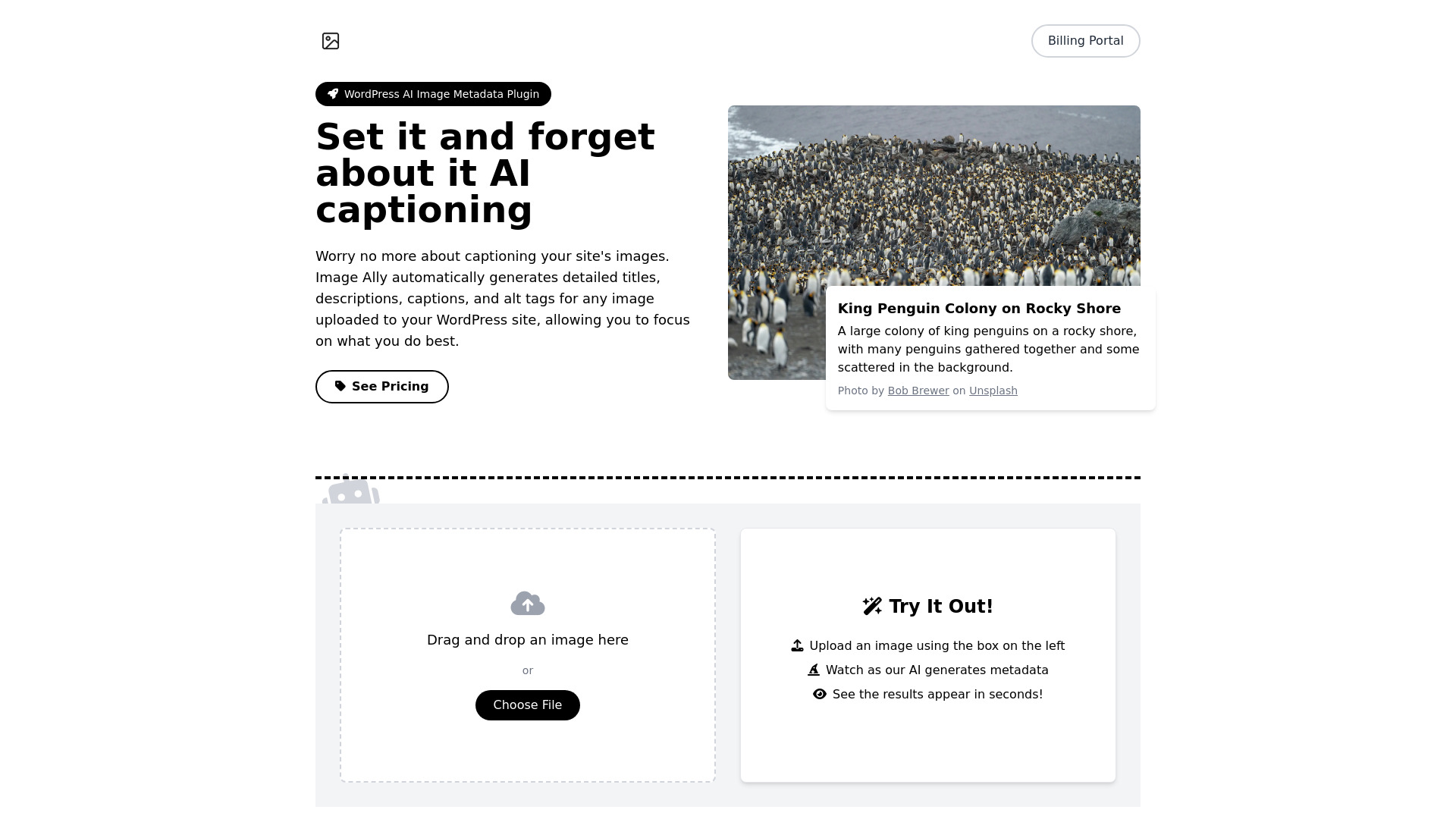
Image Ally is a WordPress plugin enabling you to forget about the tedious task of creating alt tags manually for your image library. Image Ally takes care of all of that work for you, writing meaningful alt tags, captions, descriptions, and titles. Image Ally automatically generates detailed titles, descriptions, captions, and alt tags for any image uploaded to your WordPress site, allowing you to focus on what you do best. Image Ally uses advanced AI technology to automatically generate metadata for your images. When you upload an image to your WordPress site, our plugin analyzes it and creates detailed titles, descriptions, captions, and alt tags.

Image Ally screenshot

Access & connections

Where you can use Image Ally, and what it plugs into.

Platforms

Web

Integrations

Capabilities

What this tool accepts, produces, and is strongest at.

Highlights

  • AI-Powered Metadata Generation
  • Lightning Fast Processing
  • Automatic Operation
  • Accessibility Enhancement
  • SEO Optimization
  • Privacy Focused

FAQ 9

What is Image Ally?
Image Ally is a WordPress plugin enabling you to forget about the tedious task of creating alt tags manually for your image library. Image Ally takes care of all of that work for you, writing meaningful alt tags, captions, descriptions, and titles. Image Ally automatically generates detailed titles, descriptions, captions, and alt tags for any image uploaded to your WordPress site, allowing you to focus on what you do best. Image Ally uses advanced AI technology to automatically generate metadata for your images. When you upload an image to your WordPress site, our plugin analyzes it and creates detailed titles, descriptions, captions, and alt tags.
How to use Image Ally?
Install the plugin in WordPress by navigating to the Plugins page and clicking "Add New." From there, you can upload the plugin and activate it. When you upload an image to your WordPress site, our plugin analyzes it and creates detailed titles, descriptions, captions, and alt tags.
How does Image Ally work?
Image Ally uses advanced AI technology to automatically generate metadata for your images. When you upload an image to your WordPress site, our plugin analyzes it and creates detailed titles, descriptions, captions, and alt tags.
Is Image Ally compatible with my WordPress theme?
Yes, Image Ally is designed to work seamlessly with any WordPress theme. It integrates directly with WordPress's media library, ensuring compatibility across different setups.
Can I edit the AI-generated metadata?
Absolutely! While Image Ally provides high-quality metadata, you always have the option to review and edit any of the generated content to better suit your needs.
How do I download and install the plugin?
The plugin is available for download from our website: imageally.net/image-ally.zip. Once you have the file, you can install the plugin in WordPress by navigating to the Plugins page and clicking "Add New." From there, you can upload the plugin and activate it.
Where can I find my license key?
Your license key is located in the email you received after purchasing the plugin. It is a unique code that is used to activate your subscription. If you cannot find your license key, please contact us at [email protected].
How do I manage my subscription?
You can access your subscription details and invoices, manage your plan, and change your billing details at billing.imageally.net.
What if I need help or have more questions?
You can reach out to our support team at any time via [email protected]. Make sure to include your website address and license key in your email to speed up the support process.
Image Ally From $5 / month