
Hyperlink by Nexa AI
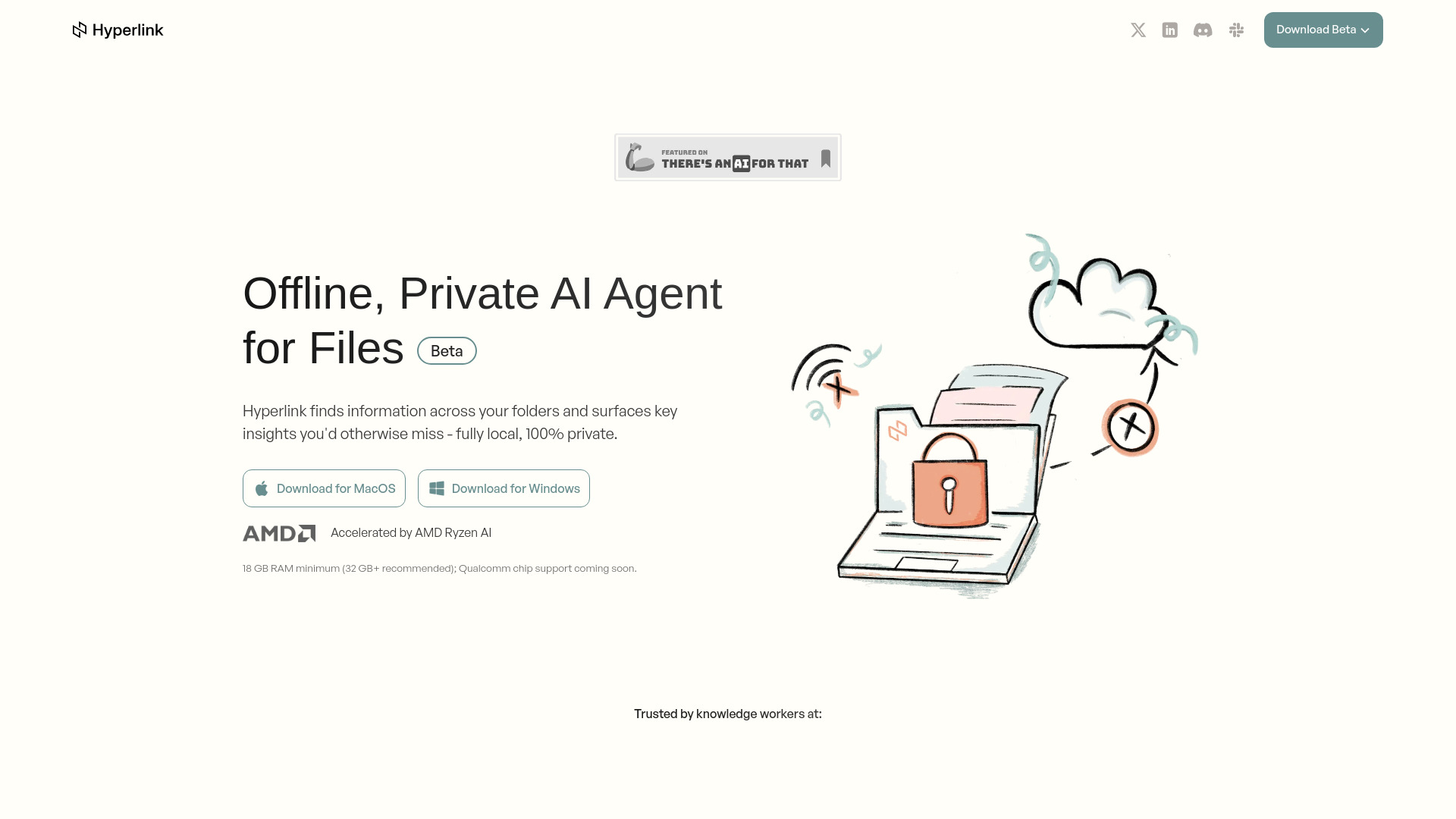
Offline, private AI agent for document search & understanding.
Source rating 5.0
(70)
367 views
367/mo traffic
0 saves
Unknown
Verdict
A quick read before you dig into the full page.
- Best if
- Offline, private AI agent for document search & understanding
- Pick this when
- Offline, private AI agent for document search & understanding
Overview
Hyperlink is a local-first AI agent that understands your files privately—PDFs, notes, transcripts, and more. No internet required, ensuring data stays secure, offline, and under your control. It functions as a personal AI agent designed to help you recall and create information using your personal data directly on your device. Hyperlink finds information across your local folders and surfaces key insights you'd otherwise miss, serving as a Glean alternative built for personal or regulated use.
Access & connections
Where you can use Hyperlink by Nexa AI.
Platforms
Capabilities
What this tool accepts, produces, and is strongest at.
Highlights
- Fully On-Device AI (all processing stays on your device for privacy)
- Instant Insights (get answers from your latest files with citations)
- Effortless Setup (auto-tracks file updates and allows switching AI models)
- Connect Files Locally (indexes and tracks local files in real time)
- Trace Every AI Answer (includes clickable citations to original sources)
- Focus Searches Precisely (target specific projects or documents using @folder and @document)
- Search Text Within Images (transforms text from images into searchable insights)
FAQ 8
What is Hyperlink by Nexa AI?
Hyperlink is a local-first AI agent that understands your files privately—PDFs, notes, transcripts, and more. No internet required, ensuring data stays secure, offline, and under your control. It functions as a personal AI agent designed to help you recall and create information using your personal data directly on your device. Hyperlink finds information across your local folders and surfaces key insights you'd otherwise miss, serving as a Glean alternative built for personal or regulated use.
How to use Hyperlink by Nexa AI?
To use Hyperlink, install the application and connect your local folders. The system automatically indexes your files in real time. You can then ask questions in natural language to find files, recall information, and get summaries with in-line source references.
What is Hyperlink?
Designed to be fully local, Hyperlink is a local Personal AI Agent that helps you recall and create information using your personal data, right on your device.
How is my data protected?
All processing happens directly on your device. Your files never leave your computer, eliminating cloud-based privacy concerns.
How does Hyperlink work?
Install Hyperlink and connect your local folders. The system automatically indexes your files. Ask in natural language to find files, recall information, and get summaries with in-line source references.
What file types does Hyperlink support?
Hyperlink currently supports: Documents: PDF, Word (.docx), Markdown (.md), Plain Text File (.txt); Presentations: PowerPoint (.pptx); Images: PNG, JPEG, JPG.
Is Hyperlink really free?
Yes—everything you can do today is free for both personal and workspace use. If we later add optional Pro or Enterprise features, they’ll be clearly labeled before you choose to pay, and the features you already use will stay free.
Is Hyperlink SOC 2 Type 2 compliant?
We're completing SOC 2 Type 2 certification by October 2025. Enterprise clients can request custom security questionnaires, and our current trust and safety policies are publicly available.
Related tools
Recommended



Hyperlink by Nexa AI