
HowToPose AI
AI tool for adjusting poses, swapping outfits, and editing professional portrait photos and videos.
Free + from 50% OFF
Verdict
A quick read before you dig into the full page.
- Best if
- You are content creators and need: Adjusting a stiff-looking subject in a professional portrait to a more relaxed pose
- Skip if
- You need enterprise SLAs or a fully managed team plan right away
- Pick this when
- Freemium · Free + from 50% OFF
Overview
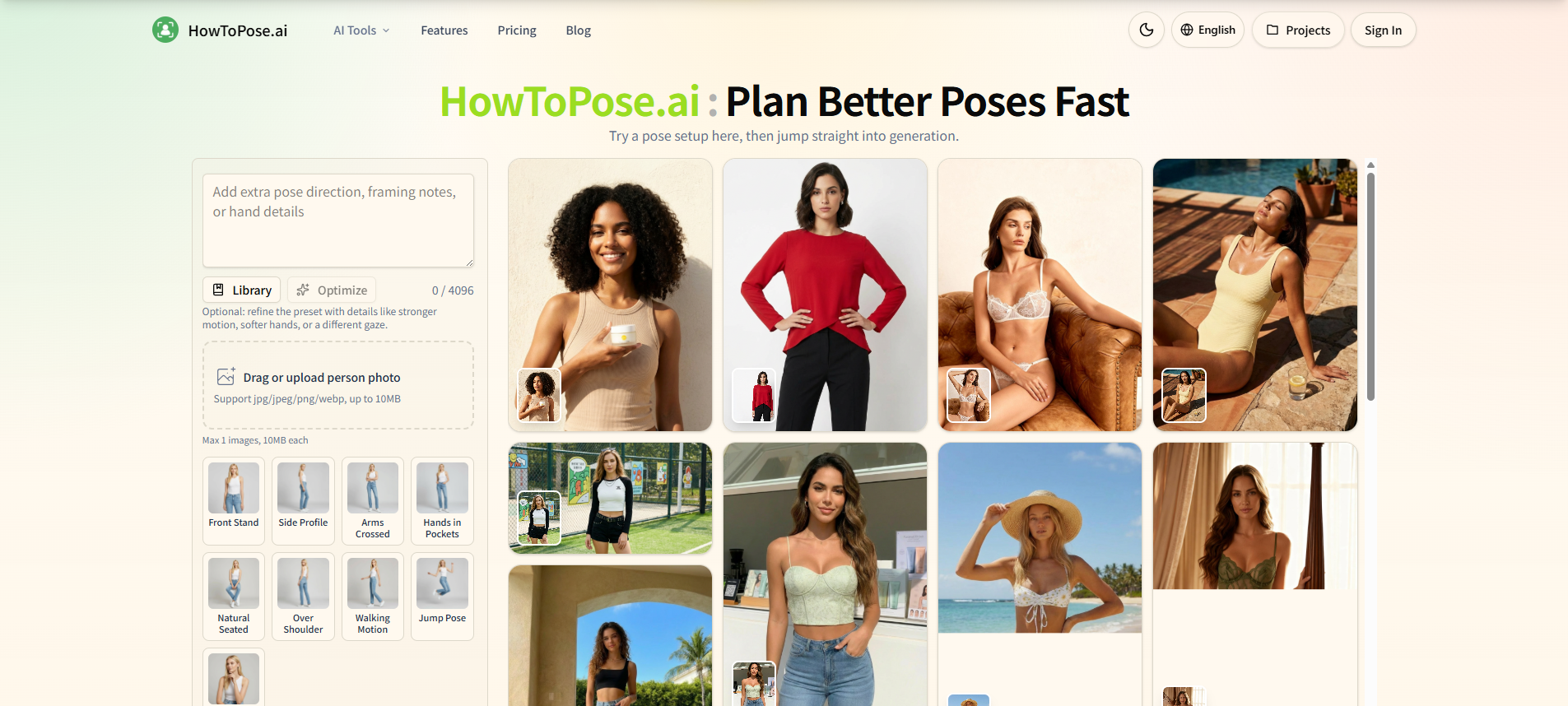
HowToPose.ai is an advanced AI-powered platform designed for professional photo pose adjustment and video action design. It provides a connected workspace where users can freely modify poses in existing photos, swap outfits, extend image compositions, and perform high-quality cleanups like watermark removal and upscaling. The tool is specifically built for creators, e-commerce brands, and photographers to refine portraits, explore styling variations, and adapt single images for multiple layouts without the need for expensive reshoots. It maintains subject identity while allowing for significant changes in body angle, expression, and environment.
Best for
Short scenarios where HowToPose AI tends to shine.
-
Adjusting a stiff-looking subject in a professional portrait to a more relaxed pose.
Best for Content creators
-
Testing different outfit directions for an e-commerce lookbook using a single source photo.
Best for E-commerce store owners
-
Extending a square portrait into a wide website hero banner layout.
Best for Fashion stylists
-
Removing background clutter and upscaling creator visuals for a brand launch.
Best for Social media managers
Example outputs 1
Sample generations and before/after results for HowToPose AI.
Access & connections
Where you can use HowToPose AI.
Platforms
Capabilities
What this tool accepts, produces, and is strongest at.
Highlights
- AI Pose Generator: Move subjects into sharper or more expressive poses.
- AI Clothes Changer: Swap clothing styles while maintaining the person and scene.
- AI Image Extender: Expand portraits into wider or taller compositions.
- AI Watermark Remover: Clean up distracting details and marks for professional reuse.
- AI Image Upscaler: Sharpen drafts for high-quality production handoffs.
- AI Photo to Sketch: Convert photos into pencil, ink, or watercolor styles.
- Connected Workflow: Move from pose planning to cleanup in one workspace.
People also view
Tools that often show up alongside HowToPose AI in collections and comparisons.

