
HoverNotes
AI-powered tool to transform video tutorials into Obsidian notes.
Free + from $9.99 / mo
Verdict
A quick read before you dig into the full page.
- Best if
- You are students and need: Transforming online course videos (Udemy, Coursera) into organized, searchable notes
- Skip if
- You need enterprise SLAs or a fully managed team plan right away
- Pick this when
- Freemium · Free + from $9.99 / mo
Overview
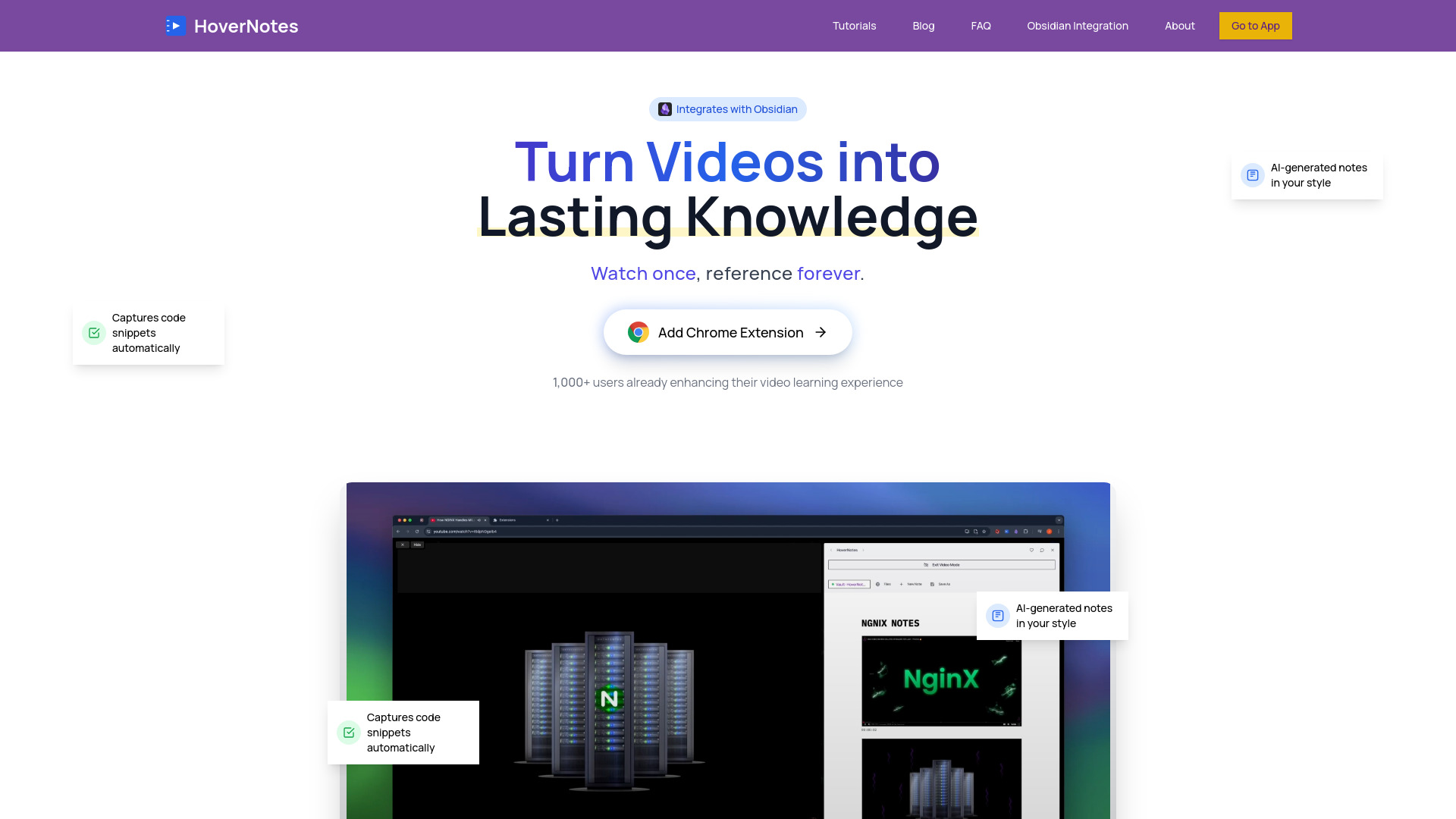
HoverNotes is a Chrome Extension designed to transform video tutorials from platforms like YouTube, Udemy, Coursera, and any other video source into instant, organized Obsidian notes. It utilizes AI to generate comprehensive notes, automatically captures code snippets, includes timestamped screenshots, and provides clear explanations. The tool emphasizes local storage within the user's Obsidian vault, ensuring privacy and complete control over their knowledge. It aims to enhance video learning by offering a distraction-free environment and smart, real-time note-taking capabilities.
Best for
Short scenarios where HoverNotes tends to shine.
-
Transforming online course videos (Udemy, Coursera) into organized, searchable notes.
Best for Students
-
Taking efficient and comprehensive notes from coding tutorials on YouTube or other platforms.
Best for Developers
-
Creating permanent, easily referenceable knowledge from educational videos.
Best for Professionals
-
Enhancing video learning for students, professionals, and lifelong learners.
Best for Lifelong learners
-
Documenting technical content, including code examples, diagrams, and equations, from video sources.
Best for Online course takers
Example outputs 1
Sample generations and before/after results for HoverNotes.
Access & connections
Where you can use HoverNotes, and what it plugs into.
Platforms
Capabilities
What this tool accepts, produces, and is strongest at.
Highlights
- AI-generated notes (captures key concepts, code snippets, visual elements, works without transcripts, supports multiple languages)
- Automatic code snippet capture with syntax highlighting
- Timestamped video screenshots (one-click capture, inserted directly into notes)
- Seamless Obsidian integration for local storage in markdown
- Distraction-Free Video Learning environment (split-view mode, removes ads/recommendations)
- Compatibility with major video platforms (YouTube, Udemy, Coursera, Vimeo, Bilibili, any website)
- Advanced AI summaries (for paid plans)
- Priority processing (for paid plans)
Show 1 more
- Early access to new features (for Unlimited Pro plan)
People also view
Tools that often show up alongside HoverNotes in collections and comparisons.

