Image editing

HiFun

AI-powered image editor for transforming images with text prompts.

Source rating 5.0 (73) 1M views 1M/mo traffic 0 saves Freemium
More categories (5)

Verdict

A quick read before you dig into the full page.

Best if
You are content creators and need: Transforming images by changing elements like clothing (e.g., to a bikini) and backgrounds (e.g., to a beach)
Skip if
You need enterprise SLAs or a fully managed team plan right away
Pick this when
Freemium · Free + from $9.99

Overview

Hifun AI is a free, uncensored, AI-powered image editor that allows users to transform selected areas of their images. Users simply describe their vision with text, customize styles, and produce high-resolution outputs effortlessly. It boasts features like fast processing, high resolution, and affordable pricing, making advanced image editing accessible. The platform uses intelligent AI for auto-masking and smart prompt enhancement to optimize generation results.

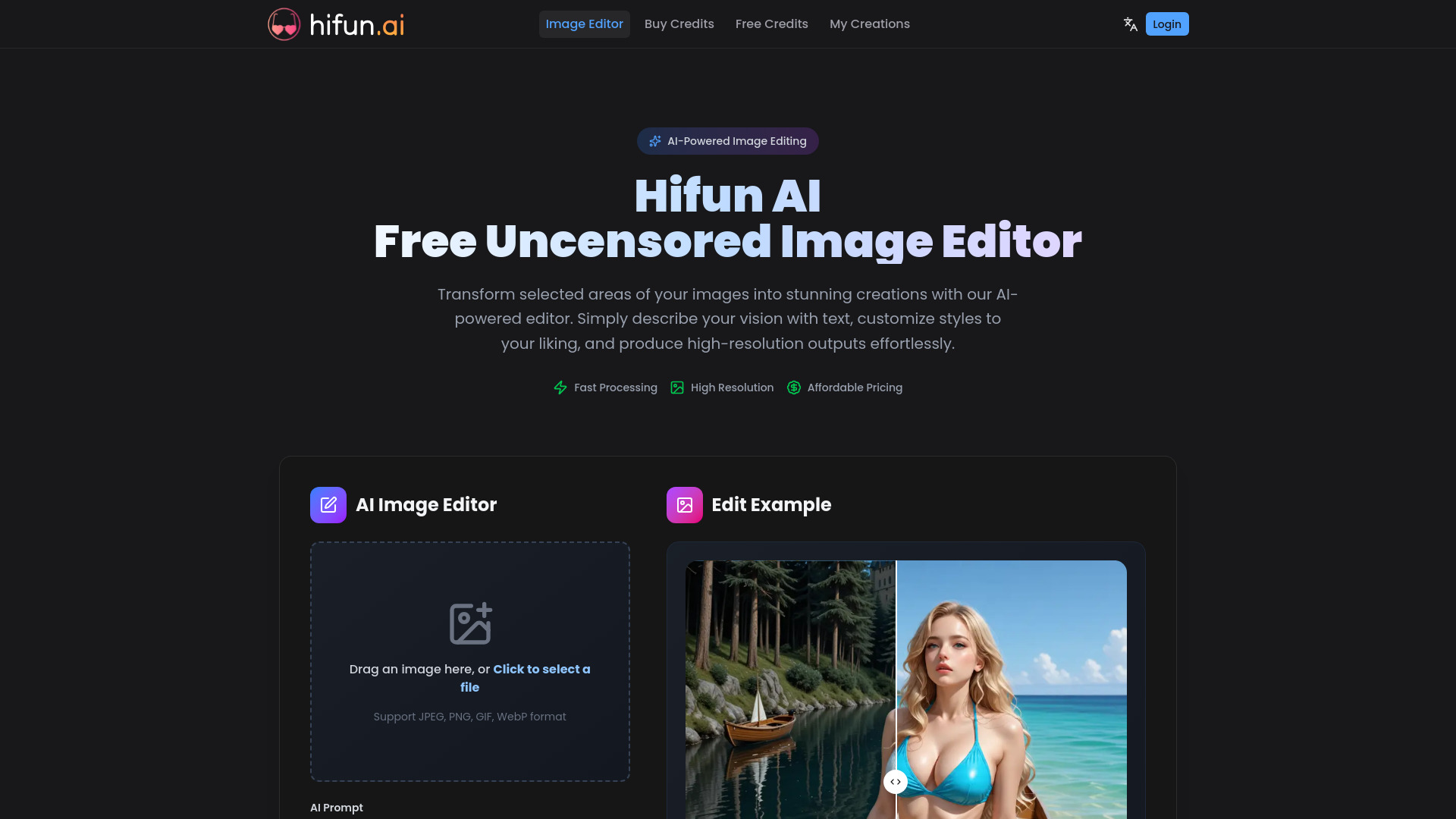
HiFun screenshot

Best for

Short scenarios where HiFun tends to shine.

  • Transforming images by changing elements like clothing (e.g., to a bikini) and backgrounds (e.g., to a beach).

    Best for Content creators

  • Creative transformations for professional design and personal projects.

    Best for Digital artists

  • Generating unique image effects based on textual descriptions.

    Best for Social media managers

How it works

To use Hifun AI, first, upload the image you want to edit and use the masking tool to mark the specific area for modification. Next, enter a detailed text prompt describing the desired image effect, including scenes, objects, styles, colors, and moods. Finally, click the 'Create' button to start the image editing process, which typically takes a few seconds, then view and download your edited image.

Example outputs 1

Sample generations and before/after results for HiFun.

Access & connections

Where you can use HiFun.

Platforms

Web

Capabilities

What this tool accepts, produces, and is strongest at.

Highlights

  • AI-Powered Image Editing
  • Auto Mask (intelligent AI identifies and selects editing areas)
  • Smart Prompt Enhancement (AI optimizes input for best results)
  • Fast Cloud Processing
  • High-Quality Image Output

People also view

Tools that often show up alongside HiFun in collections and comparisons.

FAQ 8

What is HiFun?
Hifun AI is a free, uncensored, AI-powered image editor that allows users to transform selected areas of their images. Users simply describe their vision with text, customize styles, and produce high-resolution outputs effortlessly. It boasts features like fast processing, high resolution, and affordable pricing, making advanced image editing accessible. The platform uses intelligent AI for auto-masking and smart prompt enhancement to optimize generation results.
How to use HiFun?
To use Hifun AI, first, upload the image you want to edit and use the masking tool to mark the specific area for modification. Next, enter a detailed text prompt describing the desired image effect, including scenes, objects, styles, colors, and moods. Finally, click the 'Create' button to start the image editing process, which typically takes a few seconds, then view and download your edited image.
What is Hifun AI Image Editor?
Hifun AI Image Editor is an AI-powered tool that allows users to transform selected areas of their images using text descriptions, producing high-resolution outputs.
What unique features does Hifun AI Image Editor offer?
It offers AI-powered editing, Auto Mask for automatic area selection, Smart Prompt Enhancement, Fast Cloud Processing, and High-Quality Image Output.
How do I use Hifun AI to edit images?
Upload an image, use the masking tool to mark the area to modify, enter a detailed text prompt, and click 'Create' to generate and download the edited image.
What image formats does Hifun AI Image Editor support?
Hifun AI Image Editor supports JPEG, PNG, GIF, and WebP formats.
How long does the image editing process take?
The image editing process typically takes a few seconds.
Can I use the edited images for commercial purposes?
The website states that the high-quality output is 'suitable for both professional design and personal projects,' implying commercial use is permitted.
HiFun Free + from $9.99
