

heyCLI
Command line in plain English
Verdict
A quick read before you dig into the full page.
- Best if
- Command line in plain English
- Skip if
- Complex installation process
- Pick this when
- Translates plain English commands
Overview
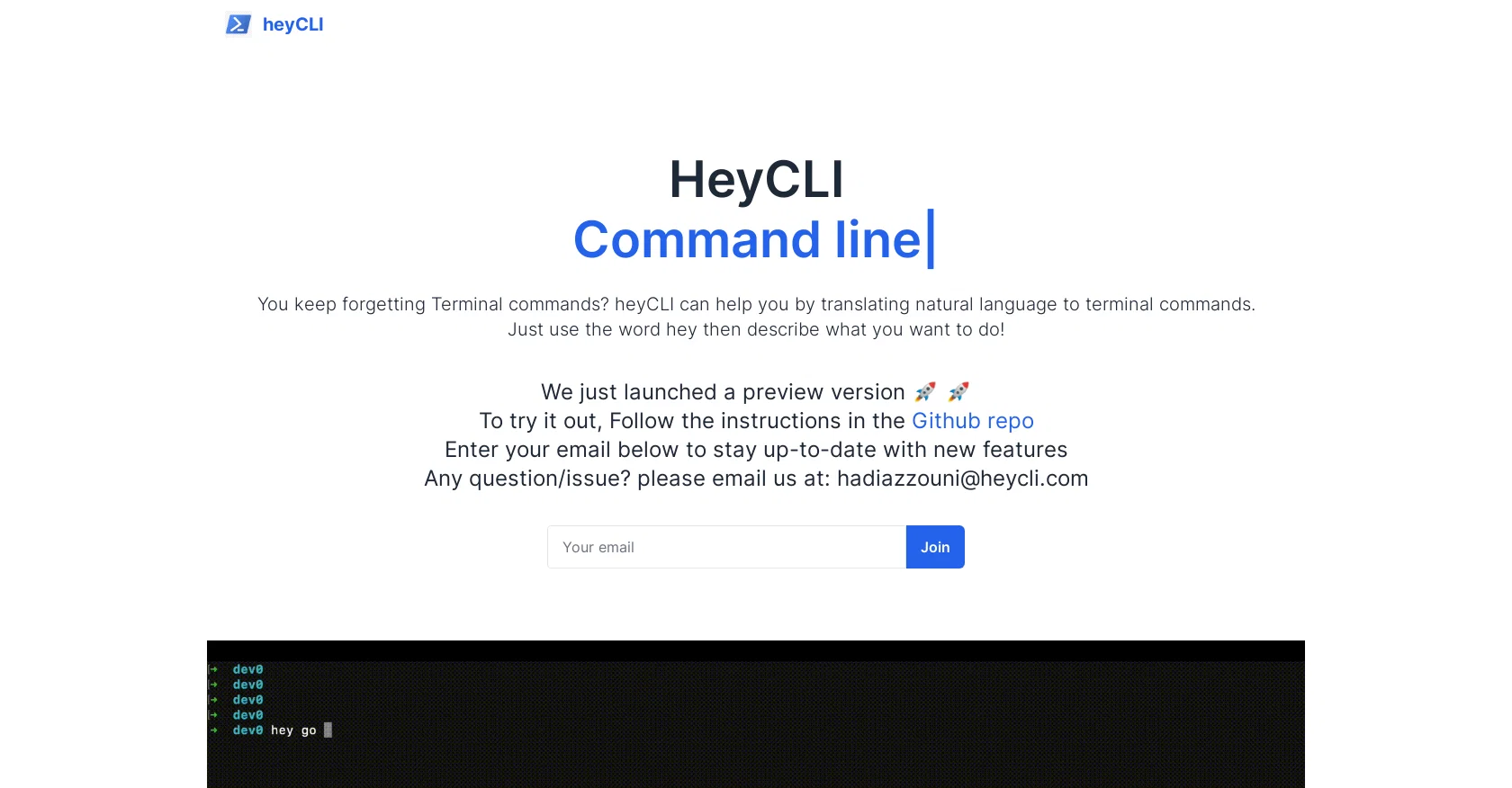
HeyCLI is a powerful command line tool that enables users to work quickly and efficiently in their terminal using plain English. It is a powerful tool that is designed to make working with the command line easier and more intuitive.
It translates plain English commands into the appropriate command line instructions. For example, a user can type in "open file" and HeyCLI will automatically open the specified file.
It also provides a variety of options for customizing the command line environment, such as adding custom aliases, setting up environment variables, and creating custom key bindings.
By using HeyCLI, users can save time and increase their efficiency when working in the terminal.
Access & connections
Where you can use heyCLI, and what it plugs into.
Platforms
Integrations
Capabilities
What this tool accepts, produces, and is strongest at.
Input
- Text
Output
- Text
Supported features
- CLI
Pros & cons
Pros
- Translates plain English commands
- Automatic command utility
- Customizable command line environment
- Pre-defines custom aliases
- Allows environment variables setup
- Enables customized key bindings
- Save time in terminal
- Increases terminal work efficiency
Show 37 more
- Can directly open files
- Non-restrictive terminal commands
- Ideal for code programming
- Plain language command translation
- Natural language command line interface
- Command execution speed
- Highly intuitive tool
- Efficient translation to CLI
- Diverse command options
- Responsive terminal user interface
- Improved syntax recognition
- High task automation capacity
- Integration with preset commands
- Significant operational speed
- Uncomplicated command design
- Robust command execution
- Dynamic command parameters
- Enhanced programming productivity
- Suitable for regular CLI tasks
- Minimal command learning curve
- Efficient encoding of command line
- Non-redundant command operations
- Accurate command translation
- Speedy command initialization
- Configurable command settings
- Reliable command deducing system
- Optimization for improved response
- Reduced command line struggles
- Terminal tasks made simple
- Error handling in commands
- Supports command reversals (undos)
- Fail-safe command operations
- Context-aware command execution
- Supports preset command alignment
- Adapts to user's command patterns
- Minimal(console) design for usability
- Convenient for non-tech users
Cons
- Lack of GUI
- Limited command customizability
- No multi-platform support
- No real-time collaboration features
- English-only commands
- No error handling mechanisms
- Lack of extensibility
- Complex installation process
Show 2 more
- No application-specific command customization
- No data export features
Releases 1
FAQ 12
What is heyCLI?
What does heyCLI do?
How does heyCLI translate commands into plain English?
What's the primary function of heyCLI?
How is heyCLI used to save time when working in the terminal?
What are the customizing options available in heyCLI?
Can you give more examples of how heyCLI's command translation works?
What are the key bindings in heyCLI and how can they be customized?
Does heyCLI provide support for complex terminal commands?
What makes heyCLI unique compared to other command line tools?
Why use plain English in terminal using heyCLI?
What are some of the most common commands that heyCLI can simplify?
Related tools
Recommended

TutorAI ✓
FreemiumInstant knowledge on any topic

Stunning ✓
PaidBuild AI-powered websites in seconds

Scisummary ✓
Free TrialCutting-edge scientific articles summarization.

Stratup.ai ✓
FreemiumInnovative idea generation for businesses.

AI Lawyer ✓
Free TrialInstant legal advice and document creation at your fingertips

Programming Helper ✓
UnknownGenerate code from text descriptions instantly.