
Hey Blytz!
Voice-activated Chrome AI assistant for hands-free browsing and multitasking.
Source rating 5.0
(76)
0 views
0 saves
Unknown
Verdict
A quick read before you dig into the full page.
- Best if
- Voice-activated Chrome AI assistant for hands-free browsing and multitasking
- Pick this when
- Voice-activated Chrome AI assistant for hands-free browsing and multitasking
Overview
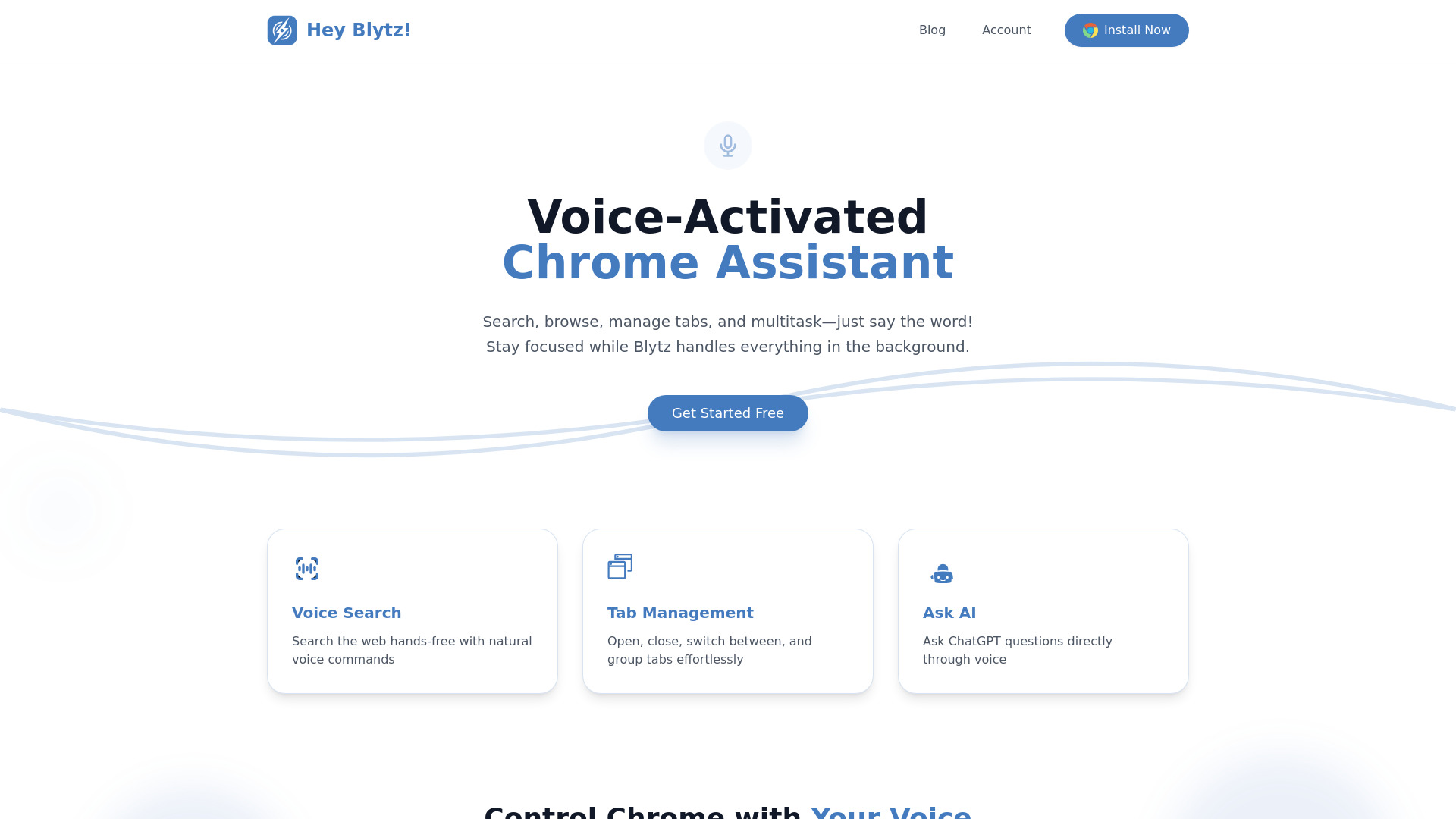
Hey Blytz is a voice-activated Chrome AI assistant that enables hands-free browsing and multitasking. It allows users to search, manage tabs, ask ChatGPT, and control Chrome using simple voice commands. Blytz operates in the background, helping users stay focused on their work.
Access & connections
Where you can use Hey Blytz!, and what it plugs into.
Platforms
Integrations
Capabilities
What this tool accepts, produces, and is strongest at.
Highlights
- Voice-activated Chrome control
- Hands-free browsing
- AI-powered assistance
- Tab management
- ChatGPT integration
FAQ 4
What is Hey Blytz?
Hey Blytz is a voice-activated Chrome AI assistant that enables hands-free browsing and multitasking. It allows users to search, manage tabs, ask ChatGPT, and control Chrome using simple voice commands. Blytz operates in the background, helping users stay focused on their work.
How to use Hey Blytz?
Install the Hey Blytz Chrome extension. Say 'Hey Blytz' followed by a voice command to search, manage tabs, ask ChatGPT, or control Chrome.
What is Hey Blytz?
Hey Blytz is a voice-activated Chrome AI assistant that allows you to control Chrome with voice commands, search the web, manage tabs, and ask ChatGPT questions hands-free.
How do I use Hey Blytz?
Install the Hey Blytz Chrome extension and say 'Hey Blytz' followed by your desired command.
Related tools
Recommended



Hey Blytz!