

Helper.im ✓
ChatGPT on your desktop, seamlessly integrated.
Free + from $8.3/mo
Verdict
A quick read before you dig into the full page.
- Best if
- ChatGPT on your desktop, seamlessly integrated
- Skip if
- Potentially complex setup
- Pick this when
- Free of charge
Considering ChatGPT instead? Compare side by side
Overview
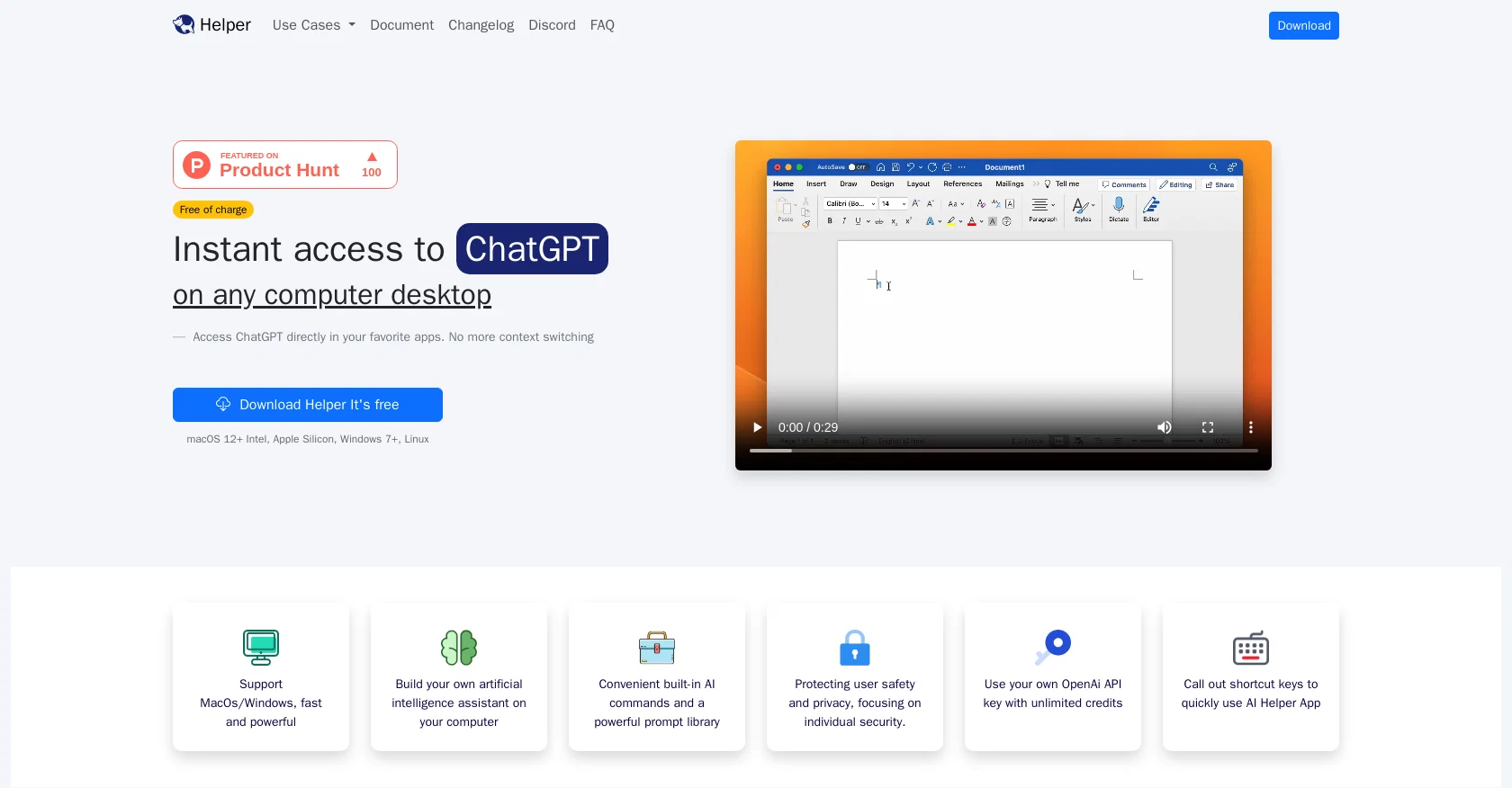
Helper is a free desktop client for ChatGPT, available for MacOS, Windows, and Linux. It is specifically designed for entrepreneurs, developers, and marketers who are looking to integrate AI assistance into their daily tasks.
With Helper, users can seamlessly access ChatGPT directly from their favorite applications, eliminating the need for context switching. The tool boasts convenient built-in AI commands and a powerful prompt library, allowing users to build their own artificial intelligence assistant on their computer.Helper prioritizes user safety and privacy, focusing on individual security.
Users have the option to use their own OpenAI API key with unlimited credits, ensuring a secure and customizable experience. The tool also offers shortcut keys to quickly access the AI Helper app, enhancing productivity.Helper caters to various use cases, including content generation for marketing purposes, AI coding assistance within integrated development environments (IDEs), AI work assistance for various work scenarios, and AI social assistance for quick replies on social media platforms.By downloading the Helper app and setting up an API key, users can enhance their productivity by generating high-quality posts, receiving coding assistance, getting work-related support, and efficiently managing their social media interactions.Helper.im, the official website, provides additional resources such as documentation, a changelog, a Discord community, and a FAQ section.
The tool ensures compliance with privacy policies, terms of use, and an end-user license agreement.
Access & connections
Where you can use Helper.im, and what it plugs into.
Platforms
Integrations
Capabilities
What this tool accepts, produces, and is strongest at.
Input
- API
- Text
Output
- API
- Text
Pros & cons
Pros
- Free of charge
- MacOS/Windows/Linux supported
- Integrates popular applications
- Eliminates context switching
- Powerful prompt library
- Individual user security
- Shortcut keys feature
- Content generation capability
Show 14 more
- Coding assistance
- Work-related support
- User-friendly social media management
- Documentation resources
- Active Discord community
- Changelog available
- FAQ section
- Privacy policies aligned
- Terms of Use compliant
- Includes EULA
- Supports desktop use
- High-quality posts generation
- Supports mainstream writing software
- Supports mainstream code editors
Cons
- Requires user's own API key
- No mobile application
- Limited built-in commands
- Potentially complex setup
- No explicit multi-language support
- No inherent credit system
- Limited integrated platforms mentioned
Compare alternatives
Similar tools in the catalog — with a clear reason to open each one.

ChatGPT ✓
FreemiumAsk anything, create anything, and move from idea to action.
Free + from $20/mo
Full comparison
Smarter ChatGPT by Athena AI ✓
FreemiumAI assistant that gets your tasks done. Smarter than ChatGPT.
Why look Typically cheaper
Full comparison
Free AI Chatbot & Image Generator ✓
FreeFree AI chat and image creation, no signup required
Why look Fully free option
Full comparison
KoalaChat ✓
FreemiumThe best AI writer and chatbot for your needs
Free + from $9/mo
Full comparison
FlowGPT ✓
FreemiumVisualize ChatGPT conversations on a canvas board.
Free + from $50
Full comparison
Chatmind app ✓
PaidAI-powered mind mapping for effortless brainstorming
Why look Typically cheaper
Full comparisonReleases 1
FAQ 12
What is Helper.im?
What features does Helper.im offer?
Which operating systems is Helper.im compatible with?
Is Helper.im free to use?
How can Helper.im be used for content and marketing purposes?
How can developers utilize Helper.im?
What kind of work assistance does Helper.im provide?
How does Helper.im assist with social media interactions?
What is the purpose of the built-in AI commands and prompt library in Helper.im?
How does Helper.im ensure user privacy and security?
How can I use my own OpenAI API key with Helper.im?
What are the shortcut keys used for in Helper.im?
Related tools
Recommended

Zecoba ✓
PaidAI chat for diverse modes and tasks

Flot.ai ✓
FreemiumYour Everywhere, All-in-one AI assistant

VenturusAI ✓
FreemiumBusiness idea analysis and reporting.

ShortGPT ✓
FreeFaster, concise ChatGPT responses.

ChippyAI ✓
FreeChatGPT at your fingertips, everywhere online.

Stratup.ai ✓
FreemiumInnovative idea generation for businesses.