
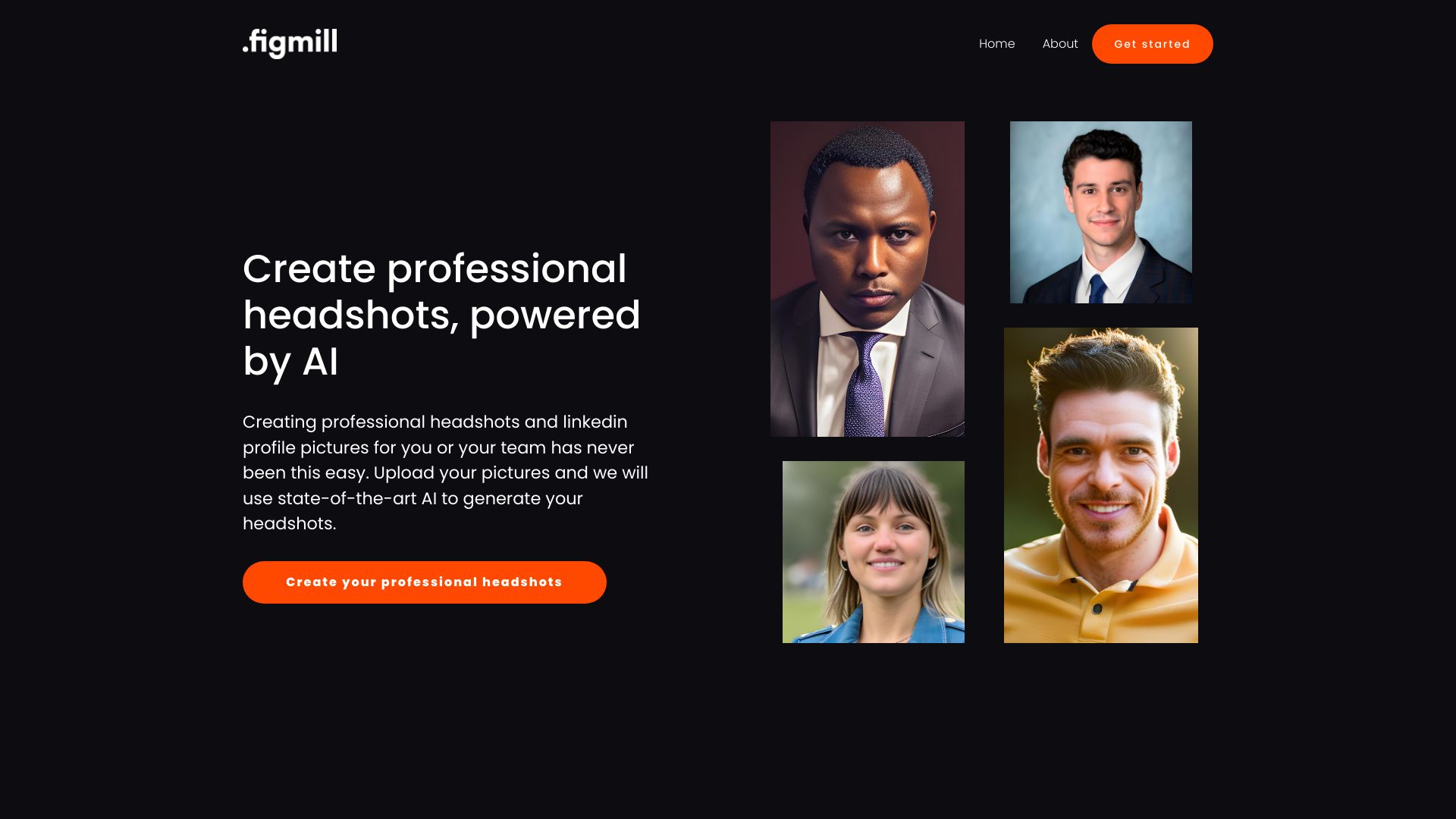
Headshot AI
AI-powered headshot generator for professional LinkedIn profiles.
Source rating 5.0
(74)
0 views
0 saves
Unknown
Verdict
A quick read before you dig into the full page.
- Best if
- AI-powered headshot generator for professional LinkedIn profiles
- Pick this when
- AI-powered headshot generator for professional LinkedIn profiles
Overview
Headshot AI uses AI to create strong, positive first impressions by generating professional headshots. Users upload 10 to 15 photos of themselves and receive up to 100 professional headshots in different styles. It claims to increase LinkedIn visits by 14X and messages by 36X.
Access & connections
Where you can use Headshot AI, and what it plugs into.
Platforms
Integrations
Capabilities
What this tool accepts, produces, and is strongest at.
Highlights
- AI-powered headshot generation
- Multiple styles of headshots
- Improved LinkedIn profile visibility
FAQ 4
What is Headshot AI?
Headshot AI uses AI to create strong, positive first impressions by generating professional headshots. Users upload 10 to 15 photos of themselves and receive up to 100 professional headshots in different styles. It claims to increase LinkedIn visits by 14X and messages by 36X.
How to use Headshot AI?
Upload 10 to 15 photos of yourself to Headshot AI. The AI will then generate up to 100 professional headshots in various styles.
How does Headshot AI work?
Headshot AI uses artificial intelligence to generate professional headshots from user-uploaded photos. You upload 10-15 photos of yourself, and the AI creates up to 100 headshots in different styles.
What are the benefits of using Headshot AI?
Headshot AI can help you create a strong, positive first impression on LinkedIn, potentially increasing profile visits and messages. It also saves time and money compared to traditional professional photoshoots.
Related tools
Recommended


Headshot AI