Verdict

A quick read before you dig into the full page.

Best if
You are researchers and need: Transcription of interviews, meetings, and lectures
Skip if
You need a free plan with no credit card
Pick this when
Paid · From $9 per month

Overview

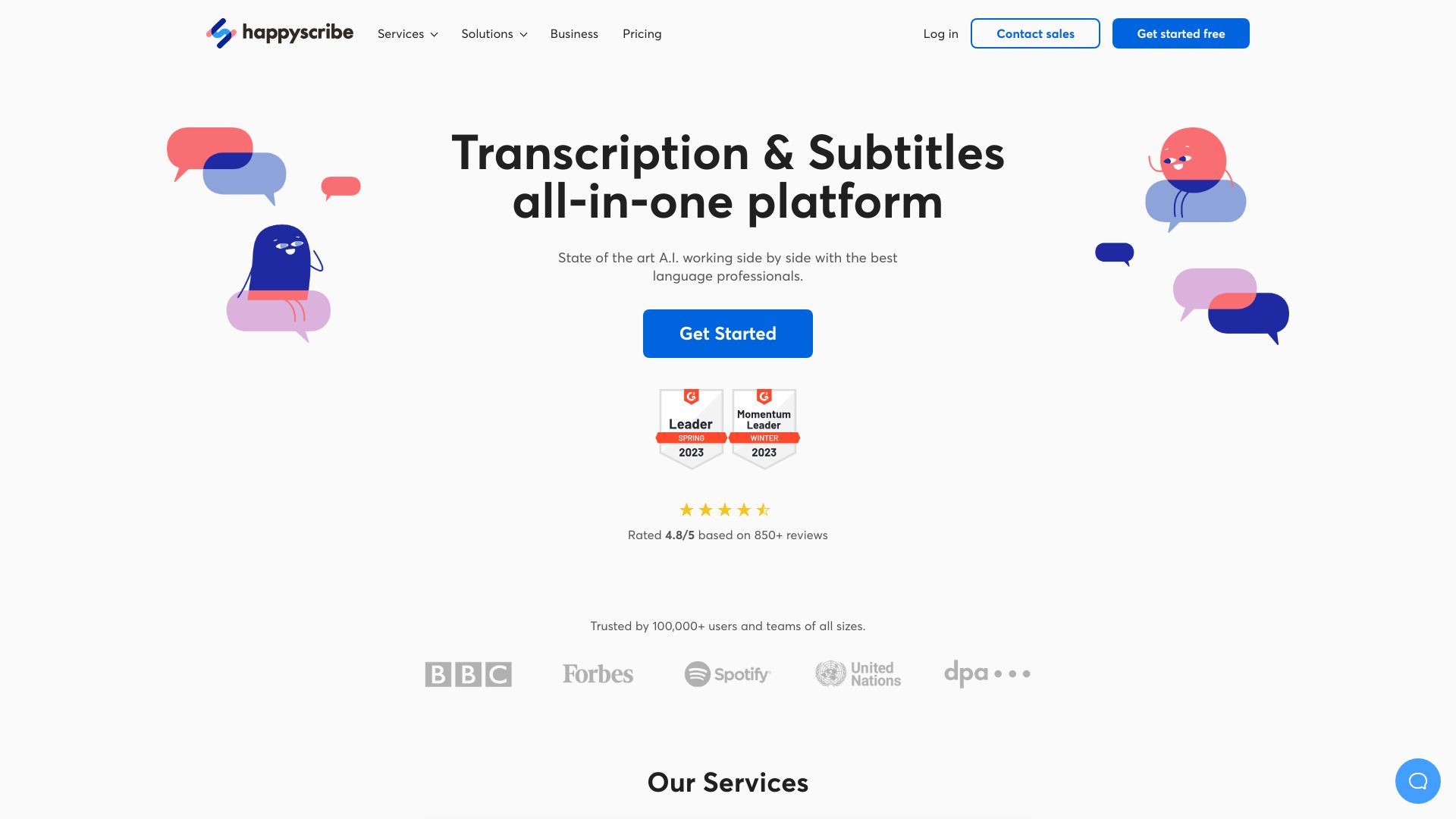
Happy Scribe provides automatic and human transcription and subtitling services, converting audio and video to text with high accuracy (85-99%) in over 120 languages and 45 formats. It offers AI-powered tools alongside professional language services for transcription, subtitling, dubbing, and translation.

Happy Scribe screenshot

Best for

Short scenarios where Happy Scribe tends to shine.

  • Transcription of interviews, meetings, and lectures

    Best for Researchers

  • Subtitling videos for accessibility and international audiences

    Best for Journalists

  • Translation of subtitles for global distribution

    Best for Media producers

  • E-learning content localization

    Best for E-learning professionals

  • Media production workflow simplification

    Best for Businesses

  • Business communication enhancement

    Best for Content creators

  • Audiovisual localization

    Best for Localizers

How it works

Upload your audio or video file to Happy Scribe's platform. Choose between automatic or human-made transcription/subtitling. Review and edit the generated text using the interactive editor. Export the final transcript or subtitles in various formats.

Example outputs 1

Sample generations and before/after results for Happy Scribe.

Access & connections

Where you can use Happy Scribe.

Platforms

Web

Capabilities

What this tool accepts, produces, and is strongest at.

Highlights

  • Automatic transcription and subtitling
  • Human-made transcription and subtitling
  • Subtitle translation
  • Interactive editors for review and correction
  • Multiple export formats
  • Team collaboration features
  • AI Dubbing
  • Meeting recording

People also view

Tools that often show up alongside Happy Scribe in collections and comparisons.

FAQ 10

What is Happy Scribe?
Happy Scribe provides automatic and human transcription and subtitling services, converting audio and video to text with high accuracy (85-99%) in over 120 languages and 45 formats. It offers AI-powered tools alongside professional language services for transcription, subtitling, dubbing, and translation.
How to use Happy Scribe?
Upload your audio or video file to Happy Scribe's platform. Choose between automatic or human-made transcription/subtitling. Review and edit the generated text using the interactive editor. Export the final transcript or subtitles in various formats.
Can I use HappyScribe without a subscription?
Yes, you can. Your Starter plan offers the option to purchase credit top-ups without periodical commitments.
Which payment methods do you accept?
We accept all major debit and credit cards.
What happens when I reach my plan's credit limits?
You can buy additional credits at any time at the pay-as-you-go rate. Topped-up credits remain in your balance beyond the billing period, while your plan’s standard credits reset each cycle.
Does my unused credit carry over to the following month?
Unused plan credits are reset at the end of each billing cycle. However, any topped-up credits stay in your account until fully used. Visit our help center to learn more about this.
How am I charged if I exceed my plan’s user limit?
Pro and Business plans include a recommended user limit (e.g., 3 or 5 users), with an extra fee per additional seat. We don’t automatically bill or lock you out if you go over—if you regularly exceed the limit, we’ll let you know. You can keep your current plan, upgrade, or reduce user seats. Feel free to invite everyone who needs access; if you consistently exceed the limit, we’ll work with you on the best plan for your team.
Do you provide invoices?
Yes. An invoice is sent to you by email immediately after each purchase, and you can also access them at any time in your account settings.
How is my data used?
You are in control of your data. Read more about how your data is used and our Enterprise privacy.
How do I cancel my subscription?
You can cancel anytime via your workspace's billing settings page (Settings & members > Billing). After cancellation, your subscription remains active until the end of the current billing period, and no further charges will be made.
Happy Scribe From $9 per month