Verdict

A quick read before you dig into the full page.

Best if
You are students and need: Students erasing handwriting from classmate's test paper images
Skip if
You need a free plan with no credit card
Pick this when
Paid · From $1.99

Overview

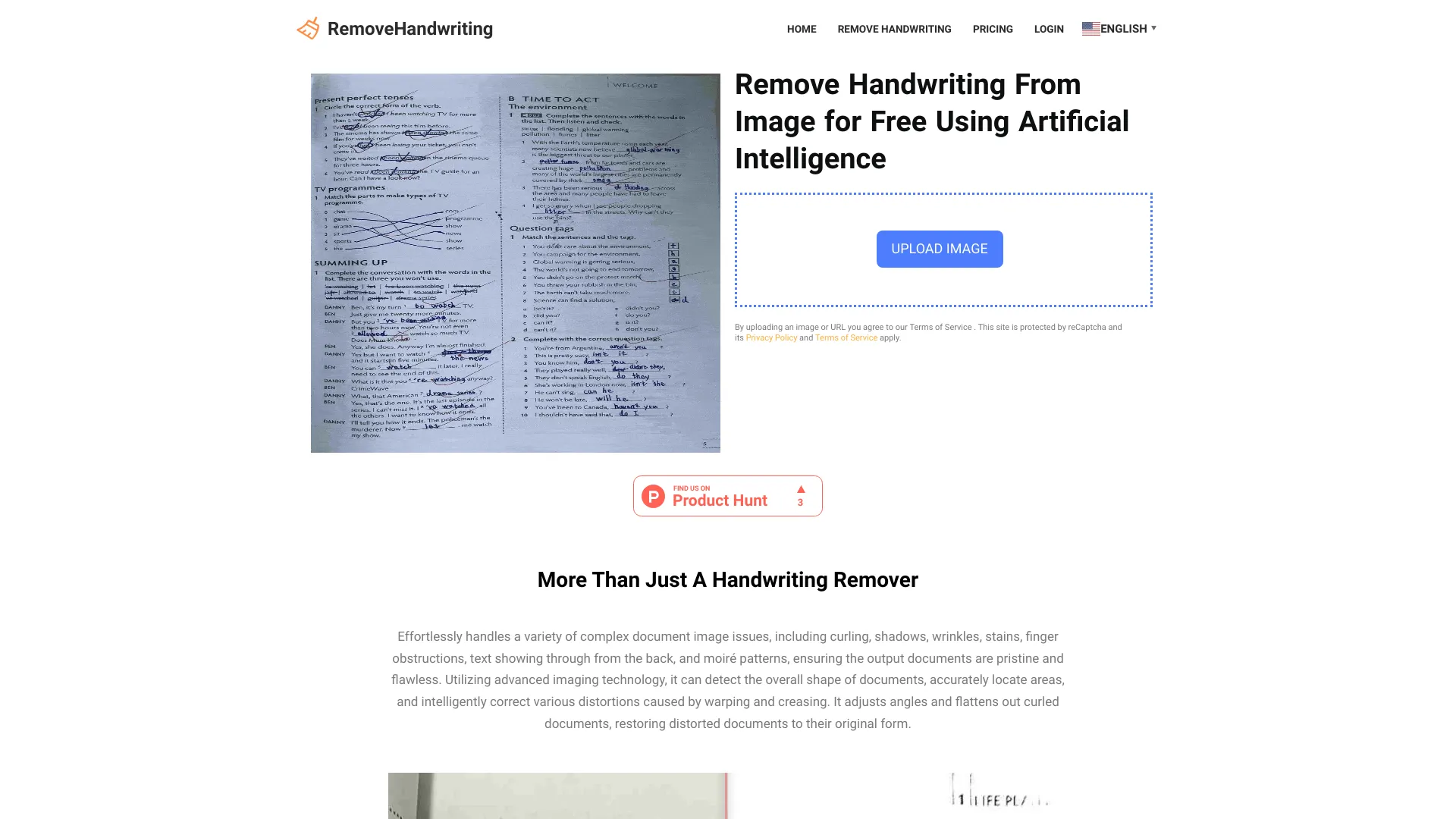
Removehandwriting.com is an AI tool website that offers free tools allowing you to erase handwritten marks from images. It also has the capability to perform graphic correction on images, automatically trim documents, remove stains or obscured portions, enhance visibility in shadowed areas, and restore an aged document image to a pristine condition. It corrects document image problems like curling, shadows, wrinkles, stains, obstructed text, and moiré patterns. Removes handwriting from images and PDFs using advanced imaging tech. Straightens and flattens documents for pristine results.

Handwriting Remover screenshot

Best for

Short scenarios where Handwriting Remover tends to shine.

  • Students erasing handwriting from classmate's test paper images.

    Best for Students

  • Businesses removing incorrect handwritten content from documents for rewriting.

    Best for Teachers

  • Document management: showcasing old documents without revealing handwritten content.

    Best for Business professionals

Example outputs 1

Sample generations and before/after results for Handwriting Remover.

Access & connections

Where you can use Handwriting Remover.

Platforms

Web

Capabilities

What this tool accepts, produces, and is strongest at.

Highlights

  • Handwriting removal from images and PDFs
  • Document straightening and flattening
  • Image correction (curling, shadows, wrinkles, stains, moiré patterns)
  • Automatic document trimming
  • Stain and obscurity removal
  • Shadow enhancement
  • Old document restoration

People also view

Tools that often show up alongside Handwriting Remover in collections and comparisons.

FAQ 8

What is RemoveHandwriting?
Removehandwriting.com is an AI tool website that offers free tools allowing you to erase handwritten marks from images. It also has the capability to perform graphic correction on images, automatically trim documents, remove stains or obscured portions, enhance visibility in shadowed areas, and restore an aged document image to a pristine condition. It corrects document image problems like curling, shadows, wrinkles, stains, obstructed text, and moiré patterns. Removes handwriting from images and PDFs using advanced imaging tech. Straightens and flattens documents for pristine results.
How to use RemoveHandwriting?
Take a photo of your document with handwriting, upload it to removehandwriting.com, and the AI will automatically recognize and remove the handwritten marks. Within a few seconds, you will receive an image without any handwriting. Afterward, you can proceed to download and print it. For PDFs, convert the PDF document into images first, and then upload the images.
What is Removehandwriting.com?
Removehandwriting.com is an AI tool website that offers free tools allowing you to erase handwritten marks from images. It also has the capability to perform graphic correction on images, automatically trim documents, remove stains or obscured portions, enhance visibility in shadowed areas, and restore an aged document image to a pristine condition.
Is Removehandwriting.com free?
Our website uses a Credits system. One Credit is consumed for each image processed. Every registered user is initialized with 1 Credit, which can be used to process one image. If you need to process more images, please purchase the appropriate package. Due to our development and operational costs, we are unable to offer unlimited free usage.
Which document formats are supported for upload?
We support common image formats such as JPG, PNG, and JPEG. If you need to process a PDF document, you can use the website https://online2pdf.com/pdf2png to convert your PDF to images for free, and then upload the images.
Will the data I upload be leaked?
You can use it with confidence; the website has a privacy policy. We will not disclose your data, and this data will be automatically deleted after 10 minutes. The data is not useful to us, and we do not need it for training. Please don’t worry!
Is there a mobile version? Can I use it on my phone?
Since you’re processing confidential documents, we have not developed a mobile app to ensure your data security. However, our website functions well on mobile devices. You can simply enter our URL, https://removehandwriting.com, on your phone to use the handwriting removal feature as usual.
How long does it take to erase handwriting each time?
The time it takes to erase handwriting depends on various factors, including the server’s workload, the pixel size of the uploaded image, and the quality of the network. It typically takes about 5 to 10 seconds to process an image. Please be patient while waiting.
Handwriting Remover From $1.99
