HaloVoice
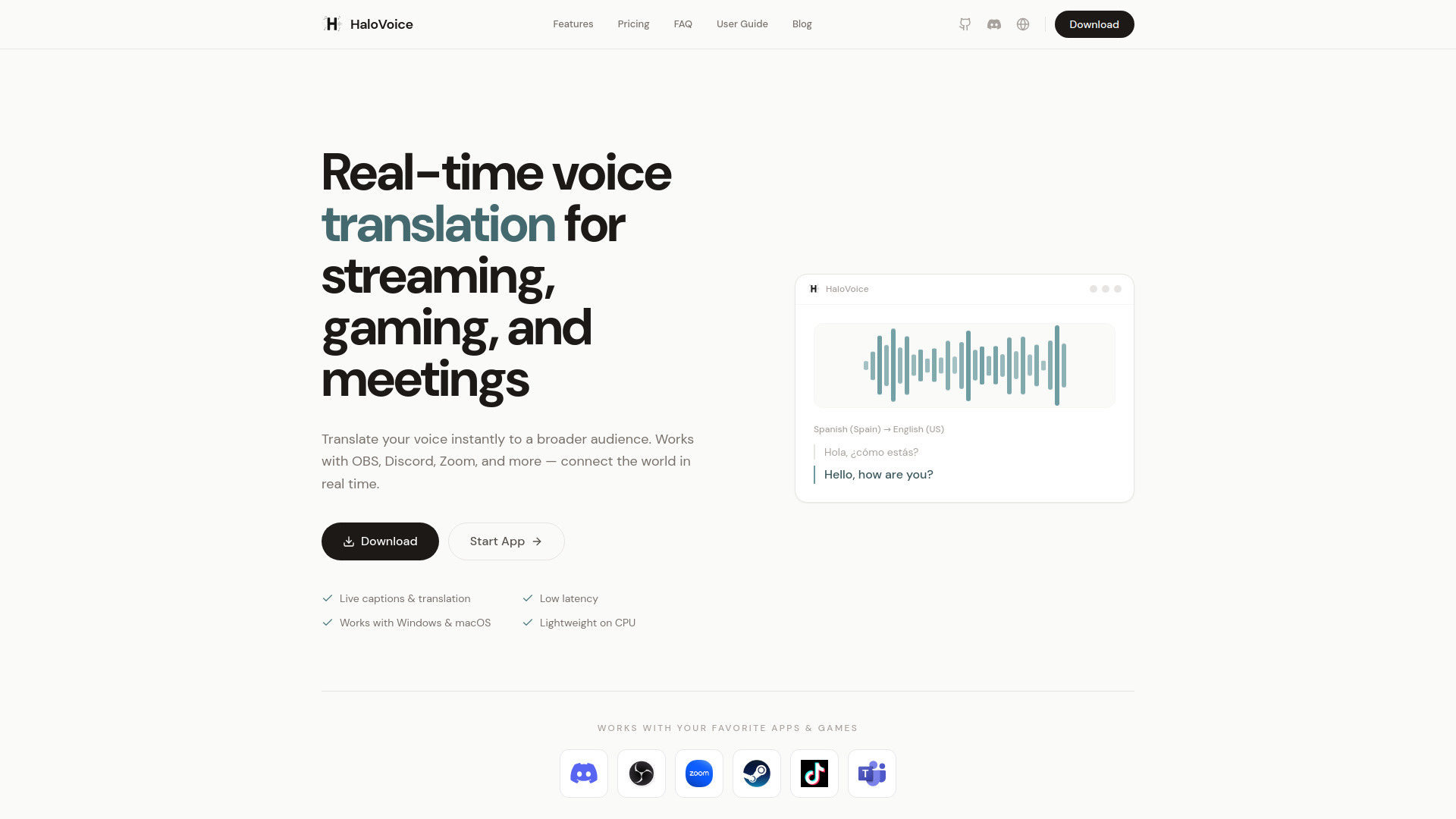
HaloVoice is an AI-powered real-time voice translator for gaming, streaming, voice chat, and online meetings, featuring voice cloning and bilingual subtitles.
Verdict
A quick read before you dig into the full page.
- Best if
- HaloVoice is an AI-powered real-time voice translator for gaming, streaming, voice chat, and online meetings, featuring voice cloning and bilingual subtitles
- Pick this when
- HaloVoice is an AI-powered real-time voice translator for gaming, streaming, voice chat, and online meetings, featuring voice cloning and bilingual subtitles
Overview
HaloVoice is an AI-powered real-time voice translator designed for gaming, live streaming, voice chat, online meetings, and multilingual communication. It translates spoken conversations across languages in real time, helping people communicate naturally without constantly switching to a text translator.
Real-Time Voice Translation
HaloVoice provides live voice translation while you speak. Instead of typing text into a translator, users can speak naturally and send translated speech directly to other people in real time. Bilingual subtitles display both sides of the conversation, making multilingual communication easier to follow.
With AI voice cloning, HaloVoice can preserve characteristics of the speaker’s voice in translated speech, creating a more natural and personal experience.
Real-Time Voice Translator for Gaming
HaloVoice works as a real-time voice translator for gaming, helping players communicate with international teammates while they play. Translated audio can be sent directly into voice chat through the HaloVoice Virtual Microphone, allowing other players to hear the translated voice in real time.
HaloVoice can be used as a gaming voice translator across multiplayer games and gaming communities, including use cases such as a Valorant voice translator and Minecraft voice translator.
For players using Discord, HaloVoice provides real-time voice translation for Discord. Simply select the HaloVoice Virtual Microphone as your microphone input in Discord to send your translated voice directly into the voice chat.
Real-Time Voice Translator for Streaming
HaloVoice provides real-time voice translation for streaming, allowing streamers to speak in one language while reaching audiences who speak another.
For creators using OBS, HaloVoice provides real-time voice translation for OBS through the HaloVoice Virtual Microphone. Streamers can select HaloVoice as their microphone input in OBS and send translated speech directly into their stream.
HaloVoice can also support multilingual live streaming workflows on platforms such as Twitch, helping creators communicate with audiences across languages without interrupting the broadcast.
Real-Time Voice Translation for Online Meetings
HaloVoice also provides real-time voice translation for Zoom, Slack, Microsoft Teams, and other communication platforms. Users can select the HaloVoice Virtual Microphone as their microphone input so other participants hear the translated voice directly during conversations.
This makes HaloVoice useful for multilingual online meetings, remote teams, international collaboration, and everyday cross-language voice communication.
HaloVoice supports practical language-pair use cases including Spanish to English voice translation, English to Korean voice translation, and other multilingual conversations.
Key Features
• Real-time voice translation
• AI voice translator for multilingual conversations
• Real-time voice translator for gaming
• Real-time voice translation for streaming
• Real-time voice translation for Discord and voice chat
• Real-time voice translation for OBS and live streaming
• Real-time voice translation for Zoom, Slack, and Microsoft Teams
• AI voice cloning for translated speech
• HaloVoice Virtual Microphone
• Bilingual subtitles
• Spanish to English voice translation
• English to Korean voice translation
• Support for Windows and macOS
HaloVoice is built for gamers, streamers, creators, remote teams, and anyone who wants to communicate across languages while keeping conversations fast, natural, and voice-first.
Access & connections
Where you can use HaloVoice, and what it plugs into.
Platforms
Integrations
Capabilities
What this tool accepts, produces, and is strongest at.
Highlights
- Real-Time Voice Translation for Gaming
- Real-Time Voice Translation for Streaming
- Real-Time Voice Translation for Meetings
- AI Voice Cloning
- Bilingual Subtitles
- Translated Voice Output
- Gaming & Voice Chat Integration
- Streaming Integration
Show 2 more
- Multi-Language Support
- HaloVoice Virtual Microphone
FAQ 10
What is HaloVoice?
Real-Time Voice Translation
HaloVoice provides live voice translation while you speak. Instead of typing text into a translator, users can speak naturally and send translated speech directly to other people in real time. Bilingual subtitles display both sides of the conversation, making multilingual communication easier to follow.
With AI voice cloning, HaloVoice can preserve characteristics of the speaker’s voice in translated speech, creating a more natural and personal experience.
Real-Time Voice Translator for Gaming
HaloVoice works as a real-time voice translator for gaming, helping players communicate with international teammates while they play. Translated audio can be sent directly into voice chat through the HaloVoice Virtual Microphone, allowing other players to hear the translated voice in real time.
HaloVoice can be used as a gaming voice translator across multiplayer games and gaming communities, including use cases such as a Valorant voice translator and Minecraft voice translator.
For players using Discord, HaloVoice provides real-time voice translation for Discord. Simply select the HaloVoice Virtual Microphone as your microphone input in Discord to send your translated voice directly into the voice chat.
Real-Time Voice Translator for Streaming
HaloVoice provides real-time voice translation for streaming, allowing streamers to speak in one language while reaching audiences who speak another.
For creators using OBS, HaloVoice provides real-time voice translation for OBS through the HaloVoice Virtual Microphone. Streamers can select HaloVoice as their microphone input in OBS and send translated speech directly into their stream.
HaloVoice can also support multilingual live streaming workflows on platforms such as Twitch, helping creators communicate with audiences across languages without interrupting the broadcast.
Real-Time Voice Translation for Online Meetings
HaloVoice also provides real-time voice translation for Zoom, Slack, Microsoft Teams, and other communication platforms. Users can select the HaloVoice Virtual Microphone as their microphone input so other participants hear the translated voice directly during conversations.
This makes HaloVoice useful for multilingual online meetings, remote teams, international collaboration, and everyday cross-language voice communication.
HaloVoice supports practical language-pair use cases including Spanish to English voice translation, English to Korean voice translation, and other multilingual conversations.
Key Features
• Real-time voice translation
• AI voice translator for multilingual conversations
• Real-time voice translator for gaming
• Real-time voice translation for streaming
• Real-time voice translation for Discord and voice chat
• Real-time voice translation for OBS and live streaming
• Real-time voice translation for Zoom, Slack, and Microsoft Teams
• AI voice cloning for translated speech
• HaloVoice Virtual Microphone
• Bilingual subtitles
• Spanish to English voice translation
• English to Korean voice translation
• Support for Windows and macOS
HaloVoice is built for gamers, streamers, creators, remote teams, and anyone who wants to communicate across languages while keeping conversations fast, natural, and voice-first.
How to use HaloVoice?
2. Select your input and output languages, then choose your microphone.
3. Start real-time voice translation and speak naturally.
4. In OBS, Discord, Zoom, or other supported apps, switch your microphone input to HaloVoice Virtual Microphone.
5. Your translated voice will be sent directly to your audience, teammates, or meeting participants in real time, while bilingual subtitles help you follow the conversation.