
Halist Browser AI
Fast, private ChatGPT access everywhere via a browser extension.
Source rating 5.0
(62)
0 views
0 saves
Paid
$4/mo
Verdict
A quick read before you dig into the full page.
- Best if
- Fast, private ChatGPT access everywhere via a browser extension
- Skip if
- You need a free plan with no credit card
- Pick this when
- Paid · $4/mo
Overview
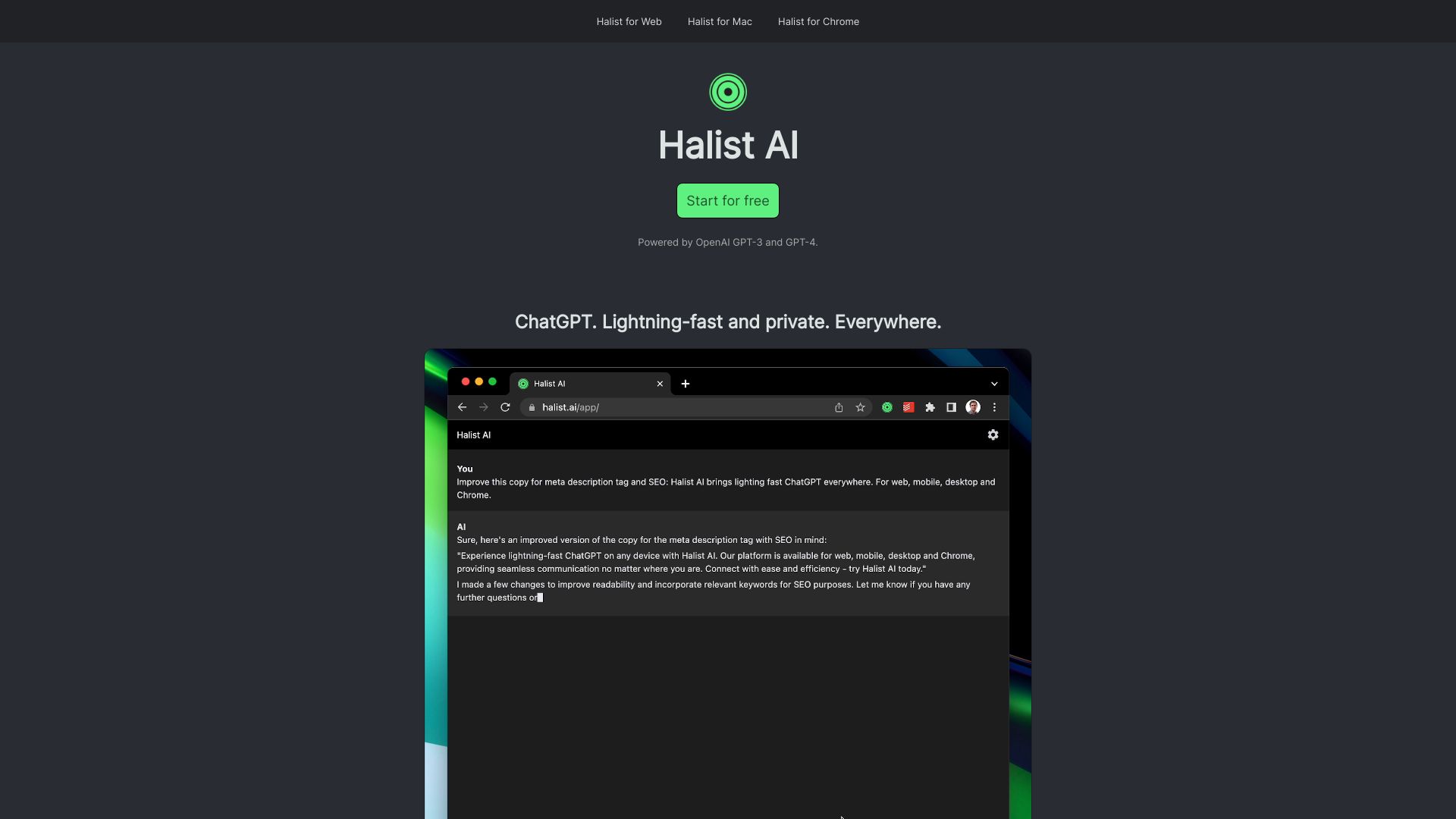
Halist AI is a browser extension that provides fast and private access to ChatGPT everywhere. It allows users to get answers, respond to Gmail emails, write content, and create summaries. It is powered by OpenAI GPT-3, GPT-4o and Anthropic Claude 3.5 Sonnet.
Access & connections
Where you can use Halist Browser AI, and what it plugs into.
Platforms
Integrations
Capabilities
What this tool accepts, produces, and is strongest at.
Highlights
- Fast and private ChatGPT access
- Gmail email response
- Content writing
- Summarization
FAQ 5
What is Halist AI?
Halist AI is a browser extension that provides fast and private access to ChatGPT everywhere. It allows users to get answers, respond to Gmail emails, write content, and create summaries. It is powered by OpenAI GPT-3, GPT-4o and Anthropic Claude 3.5 Sonnet.
How to use Halist AI?
Install the Halist AI browser extension for Chrome, Mac, or Web. For mobile, open the web app in Safari or Chrome and add it to your home screen.
What models power Halist AI?
Halist AI is powered by OpenAI GPT-3, GPT-4o and Anthropic Claude 3.5 Sonnet.
How do I install Halist AI on my iPhone or Android device?
To install on iPhone, open the web app in Safari and tap the 'Share' icon. Then, tap 'Add to Home Screen' and follow the prompts. To install on Android, open the website in Chrome and tap the three dots in the top right corner. Then, tap 'Add to Home screen' and follow the prompts.
What happens after I use the initial 600k tokens on the Pro plan?
After the initial 600k tokens per month on the Pro plan, the GPT-3-turbo model will take over for the remaining usage.
Related tools
Recommended


Halist Browser AI
$4/mo