Video generation

Grok Imagine丨Spicy Mode

AI video and image generator with synced audio and three creative modes.

Source rating 5.0 (82) 0 views 0 saves Paid
More categories (6)

From $11.9/month (billed annually at $143.3/year)

Verdict

A quick read before you dig into the full page.

Best if
AI video and image generator with synced audio and three creative modes
Skip if
You need a free plan with no credit card
Pick this when
Paid · From $11.9/month (billed annually at $143.3/year)

Overview

Grok Imagine is an advanced AI video and image generator powered by xAI's proprietary Aurora engine. It enables users to create stunning, short (6-second) videos with synchronized audio from text prompts (text-to-video) or static images (image-to-video). The platform offers three distinct creative modes—Normal, Fun, and Spicy—to match various creative needs, ranging from professional content to bold, expressive social media material. New users receive 10 free credits upon signing up.

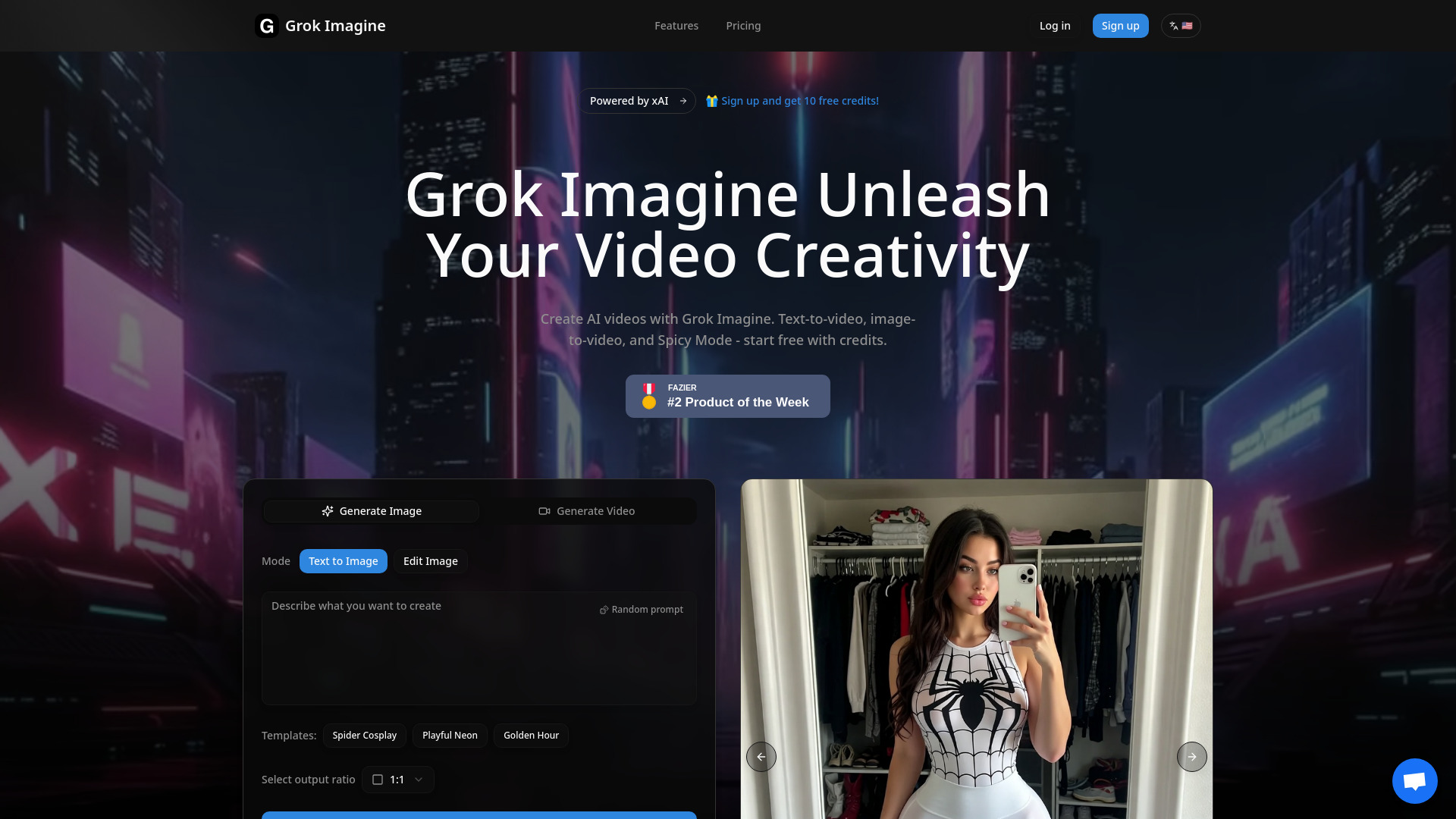
Grok Imagine丨Spicy Mode screenshot

Access & connections

Where you can use Grok Imagine丨Spicy Mode.

Platforms

Web

Capabilities

What this tool accepts, produces, and is strongest at.

Highlights

  • Text-to-Video generation
  • Image-to-Video conversion (supports Normal and Fun modes)
  • Synced Audio (auto-generated music and sound effects)
  • Three Creative Modes (Normal, Fun, Spicy)
  • Fast Generation (6-second videos in seconds)
  • Photorealistic rendering via xAI Aurora engine

FAQ 6

What is Grok Imagine?
Grok Imagine is an advanced AI video and image generator powered by xAI's proprietary Aurora engine. It enables users to create stunning, short (6-second) videos with synchronized audio from text prompts (text-to-video) or static images (image-to-video). The platform offers three distinct creative modes—Normal, Fun, and Spicy—to match various creative needs, ranging from professional content to bold, expressive social media material. New users receive 10 free credits upon signing up.
How to use Grok Imagine?
Generating content with Grok Imagine involves four simple steps: 1. Enter a text prompt or upload an image. 2. Choose the desired mode (Normal, Fun, or Spicy) and aspect ratio. 3. Click the generate button and wait a moment. 4. Download the generated video, which includes auto-generated background music and sound effects.
How long are Grok Imagine generated videos?
Grok Imagine currently supports 6-second short videos with synchronized audio, perfect for social media content.
What aspect ratios does Grok Imagine support?
Grok Imagine supports 5 image ratios (1:1, 2:3, 3:2, 9:16, 16:9) and 3 video ratios (1:1, 2:3, 3:2) to fit all platforms.
Can I create videos from images with Grok Imagine?
Yes, Grok Imagine lets you upload a static image and AI will generate motion automatically. Note: Image-to-video only supports Normal and Fun modes.
What's the difference between Grok Imagine Normal, Fun, and Spicy modes?
Normal Mode provides clear, balanced output for professional content; Fun Mode is playful with bright tones for social media; and Spicy Mode is bold, stylized, and more creatively expressive.
Grok Imagine丨Spicy Mode From $11.9/month (billed annually at $143.3/year)

