
Grok Button
A browser extension for quick access to Grok AI.
Source rating 5.0
(98)
7.1k views
7.1k/mo traffic
0 saves
Unknown
Verdict
A quick read before you dig into the full page.
- Best if
- You are researchers and need: Quickly get answers to questions without leaving your browser
- Pick this when
- A browser extension for quick access to Grok AI
Overview
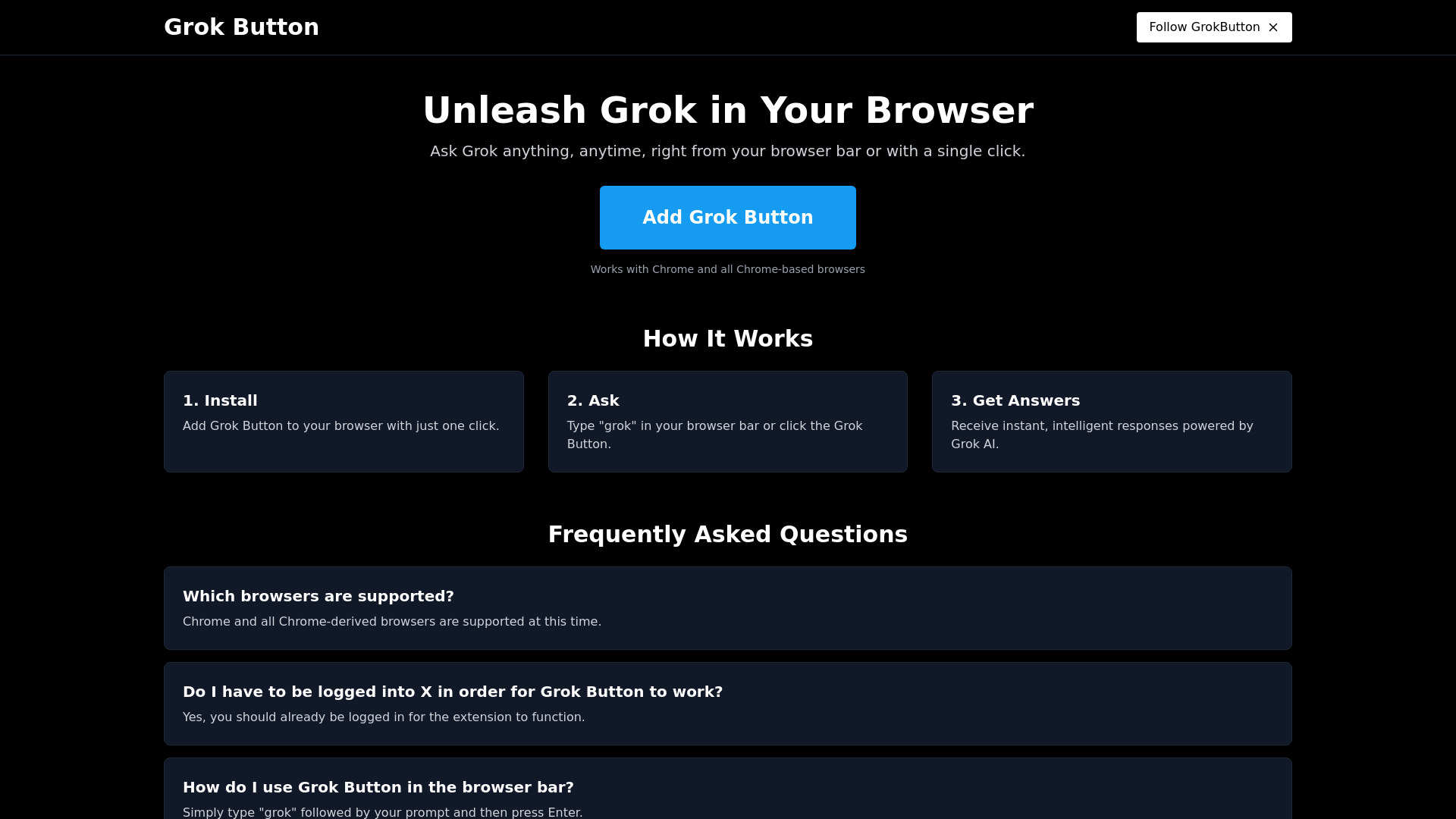
Grok Button is a browser extension that brings the power of Grok AI directly to your browser. It allows users to ask questions and receive instant, intelligent answers powered by Grok AI by typing "grok {your question}" directly in the browser bar or by clicking the Grok Button.
Best for
Short scenarios where Grok Button tends to shine.
-
Quickly get answers to questions without leaving your browser
Best for Researchers
Example outputs 1
Sample generations and before/after results for Grok Button.
Access & connections
Where you can use Grok Button, and what it plugs into.
Platforms
Integrations
Capabilities
What this tool accepts, produces, and is strongest at.
Highlights
- Quick access to Grok AI from your browser
- Instant answers to questions
- Integration with Chrome and Chrome-based browsers
People also view
Tools that often show up alongside Grok Button in collections and comparisons.



FAQ 5
What is Grok Button?
Grok Button is a browser extension that brings the power of Grok AI directly to your browser. It allows users to ask questions and receive instant, intelligent answers powered by Grok AI by typing "grok {your question}" directly in the browser bar or by clicking the Grok Button.
How to use Grok Button?
Install the Grok Button extension. To use, type "grok" followed by your question in the browser bar and press Enter, or click the Grok Button.
Which browsers are supported?
Chrome and all Chrome-derived browsers are supported at this time.
Do I have to be logged into X in order for Grok Button to work?
Yes, you should already be logged in for the extension to function.
How do I use Grok Button in the browser bar?
Simply type "grok" followed by your prompt and then press Enter.
Related tools
Recommended
Grok Button