
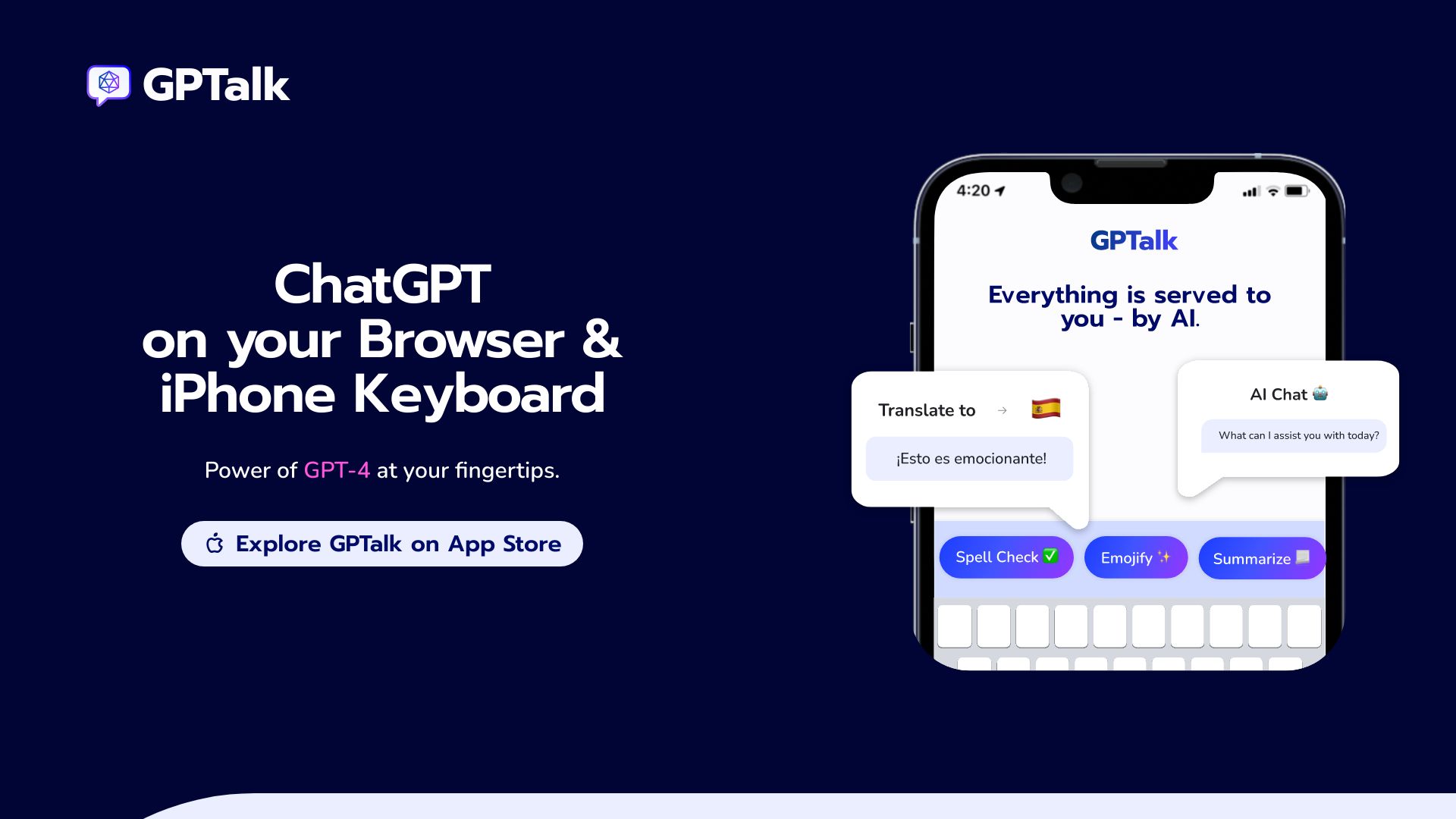
GPTalk: ChatGPT on iPhone Keyboard!
GPTalk integrates ChatGPT into your browser and iPhone keyboard for AI assistance.
Source rating 5.0
(57)
0 views
0 saves
Unknown
Verdict
A quick read before you dig into the full page.
- Best if
- GPTalk integrates ChatGPT into your browser and iPhone keyboard for AI assistance
- Pick this when
- GPTalk integrates ChatGPT into your browser and iPhone keyboard for AI assistance
Overview
GPTalk is an application that integrates ChatGPT into your browser and iPhone keyboard, allowing you to access the power of GPT-4 in various apps, from Gmail to Instagram and Twitter. It offers features like AI-generated reply alternatives, summarization, and translation, all without interrupting your browsing experience.
Access & connections
Where you can use GPTalk: ChatGPT on iPhone Keyboard!, and what it plugs into.
Platforms
Integrations
Capabilities
What this tool accepts, produces, and is strongest at.
Highlights
- AI-powered replies
- Summarization
- Translation
- Integration with browser and iPhone keyboard
FAQ 4
What is GPTalk?
GPTalk is an application that integrates ChatGPT into your browser and iPhone keyboard, allowing you to access the power of GPT-4 in various apps, from Gmail to Instagram and Twitter. It offers features like AI-generated reply alternatives, summarization, and translation, all without interrupting your browsing experience.
How to use GPTalk?
Install the GPTalk Chrome extension or download the iPhone app. Once installed, you can access ChatGPT features directly from your keyboard in various apps to reply to texts, summarize content, or translate text.
What platforms does GPTalk support?
GPTalk supports Chrome browser and iPhone.
What features does GPTalk offer?
GPTalk offers features like AI-generated reply alternatives, summarization, and translation.
Related tools
Recommended


GPTalk: ChatGPT on iPhone Keyboard!