
GPT Unbound
UI dashboard for ChatGPT/GPT-4 with prompts, plugins, and search.
Source rating 5.0
(51)
0 views
0 saves
Paid
From $29 $19
Verdict
A quick read before you dig into the full page.
- Best if
- UI dashboard for ChatGPT/GPT-4 with prompts, plugins, and search
- Skip if
- You need a free plan with no credit card
- Pick this when
- Paid · From $29 $19
Overview
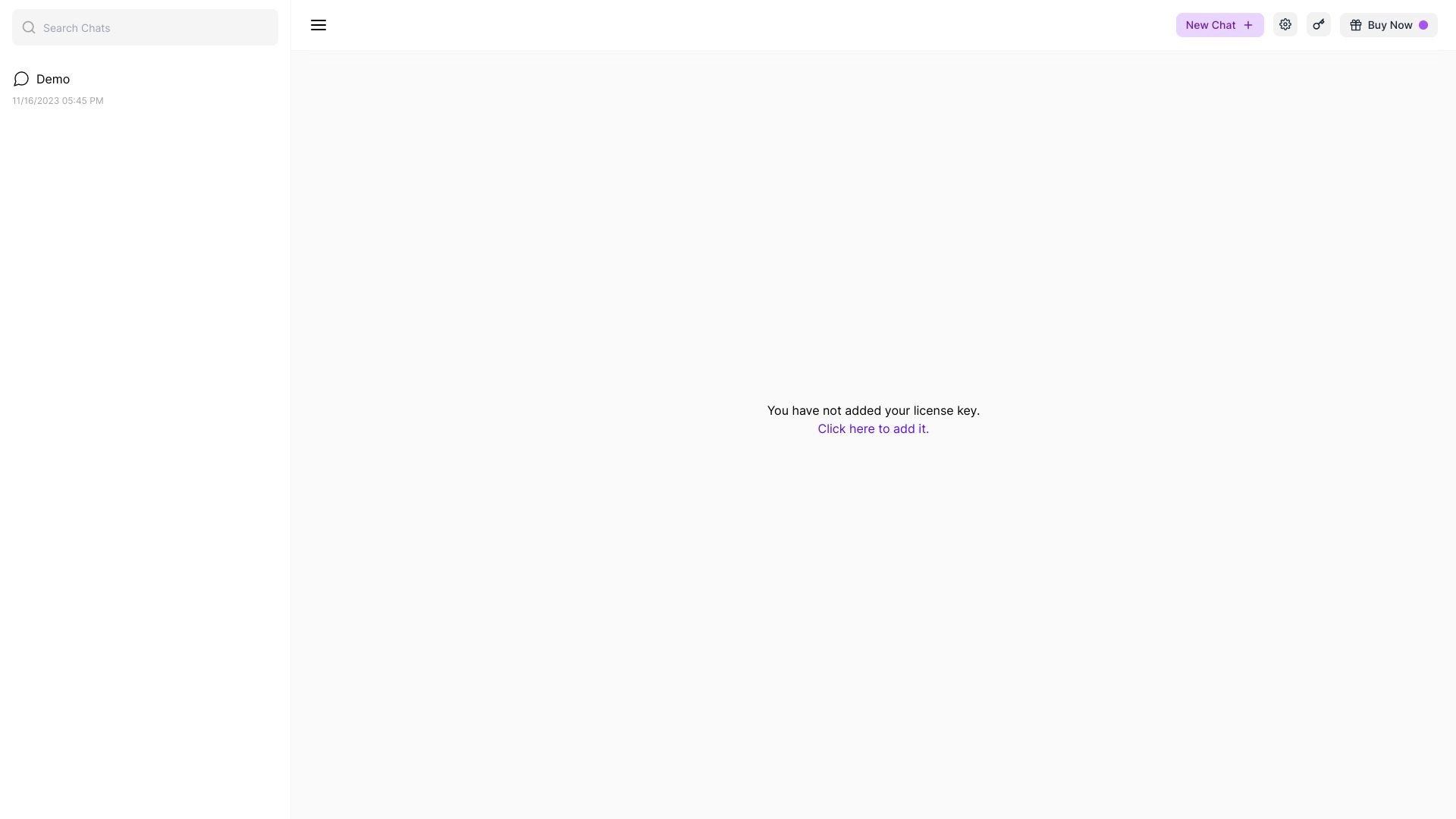
GPT Unbound is a UI dashboard for ChatGPT / GPT-4 that enhances the user experience with prompts, plugins, and search functionality. It allows users to manage and interact with ChatGPT and GPT-4 models through a user-friendly interface. Features include chat management (rename, delete), model selection, settings for providers like Open AI, theme customization, data management (export/import chat), plugin integration, and a prompt library.
Access & connections
Where you can use GPT Unbound.
Platforms
Capabilities
What this tool accepts, produces, and is strongest at.
Highlights
- UI dashboard for ChatGPT/GPT-4
- Prompt management
- Plugin integration
- Search functionality for chats
- Chat management (rename, delete)
- Model selection (GPT 3.5, GPT 4)
- Theme customization (Light/Dark)
- Data management (export/import chat)
FAQ 5
What is GPT Unbound?
GPT Unbound is a UI dashboard for ChatGPT / GPT-4 that enhances the user experience with prompts, plugins, and search functionality. It allows users to manage and interact with ChatGPT and GPT-4 models through a user-friendly interface. Features include chat management (rename, delete), model selection, settings for providers like Open AI, theme customization, data management (export/import chat), plugin integration, and a prompt library.
How to use GPT Unbound?
Use GPT Unbound by selecting a model (GPT 3.5 or GPT 4), configuring your Open AI API key, and starting a new chat. You can manage existing chats, rename or delete them, and utilize plugins and prompts to enhance your interactions. The dashboard also allows you to export and import chat data.
How do I get an Open AI API key?
Click the link provided in the settings to get the key from Open AI.
How do I add my license key?
Click the link provided to add your license key.
Where can I get customer support?
Email us at [email protected] for customer support and feature requests.
Related tools
Recommended


GPT Unbound
From $29 $19