
GPT Reader: A Free AI Text-to-Speech
Free AI text-to-speech tool using ChatGPT voices for an immersive listening experience.
Verdict
A quick read before you dig into the full page.
- Best if
- You are students and need: Listening to articles and documents
- Pick this when
- Free AI text-to-speech tool using ChatGPT voices for an immersive listening experience
Overview
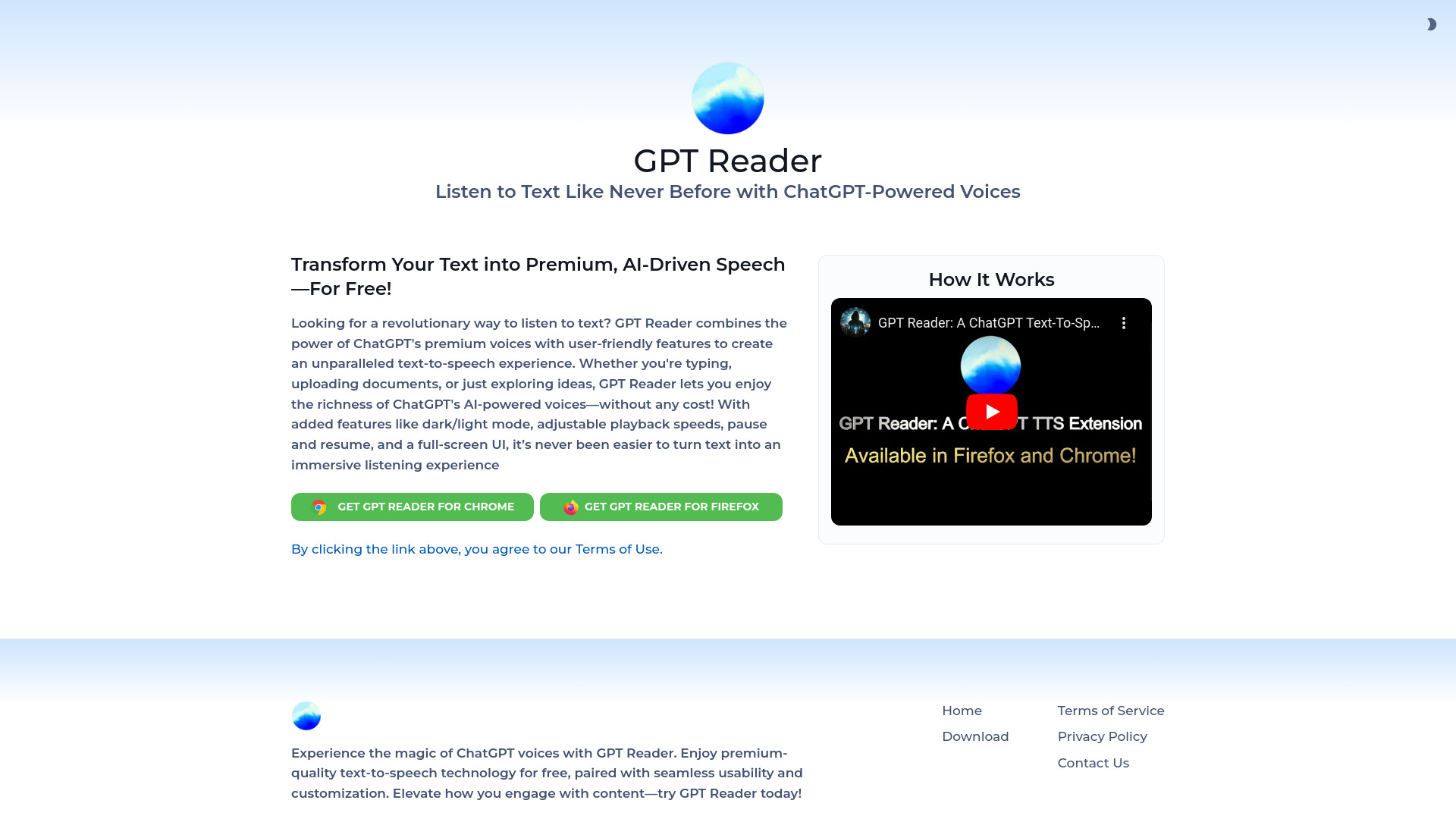
GPT Reader is a free AI text-to-speech (TTS) tool that utilizes ChatGPT's premium voices to provide an unparalleled listening experience. It allows users to convert text from PDFs, articles, and documents into natural-sounding speech. With features like dark/light mode, adjustable playback speeds, pause and resume functionality, and a full-screen UI, GPT Reader offers an immersive way to engage with content.
Best for
Short scenarios where GPT Reader: A Free AI Text-to-Speech tends to shine.
-
Listening to articles and documents
Best for Students
-
Converting PDFs to audio
Best for Readers
-
Enjoying text in a more engaging format
Best for Professionals
Example outputs 1
Sample generations and before/after results for GPT Reader: A Free AI Text-to-Speech.
Access & connections
Where you can use GPT Reader: A Free AI Text-to-Speech.
Platforms
Capabilities
What this tool accepts, produces, and is strongest at.
Highlights
- Free AI text-to-speech using ChatGPT voices
- Adjustable playback speeds
- Dark/light mode
- Pause and resume functionality
- Full-screen UI
People also view
Tools that often show up alongside GPT Reader: A Free AI Text-to-Speech in collections and comparisons.

