Image generation

GPT Image 1.5 Generator

OpenAI's AI image generation model for studio-grade visuals, 4x faster, 20% cheaper.

Source rating 5.0 (89) 0 views 0 saves Freemium
More categories (11)

Verdict

A quick read before you dig into the full page.

Best if
OpenAI's AI image generation model for studio-grade visuals, 4x faster, 20% cheaper
Skip if
You need enterprise SLAs or a fully managed team plan right away
Pick this when
Freemium · Free + from $15

Overview

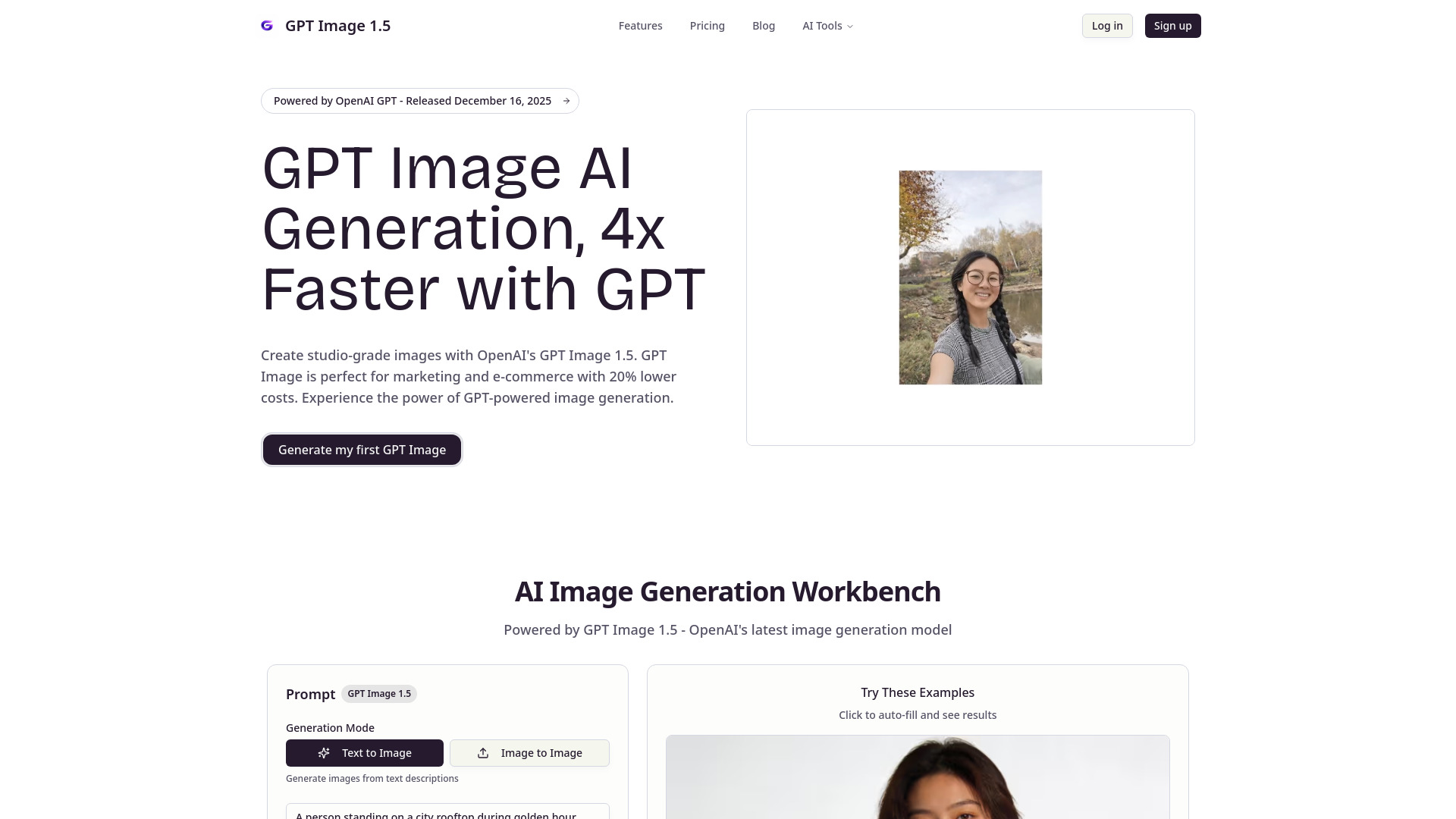
GPT Image 1.5 is OpenAI's latest AI image generation model, released December 16, 2025. It offers significant advancements over its predecessor, GPT-Image-1, including 4x faster generation speed, pinpoint prompt adherence, enhanced editing capabilities for marketing and e-commerce, improved text rendering, and studio-grade quality. The model is available via ChatGPT Images and API, with a 20% reduction in costs. It is designed to empower various professionals, from content creators and marketers to designers and developers, to generate high-quality, consistent, and customizable images efficiently.

GPT Image 1.5 Generator screenshot

Access & connections

Where you can use GPT Image 1.5 Generator.

Platforms

Web

Capabilities

What this tool accepts, produces, and is strongest at.

Highlights

  • 4x Faster Image Generation Speed
  • Pinpoint Prompt Adherence
  • Enhanced Editing Capabilities (inpainting & outpainting)
  • Superior Text Rendering in Images
  • Image-to-Image Transformation (style transfer, background replacement, subject modification)
  • 20% Lower Cost
  • Studio-Grade Quality

FAQ 5

What is GPT Image 1.5 Generator?
GPT Image 1.5 is OpenAI's latest AI image generation model, released December 16, 2025. It offers significant advancements over its predecessor, GPT-Image-1, including 4x faster generation speed, pinpoint prompt adherence, enhanced editing capabilities for marketing and e-commerce, improved text rendering, and studio-grade quality. The model is available via ChatGPT Images and API, with a 20% reduction in costs. It is designed to empower various professionals, from content creators and marketers to designers and developers, to generate high-quality, consistent, and customizable images efficiently.
How to use GPT Image 1.5 Generator?
To use GPT Image 1.5, follow these steps: 1. Write Your GPT Image Prompt: Describe your desired image in detail, including subject, style, lighting, composition, and mood. Be specific with colors, textures, camera angles, and artistic style for best results. 2. Choose Your GPT Image Settings: Select the image size (square, landscape, portrait), optimization mode, and whether to use a reference image for image-to-image generation. 3. Generate & Preview with GPT Image: Click 'Generate' to create your image in seconds. Each generation costs 10 credits. 4. Download or Edit Your GPT Image: Download the high-quality PNG image, or use it as a reference for further editing and refinement. Options include zoom, download, copy prompt, and regenerate variations. 5. Iterate and Refine with GPT Image: Adjust your prompt or use the generated image as a reference to create variations until you achieve the perfect result, experimenting with different styles and compositions.
What image formats does GPT Image 1.5 support?
GPT Image 1.5 supports downloading generated images in PNG format.
How do credits work?
Each GPT Image generation costs 10 credits. Credits are consumed when you generate an image.
Can I use generated images commercially?
Yes, commercial use licenses are included with the Pro, Studio, and One-time Pass plans.
GPT Image 1.5 Generator Free + from $15
